MAGI-2 on Vife: long takes with sound, shot by shot

Sand AI's MAGI-2 is already selected in the video composer. Write the scene and its sound, choose 4 to 30 seconds, and generate a 1080p clip with native audio. Renders take minutes, so plan a few shots and submit them together.

Describe the video you want to create...

Video creation examples

Glass Lip Balm Product Close-Up

Video

Glass Lip Balm Product Close-Up

Perfume Unboxing ASMR
Video

Perfume Unboxing ASMR

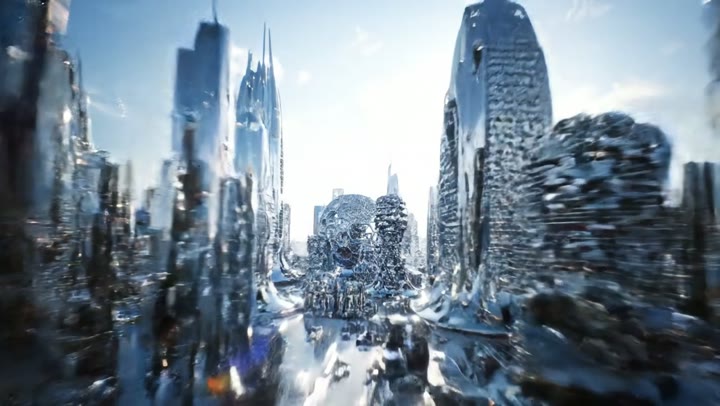
The Chrome City

Video

The Chrome City

LED Mask GRWM
Video

LED Mask GRWM

The Grand Pink Hotel
Video

The Grand Pink Hotel

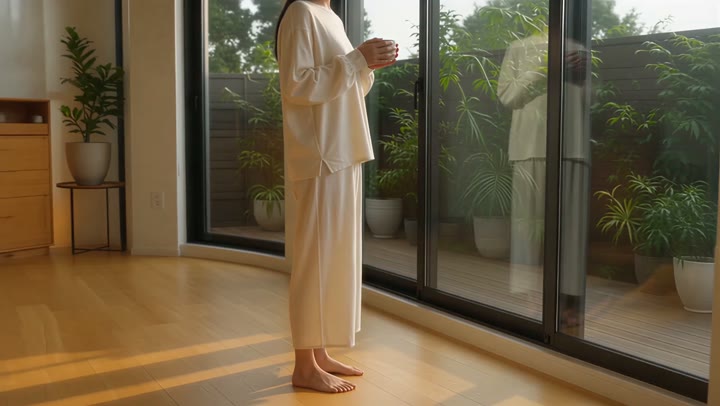
A Quiet Morning in Pure Cotton
Video

A Quiet Morning in Pure Cotton

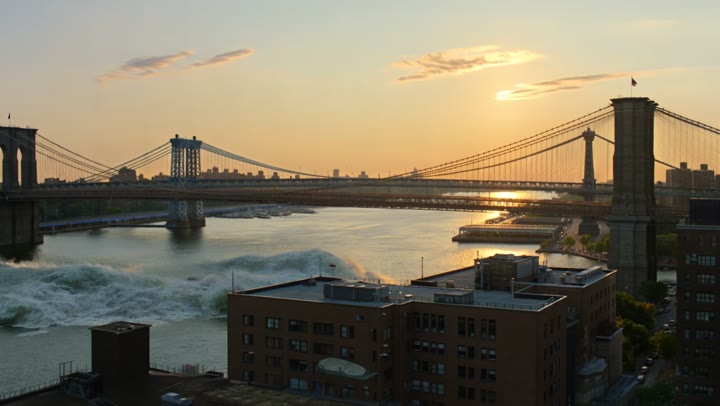
The Ship Beneath Brooklyn Bridge

Video

The Ship Beneath Brooklyn Bridge

Zero-Gravity Soccer Cleat
Video

Zero-Gravity Soccer Cleat

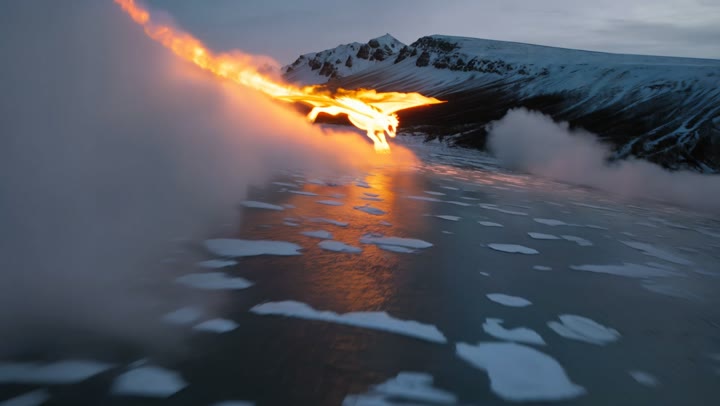
Fire Dragon Over the Frozen Fjord

Video

Fire Dragon Over the Frozen Fjord

Pizza Ingredients in Midair
Video

Pizza Ingredients in Midair

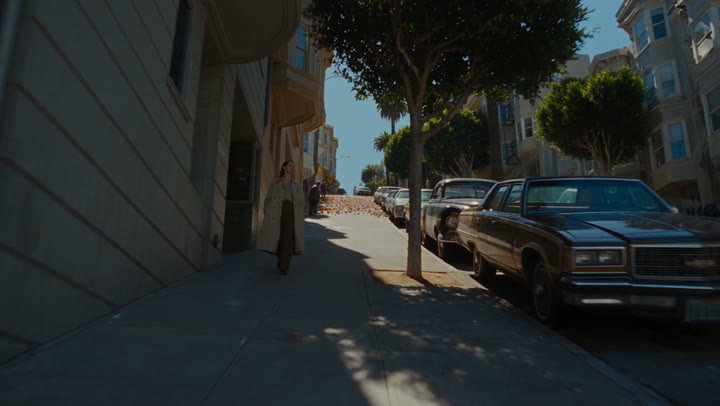
San Francisco Color Burst

Video

San Francisco Color Burst

The Mahjong Noodle Ritual
Video

The Mahjong Noodle Ritual

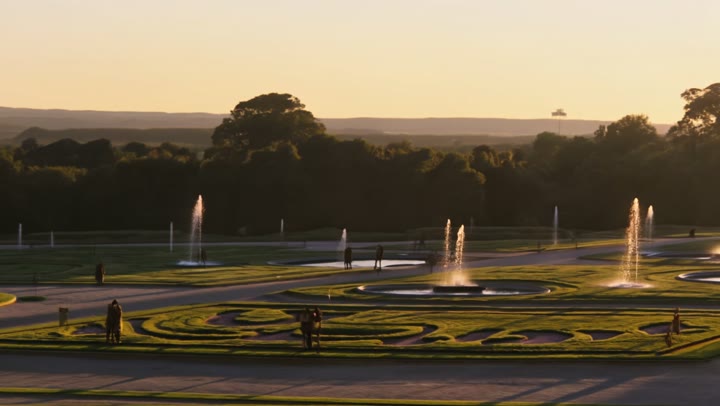
Versailles After Dark

Video

Versailles After Dark

The Perfect Espresso Pour
Video

The Perfect Espresso Pour

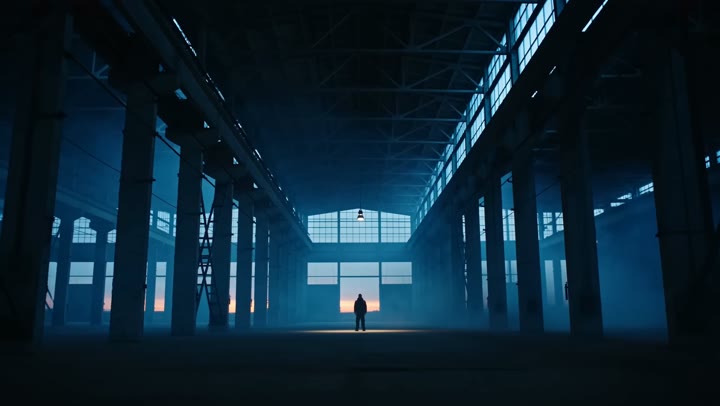
Blue Hour Warehouse Session

Video

Blue Hour Warehouse Session

Fire Wok

Video

Fire Wok

The Glowing Mushroom Gardeners
Video

The Glowing Mushroom Gardeners

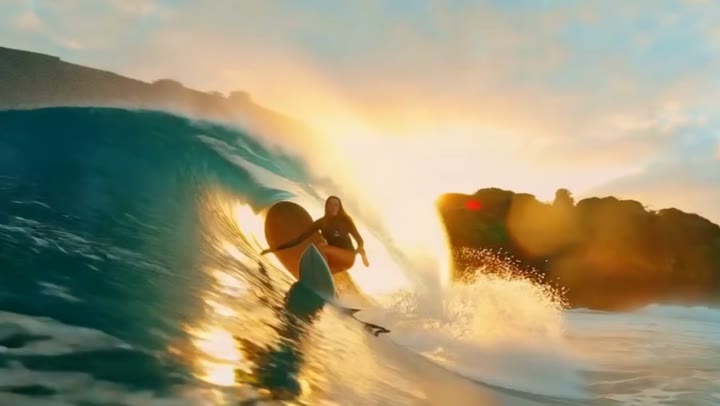
Inside the Golden Wave

Video

Inside the Golden Wave

Balloons Above the Morning Fog

Video

Balloons Above the Morning Fog

Summer Bubbles in the Open Field
Video

Summer Bubbles in the Open Field

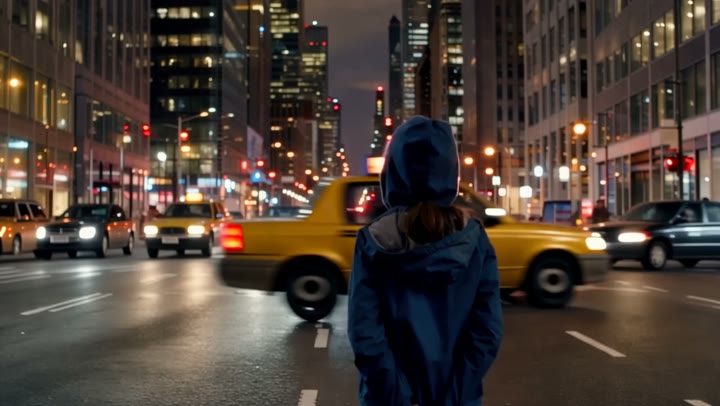
When New York Traffic Floats
Video

When New York Traffic Floats

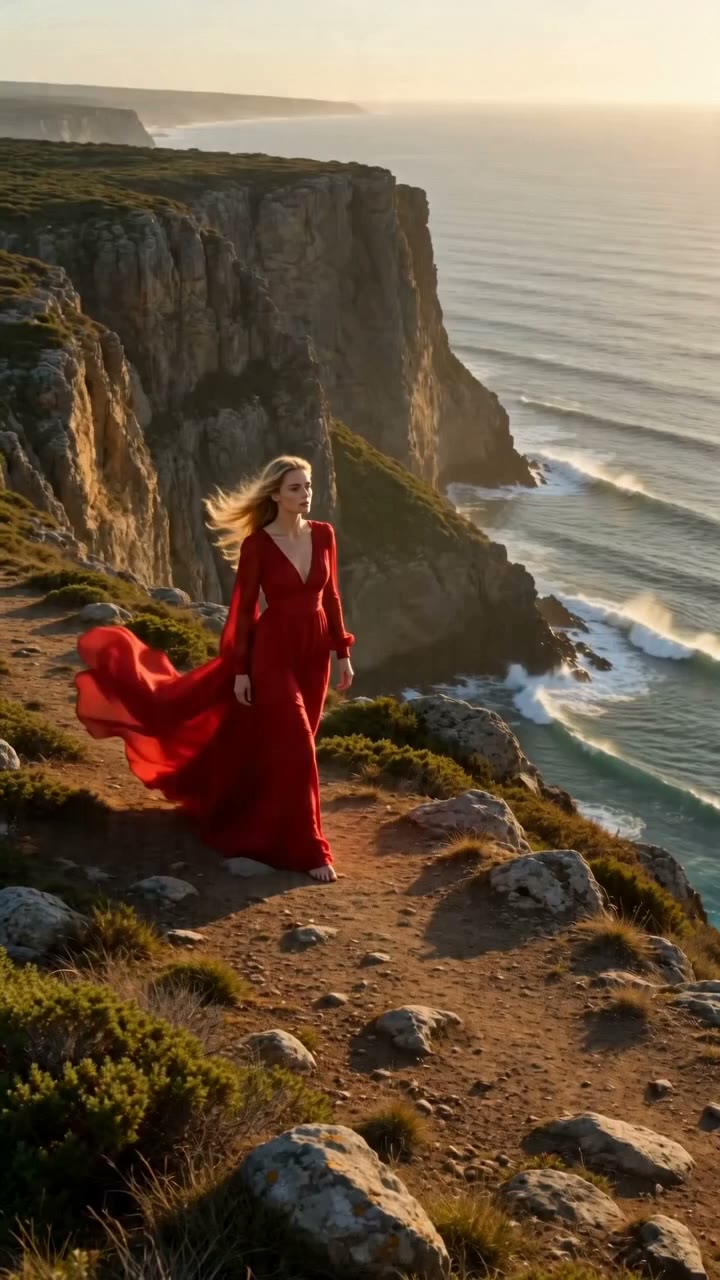
Red Dress on the Edge
Video

Red Dress on the Edge

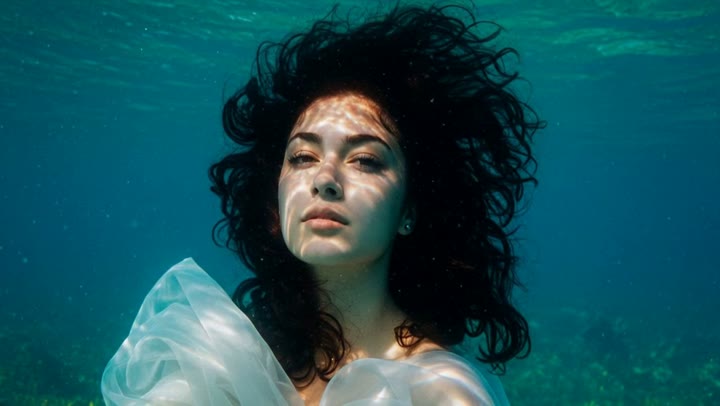
Underwater Portrait in Motion
Video

Underwater Portrait in Motion

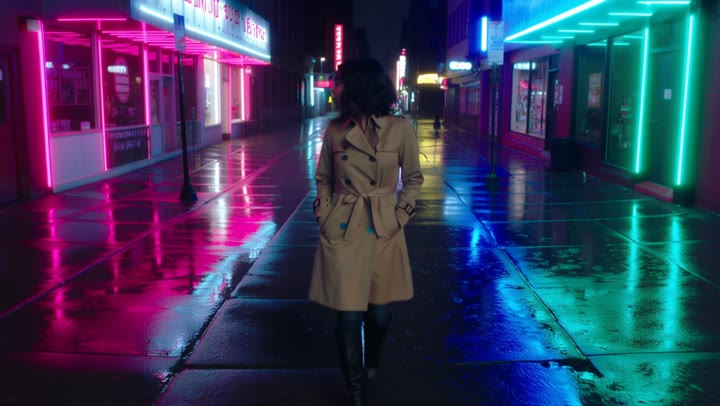
Neon Rain Turn
Video

Neon Rain Turn

VIFE can make mistakes. Verify important information.

Plan the take, check the cost, then render

MAGI-2 renders slowly and bills by the second, so a little planning goes a long way.

4–30
Seconds per video

Write the scene and its sound

MAGI-2 is selected above. Describe the action, the camera and what we hear, or add a first frame or references you have permission to use.

1080p
Every MAGI-2 clip

Check credits before sending

The pricing examples explain representative model costs. Credits are a balance, not a fixed number of videos.

4–6 min
For a 5-second clip

Submit the shots together

A 5-second clip takes about 4 to 6 minutes. Send every shot of a sequence at once and keep working while they render.

US$12
Per month with monthly billing

Review the subscription

Plus is billed in US dollars. Choose yearly or monthly billing; checkout confirms the full amount and renewal date before payment.

Secure subscription checkout
Your subscription starts after payment. Checkout confirms the full amount and renewal date before you subscribe.
No unlimited-generation promise
Each generation uses credits. Cost varies with the selected model and settings.
Available through Vife
Vife is an independent service, not Sand AI's official website. The plans on this page are offered by Vife.
Your review matters
Generative video can change faces, products and text. Check accuracy and rights before publishing.

Try a long take with MAGI-2

These are prompt ideas, not guaranteed outputs. Use your own frames or references and review the generated result.

One continuous camera move

Use the longer duration for a single take that follows a subject through a space, with the sound changing as it goes.

  • ·Text prompt
  • ·Up to 30 seconds
  • ·Native audio

A single handheld take follows a cyclist from a quiet side street into a busy market at dusk; traffic fades, voices and music rise as the stalls appear.

A product shot from a first frame

Start from your product photo as the first frame and describe one clear camera move and the sound of the room.

  • ·First frame
  • ·Matching aspect ratio
  • ·Detail review

Start on this photo of the watch on a wooden desk. The camera slowly circles it as morning light moves across the dial; a quiet room with a ticking clock.

Plans

MAGI-2 pricing on Vife

Plus includes 3,000 credits per month. Choose yearly or monthly billing; your subscription starts after payment. Checkout confirms the full amount and renewal schedule. Starter credits are separate, and model costs vary.

Cancel anytime · access continues until the end of the billing periodPayments securely processed by StripeVISA · Mastercard · Amex · Apple Pay · Google Pay · Link

Earn free credits

Besides a plan, these give credits at no cost. Every amount here is the one that applies today.

How credits are charged

Exactly what uses credits, how each charge is worked out, and where to check it.

Not charged

  • Agent work in Lite mode, including its subagents and automations that run in Lite mode.
  • The cloud computer and cloud browser, and previews of what a task builds.
  • Uploading and storing files, and the Library.
  • Exporting slides, documents and videos.
  • Publishing a site.
  • Connectors, skills and templates.
  • Transcribing audio and video you attach.
  • Web search.
  • Private messages, groups and the community.

Charged

  • Agent work in every mode except Lite, including its subagents.
  • Chat replies and Canvas text from a paid model.
  • Image, video and audio generation wherever it starts (a task, Canvas or the video editor), in every mode including Lite.
  • Messages the agent sends you.
  • The agent's own email address and the emails it sends, its phone number and calls, and a Dedicated IP.
  • AI that your published site calls, charged to you as its owner within a daily budget, and AI that a preview calls while a task builds it.
  • Answers from the VIFE bot in your messages, charged to the person who asks.

What can credits cover?

Use these examples to plan a small first test. Your credit balance is shared across all generations, not a separate allowance for each model.

MAGI-2
5 seconds at 1080p
Example estimate: 135 credits

Illustrative estimates from Vife's model catalog, not a fixed quote. Reference inputs, settings and final provider usage can change consumption. Start with one small test and review usage before repeating.

Create your first MAGI-2 take

Check the credit example, then choose a length and describe one scene in the video composer above.

4–30
Seconds per video
1080p
Every MAGI-2 clip
US$12
Per month with monthly billing

What MAGI-2 does in Vife

Create 4–30 second, 1080p MAGI-2 videos with native audio on Vife, from text, a first and last frame, or image, video and audio references.

4 to 30 seconds in one clip

Choose a length from 4 to 30 seconds per generation, long enough for a full camera move, a short scene or a product story in a single take.

1080p with native audio

Every MAGI-2 clip renders at 1080p. Dialogue, sound effects, ambience and music described in the prompt are generated with the picture; switch the sound off when you plan to add your own score.

First and last frame

Start from a first frame, optionally with a last frame, to fix how the shot opens and where it lands. With a first frame, 21:9 is not available.

Image, video and audio references

Instead of frames, add up to 10 reference images, 5 reference videos and 5 reference audio clips to guide characters, motion and sound. Reference audio needs an image or video reference beside it.

A multi-shot piece with the agent

Ask the Vife agent for a sequence: it can plan the shots, generate each one with MAGI-2 and assemble them in a video project you can edit and export.

One composer, one credit balance

MAGI-2 sits in the same video menu as Seedance, Veo, Kling and MiniMax H3, and every generation draws on the same Vife credits as images, audio and agent tasks.

Frequently asked questions

Answers about MAGI-2 render time, length, resolution, audio, frames, references and cost on Vife.

What is MAGI-2?

MAGI-2 is a video model from Sand AI. On Vife it generates 4 to 30 second clips at 1080p with native audio, from a text prompt, from a first frame with an optional last frame, or from image, video and audio references.

Can I use MAGI-2 on Vife now?

Yes. Open this page and the video composer starts with MAGI-2 selected. Describe the scene and sound, choose the length and aspect ratio, add frames or references if you need them, then generate.

How long does a MAGI-2 video take to render?

Minutes, not seconds. A 5-second clip takes about 4 to 6 minutes, and longer clips take longer. The job keeps running in your Vife task while you work on something else, so submit every shot you need at once and review them when they arrive.

How much does MAGI-2 cost on Vife?

Vife Plus is US$12/month. Generations use credits, and the amount depends on the model, inputs and settings. Review the pricing examples on this page; 3,000 credits does not mean 3,000 videos. These are Vife's prices, not the model developer's direct prices.

How does Plus billing work?

Plus includes 3,000 credits per month. Choose yearly or monthly billing; your subscription starts after payment. Checkout confirms the full amount and renewal schedule. Starter credits are separate, and model costs vary.

What lengths, resolutions and aspect ratios does MAGI-2 support?

On Vife, MAGI-2 renders 4 to 30 seconds at 1080p only. Aspect ratios are 21:9, 16:9, 4:3, 1:1, 3:4 and 9:16; with a first frame, choose a ratio that matches the frame, and 21:9 is not available.

Does MAGI-2 generate sound?

Yes. Sound is on by default: dialogue, effects, ambience and music you describe are generated with the picture. You can switch it off in the composer. Check speech, timing and lip sync before publishing, because generated audio is not exact.

Can I combine frames and references in one MAGI-2 request?

No. A request uses either frames (a first frame, optionally with a last frame) or references (up to 10 images, 5 videos and 5 audio clips). Reference videos and audio clips must each be 2 to 30 seconds, 30 seconds per kind in all, and audio needs an image or video reference beside it.

How do I make a longer piece with several shots?

Ask the Vife agent for the sequence you want. It can split it into shots, generate each with MAGI-2 and put them together in a video project you can trim, reorder and export. Each shot uses its own credits and render time.

When should I choose another video model?

Choose a faster model when you need a quick draft, MiniMax H3 or Seedance when you need 2K or a higher resolution, and Veo 3.1 for short shots of 4 to 8 seconds. They are all in the same video menu, so you can compare results on the same brief.

Is Vife the official MAGI-2 website?

No. Vife is an independent AI workspace that offers MAGI-2 among its video models. Sand AI develops the model. Vife plans, credits and the models on offer are specific to Vife.