
Vife Browser Operator
Install the companion extension when you want Vife Agent to operate Chrome with your signed-in tabs, while keeping work isolated in a dedicated Vife tab group.

Introducing Vife Browser Operator
Chrome Web Store/Official extension listing
Install from the official Chrome Web Store.
How it works
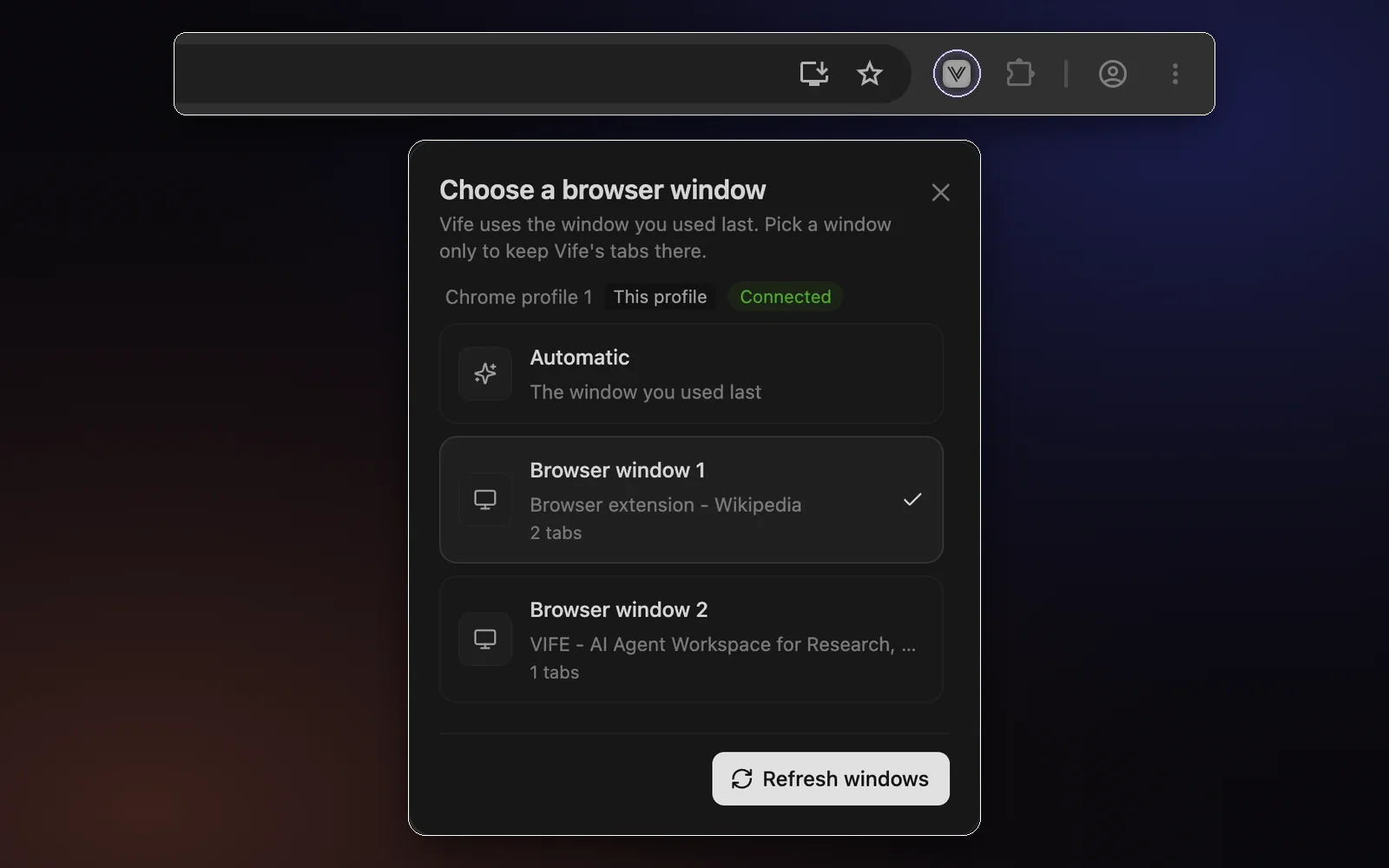
Install and connect
Add Vife Browser Companion from the Chrome Web Store, pin it, and connect it to your Vife account.
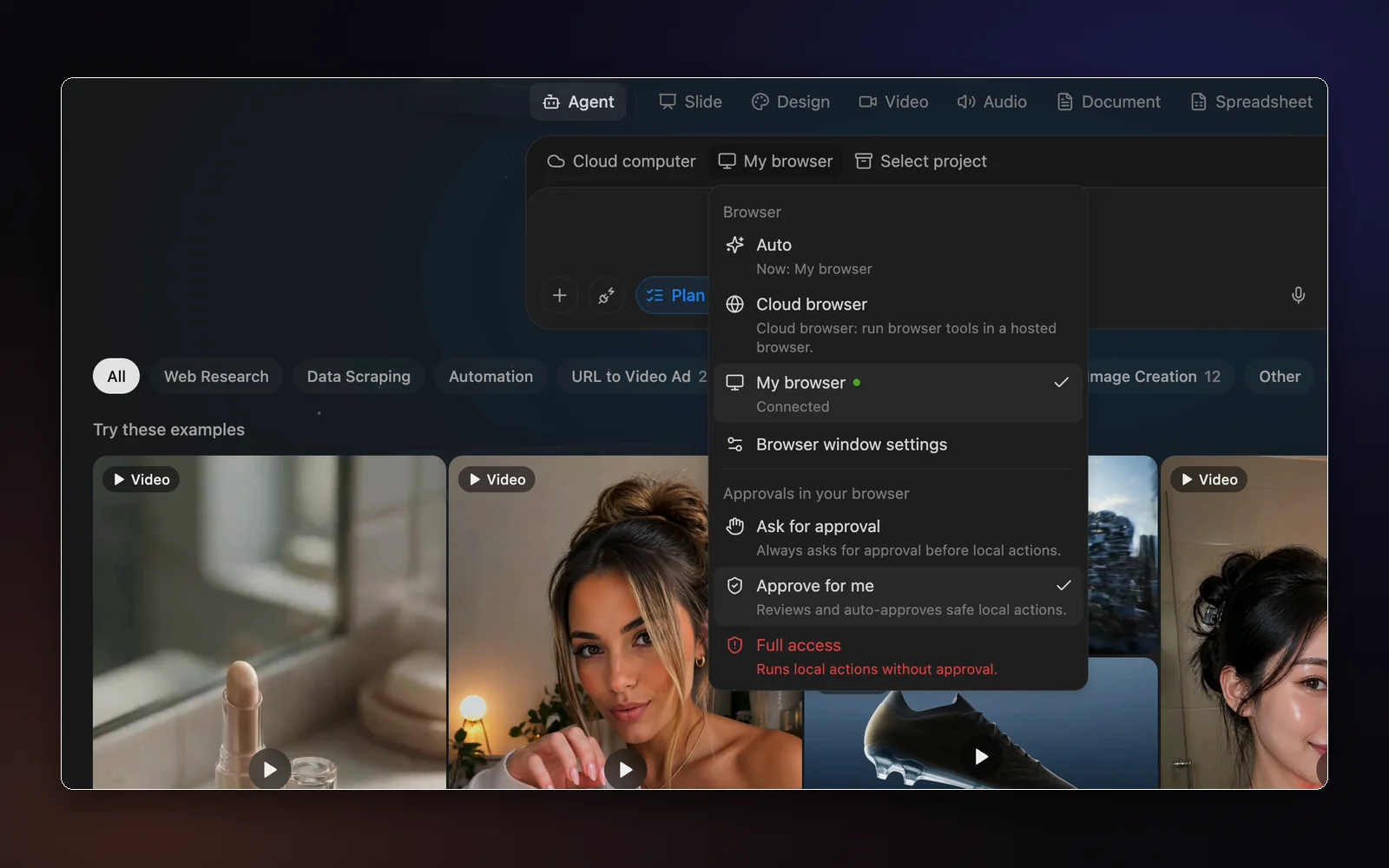
Choose My browser
In the Agent composer, pick My browser so the task runs in your own Chrome.
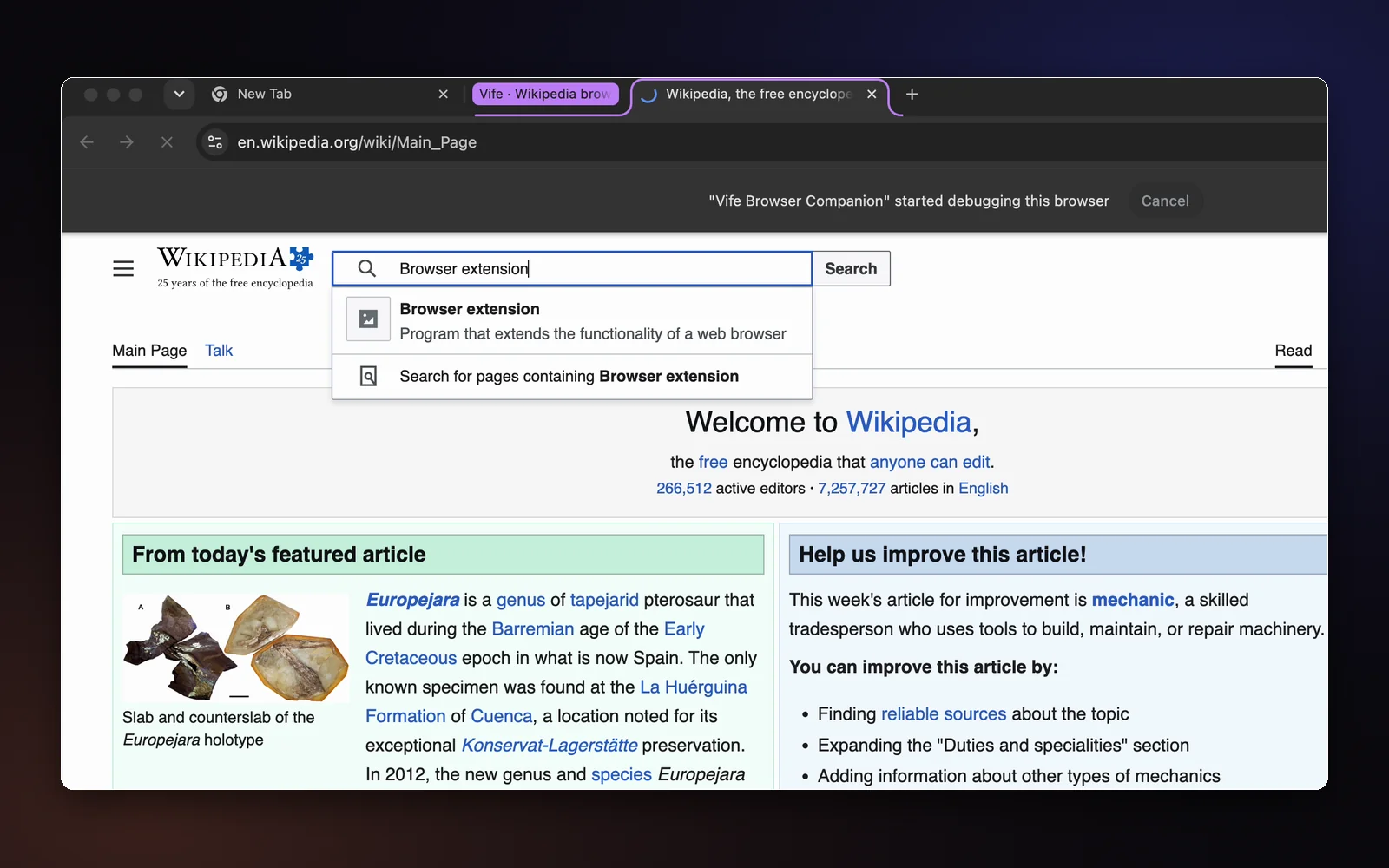
Vife works in its own tab group
The agent opens a dedicated Vife tab group and navigates, clicks, types and takes screenshots there.
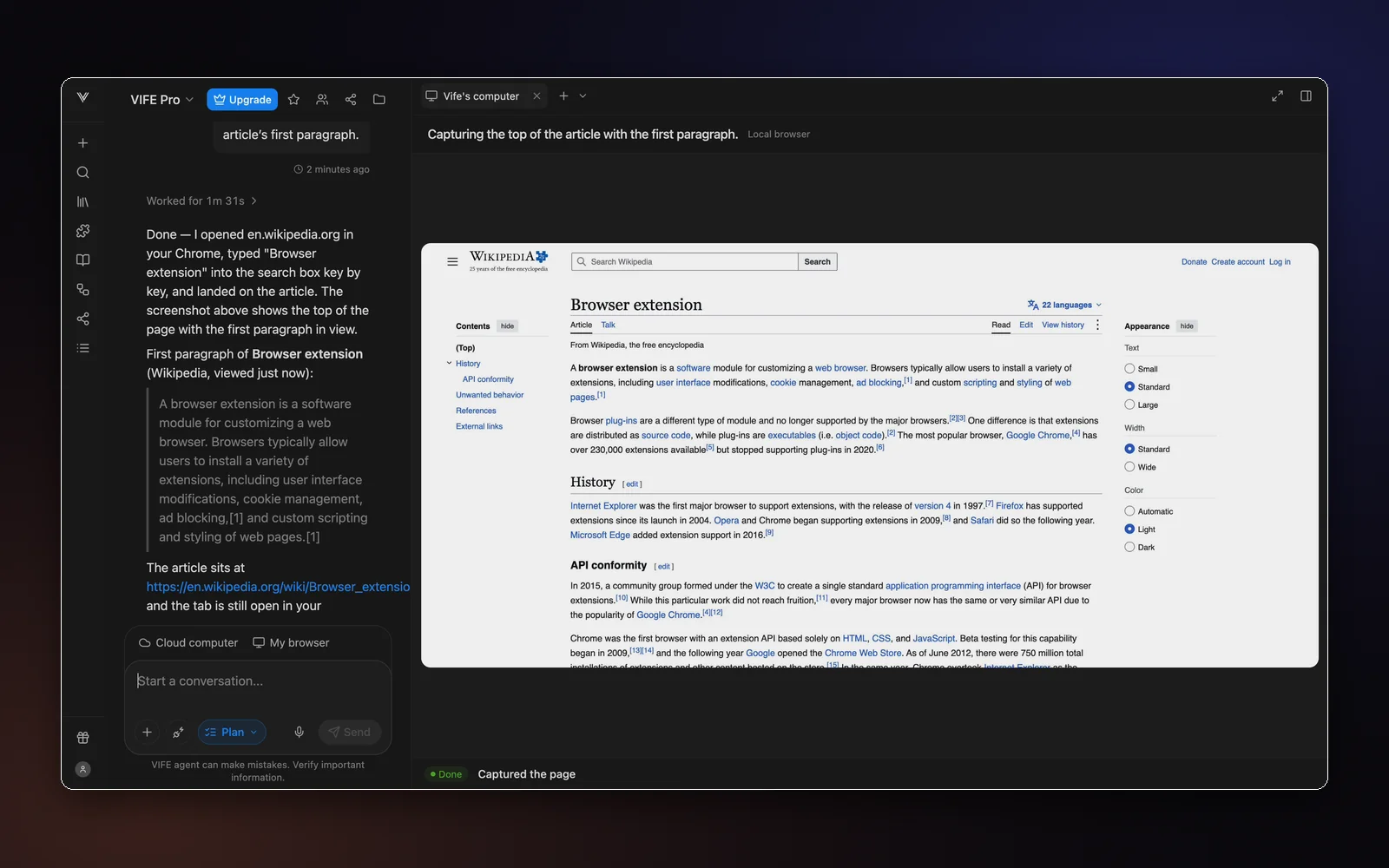
Get the result in chat
Each step shows up live in Vife, and the answer comes back with its screenshots.