

Turn a product URL into a reviewable UGC-style ad
Paste a public product URL, review the facts and ad hooks, then create an editable vertical video with an AI presenter, captions, and a call to action.
Start with an example product URL
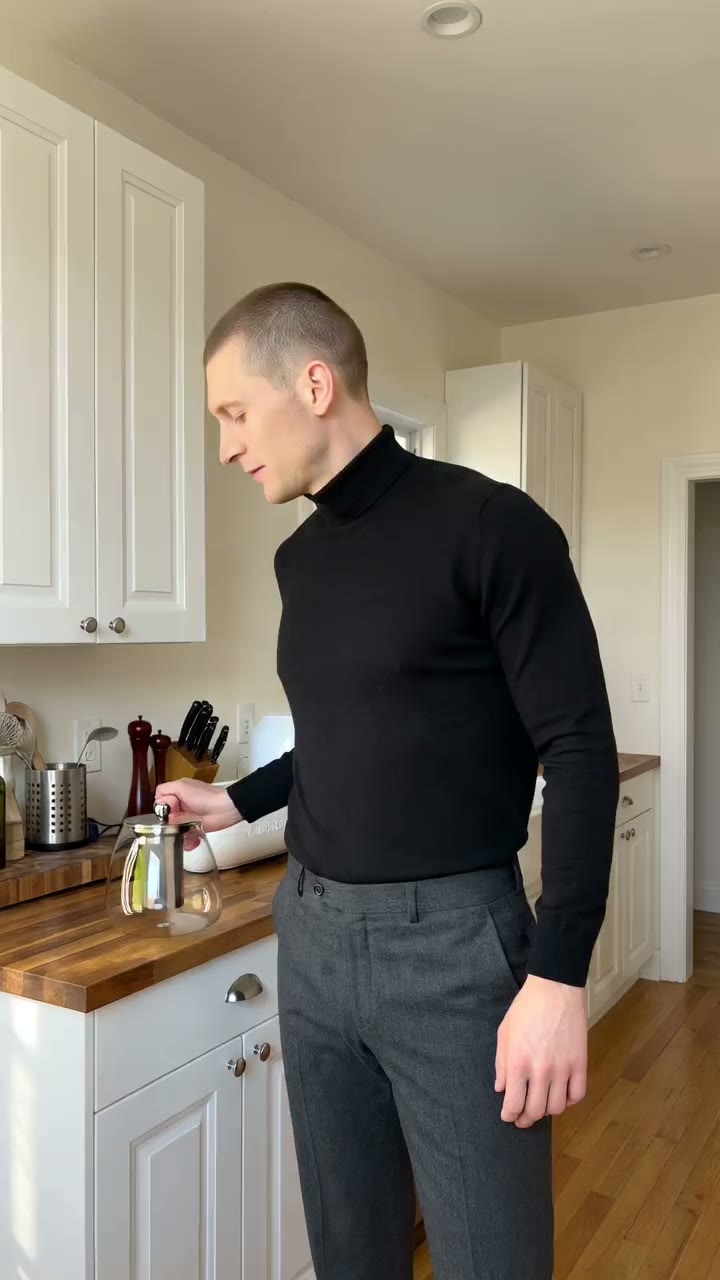
Glass Teapot Live Demo

Ocean Breeze Candle UGC
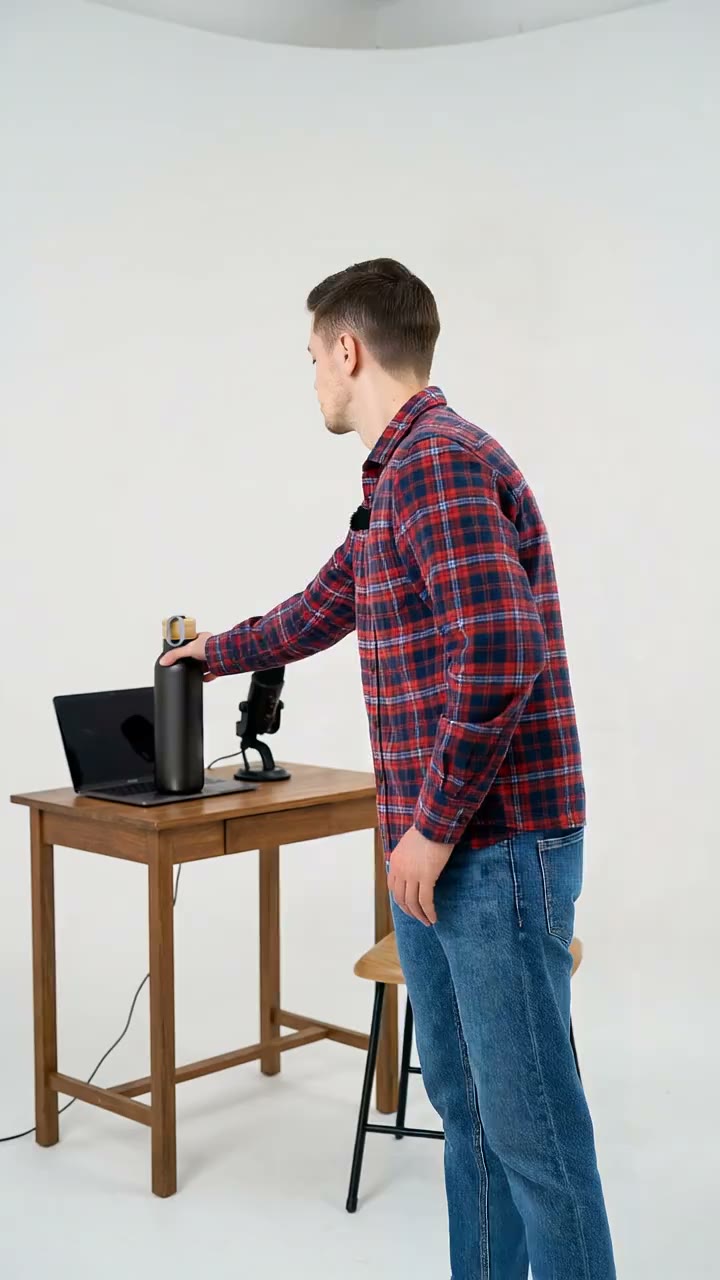
Matte Black Bottle Demo
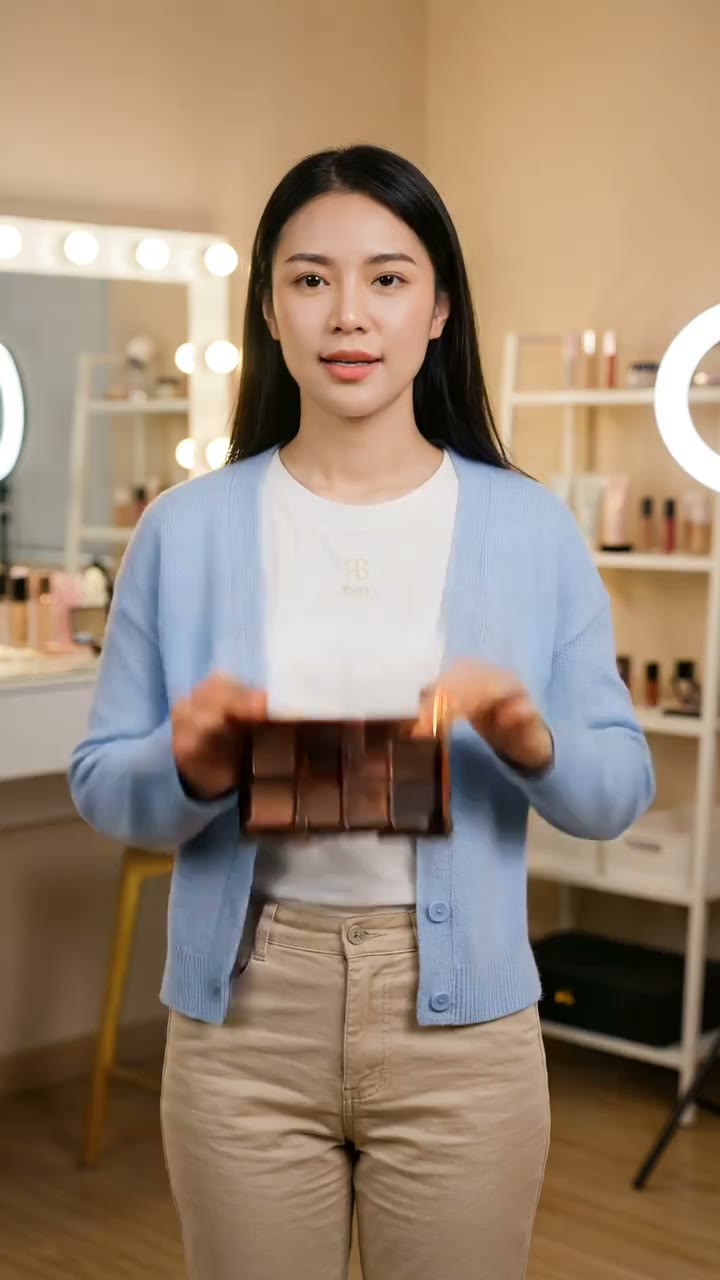
Neutral Palette Beauty UGC
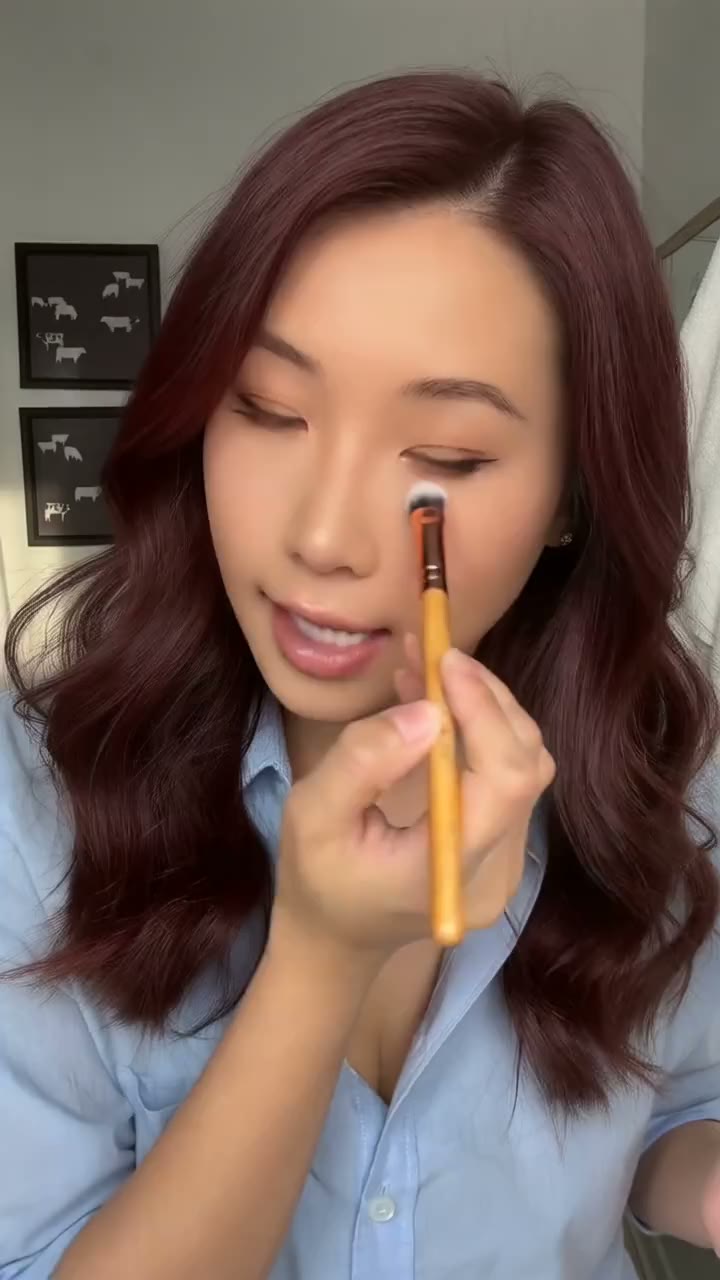
Precision Brush Tutorial
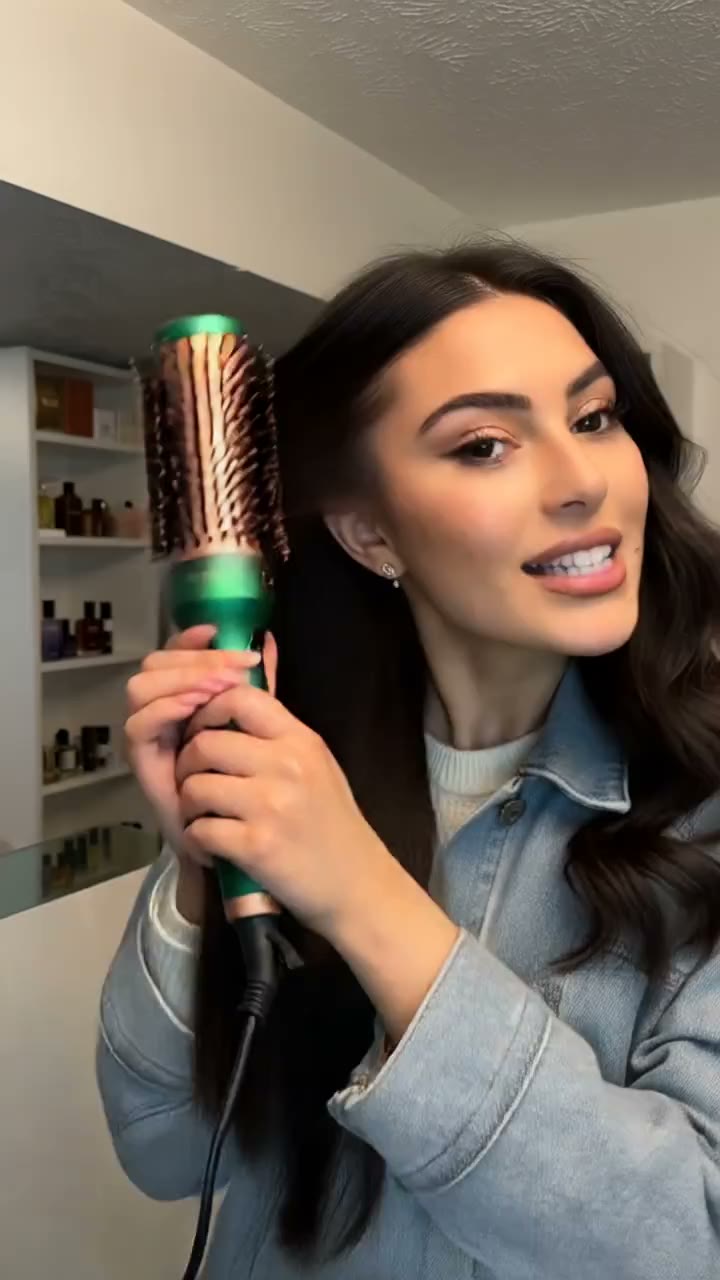
Heated Round Brush Tutorial
VIFE can make mistakes. Verify important information.
What happens after you paste a product URL
Paste a public product page. Vife prepares a reviewable fact card and three UGC-style hooks, then can build the approved direction as an editable 15-second vertical ad with an AI-generated presenter, captions, and CTA.
1. Review the product facts
Correct the extracted product facts, page-stated claims, offer details, and candidate visuals before Vife writes presenter dialogue.
2. Compare three UGC-style hooks
Review three distinct hooks with the script, presenter direction, demo moment, proof need, and CTA for each.
3. Approve the production plan
Approve the presenter and setting direction, shot plan, synced voice, captions, product demonstration, and CTA before generation starts.
4. Review the editable first cut
Inspect the generated presenter, product accuracy, dialogue, captions, audio, CTA, and timeline before exporting or requesting a variant.
Frequently asked questions
What URL should I paste?
Start with one public product page, Shopify product, brand product page, Apple App Store listing, or Google Play listing. Login-only pages, CAPTCHA, DRM, geo-blocking, expired links, and platform restrictions can prevent extraction.
Is the presenter a real customer?
No. The workflow creates AI-generated UGC-style creative. Do not present the generated presenter as a verified customer or turn unsupported reviews, outcomes, or endorsements into dialogue.
How does Vife keep product claims grounded?
Vife separates source-backed facts, inferred positioning, and missing information. You approve or correct the fact card before scripting and should verify every important price, offer, specification, and claim.
What does the first video include?
When generation succeeds, the default first output is one approved 15-second 9:16 UGC-style ad with an AI-generated presenter, product or demo shots, synced voice, captions, one CTA, and an editable timeline.
Can Vife reuse media from the product page?
Vife can identify candidate public images or media, but public access does not prove advertising permission. Only reuse assets you own or are authorized to use.
When are generation credits used?
Image, video, and audio generation starts only after you approve the product facts and production plan. Credit use depends on the selected models, duration, and number of versions.
Does Vife publish the finished ad?
No. Vife creates and edits the brief, script, media, captions, and timeline. Publishing and advertising-account changes remain under your control.