

Your image. Now in motion.
Upload a photo and describe how the subject or camera should move. Start with Seedance 2.0 Mini, choose your duration and format, and check the credit estimate before generating.
Video creation examples
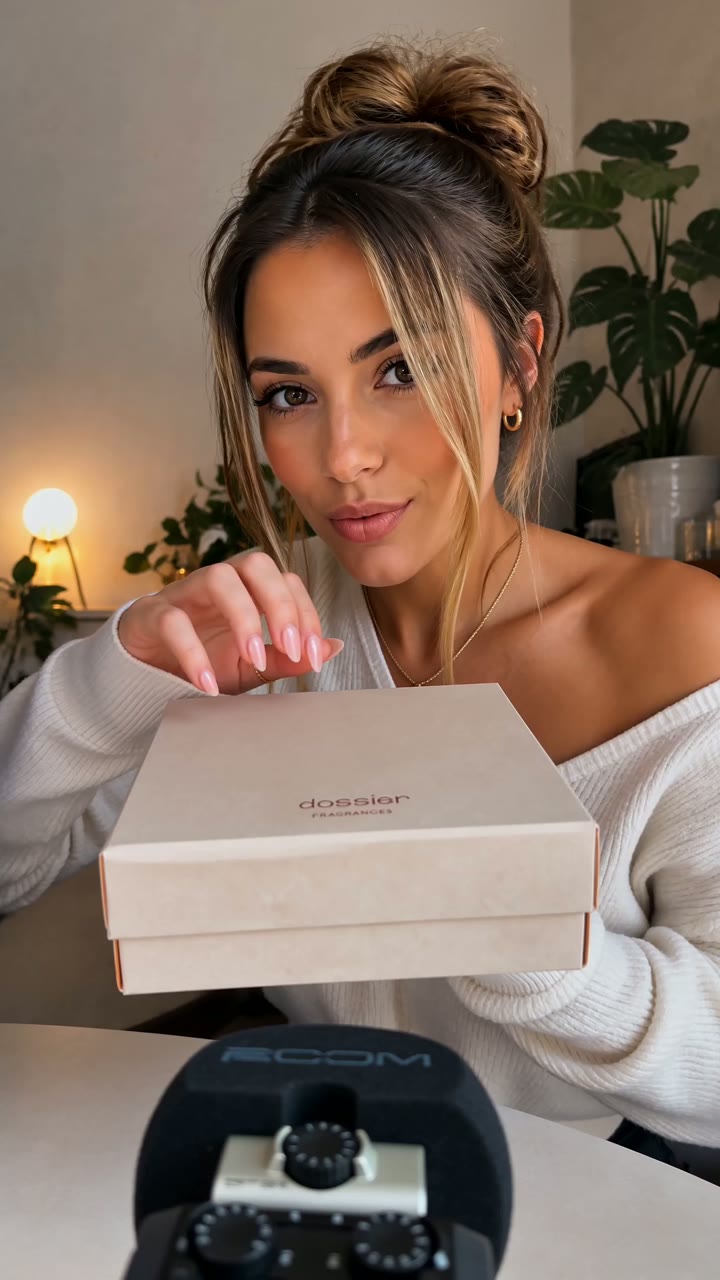
Perfume Unboxing ASMR

LED Mask GRWM
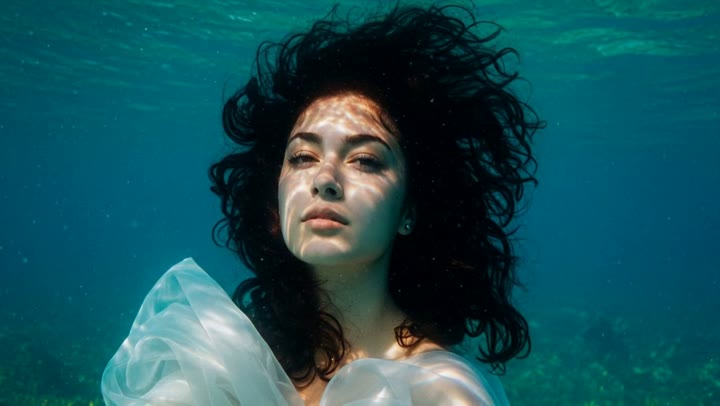
Underwater Portrait in Motion
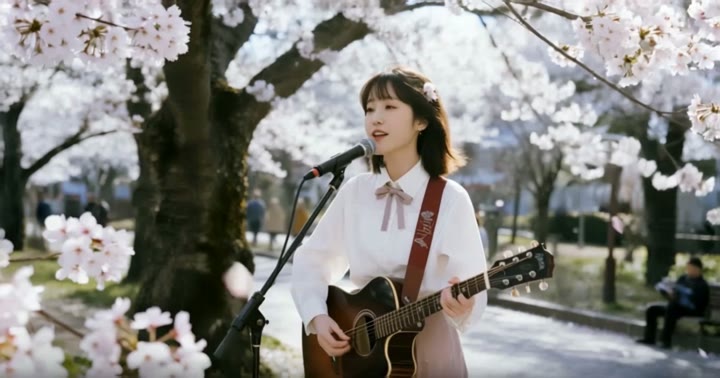
Cherry Blossom Guitar Session
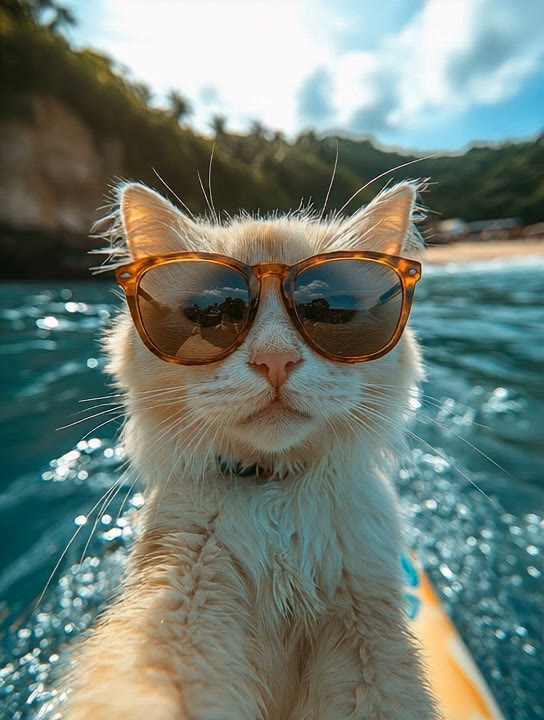
Cat's Surfboard Selfie

The Squishy Mini Cat
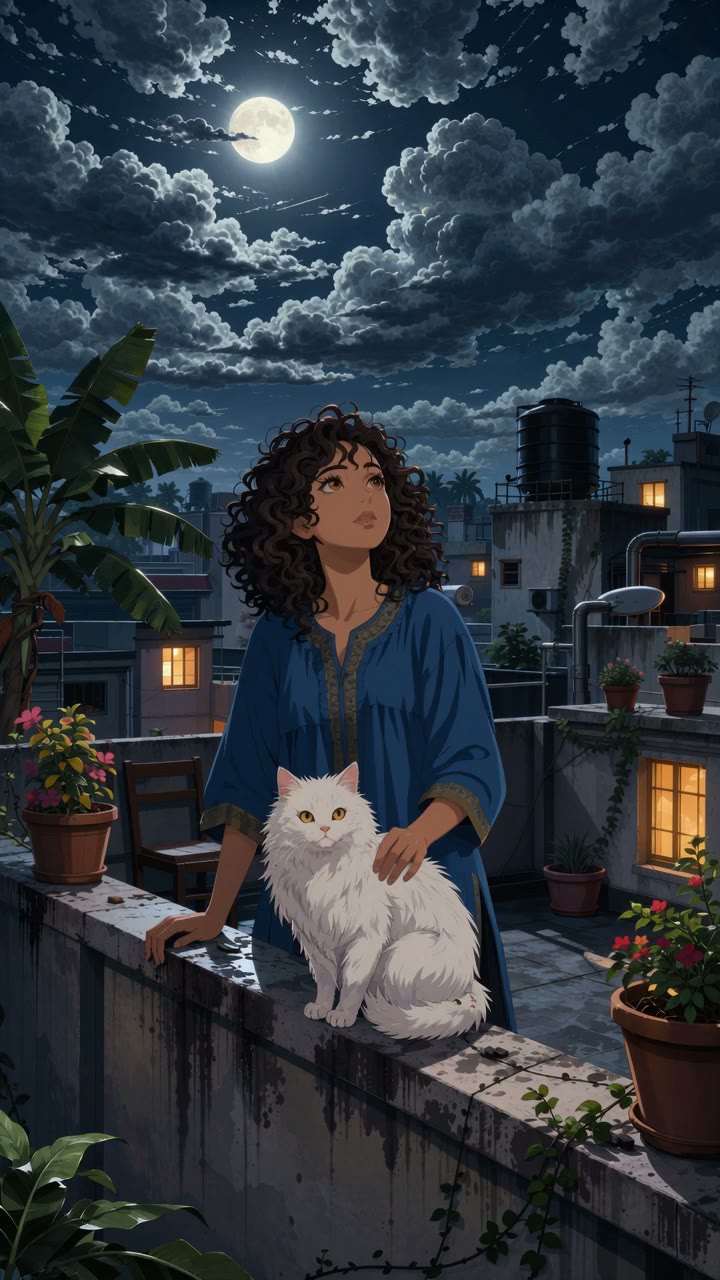
Moonlit Rooftop with a White Cat
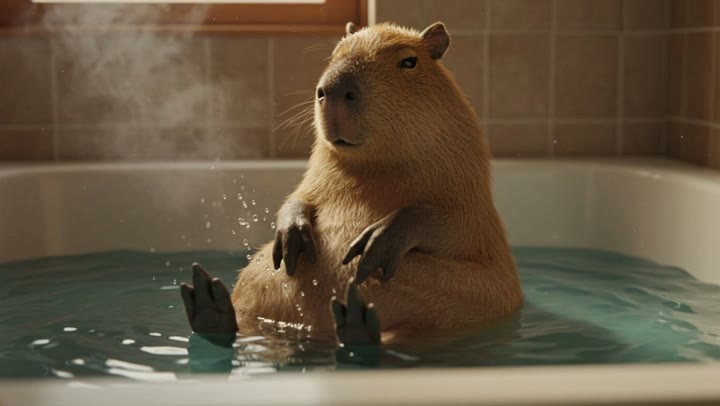
Capybara Bath Time

Skating the Frozen River
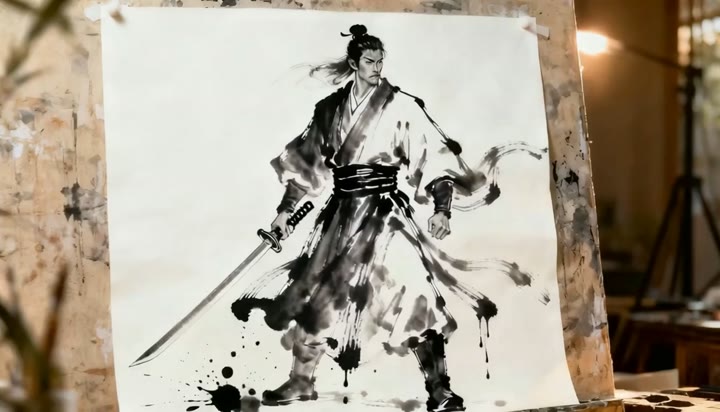
The Ink Samurai Breaks Free

Venice After the Flood
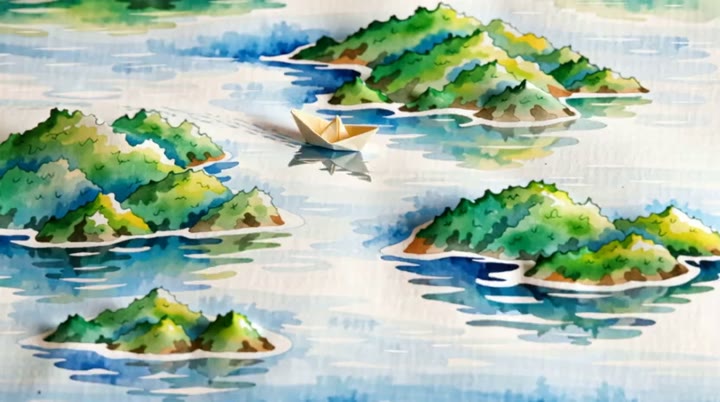
Paper Boat Through Watercolor Islands
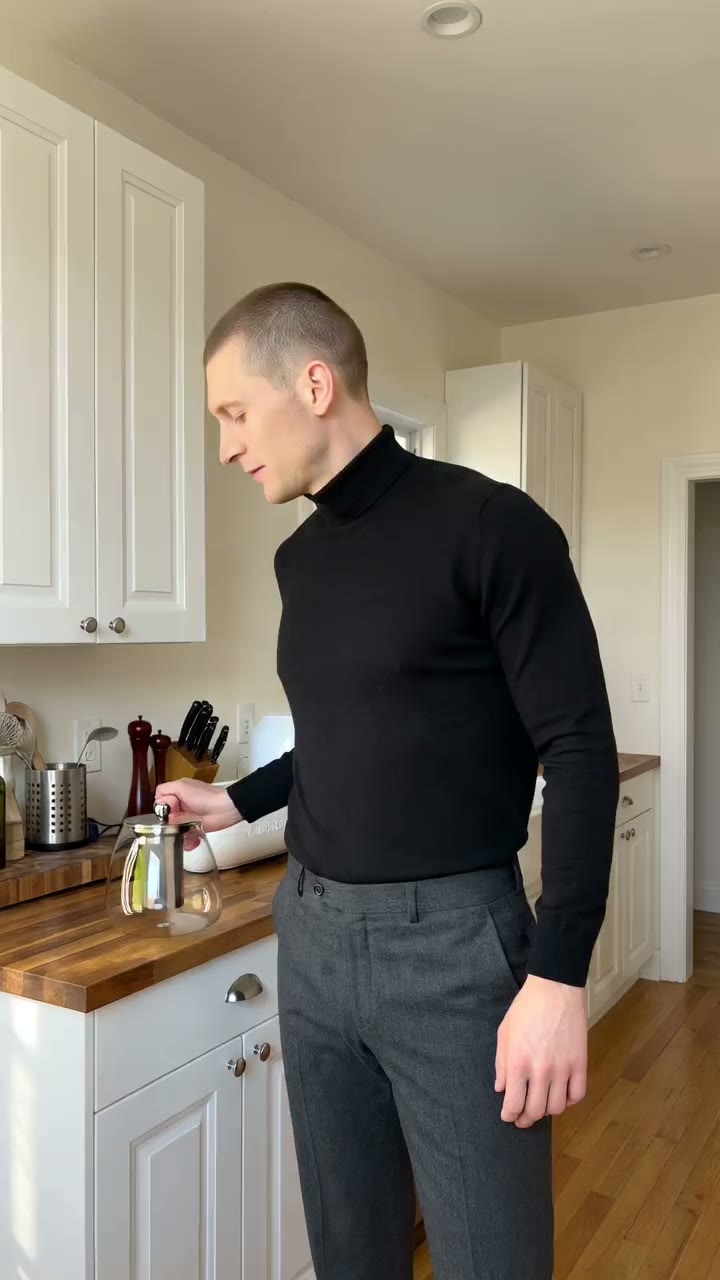
Glass Teapot Live Demo

Ocean Breeze Candle UGC
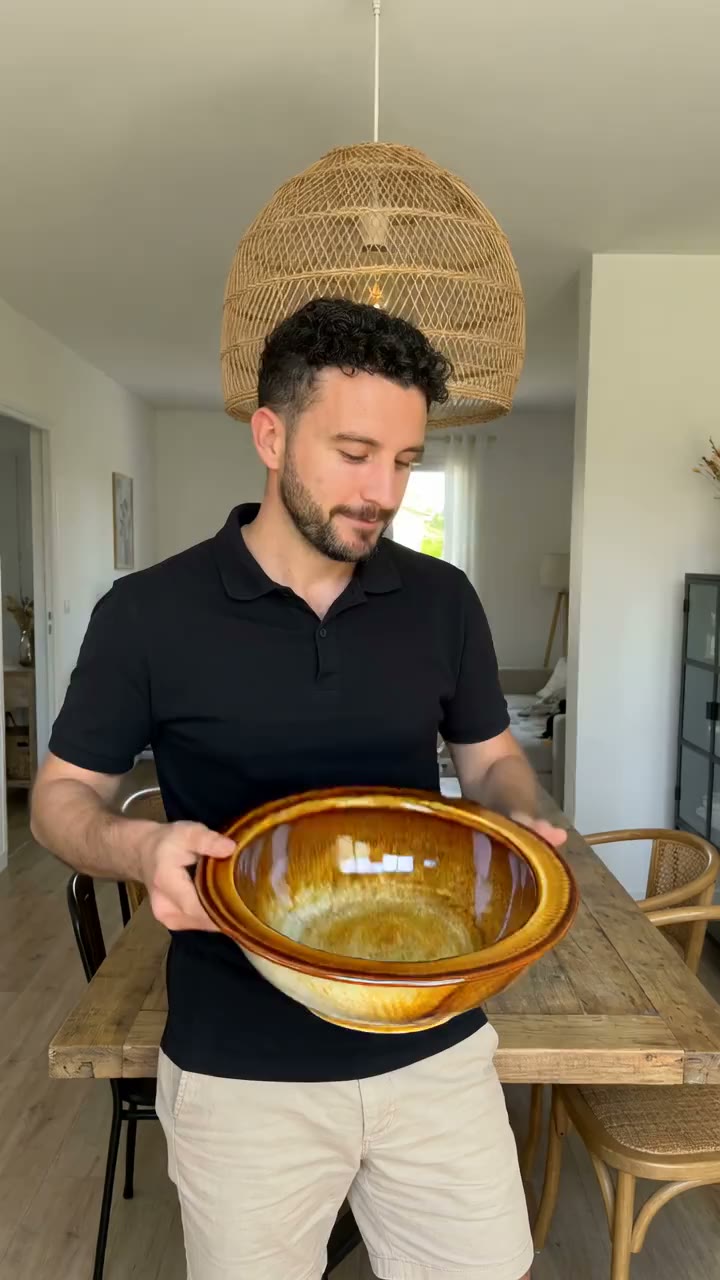
Speckled Bowl Product Showcase
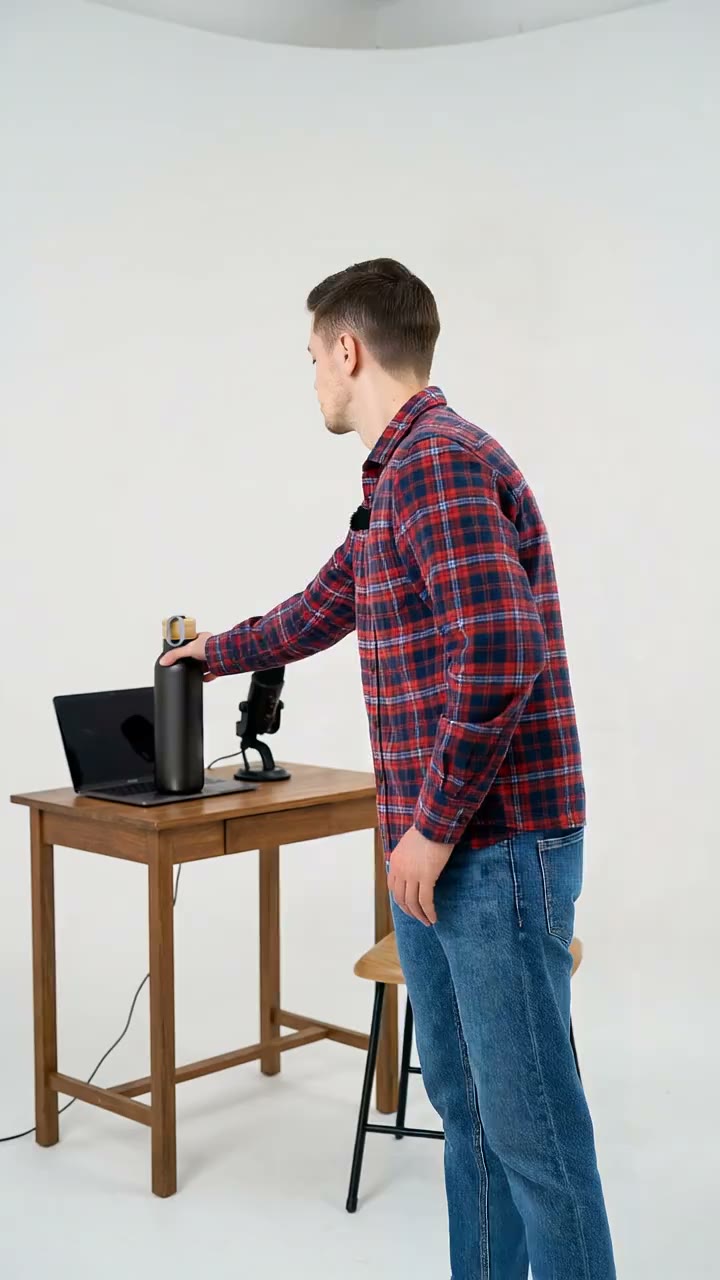
Matte Black Bottle Demo
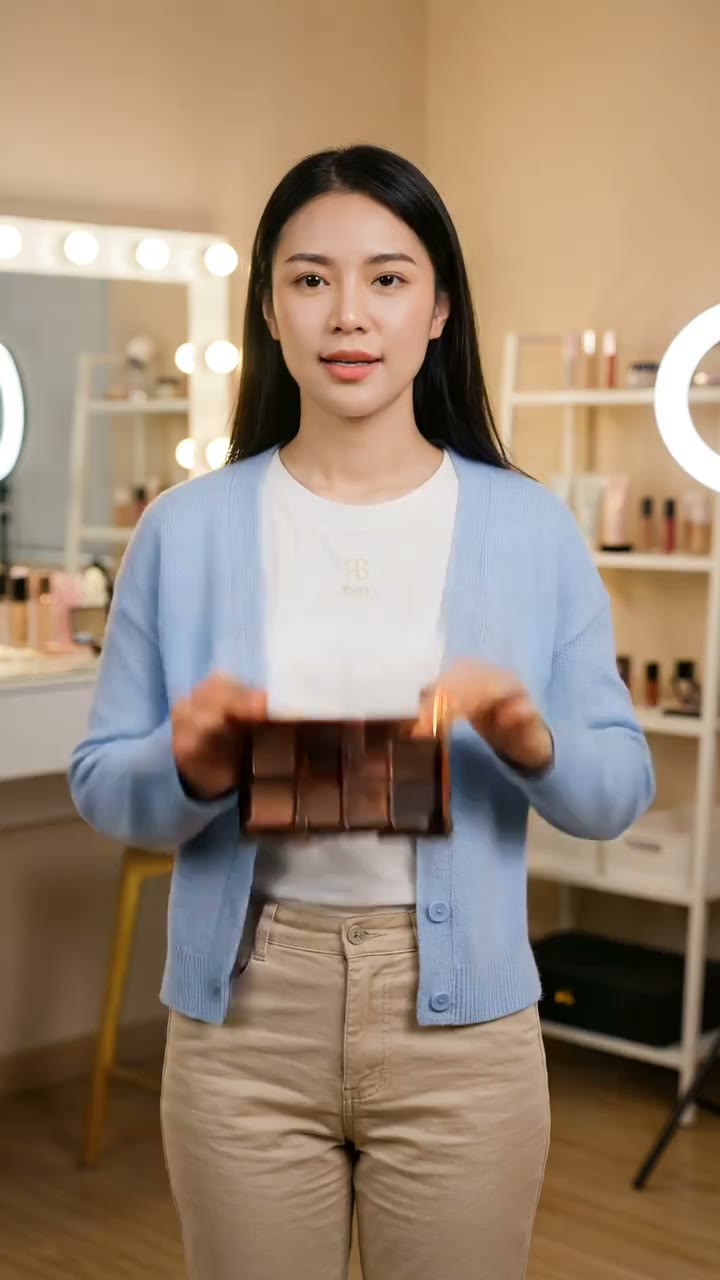
Neutral Palette Beauty UGC

Recipe Stand Kitchen Demo
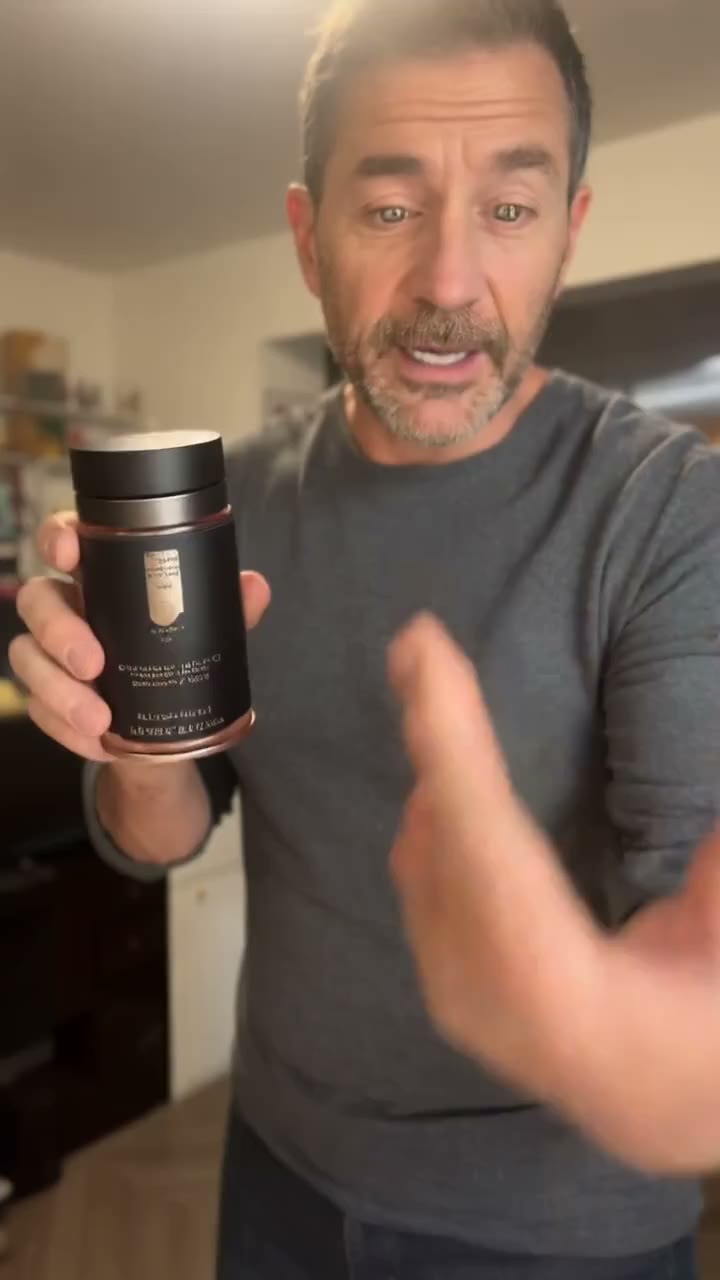
Supplement Jar Talking Review
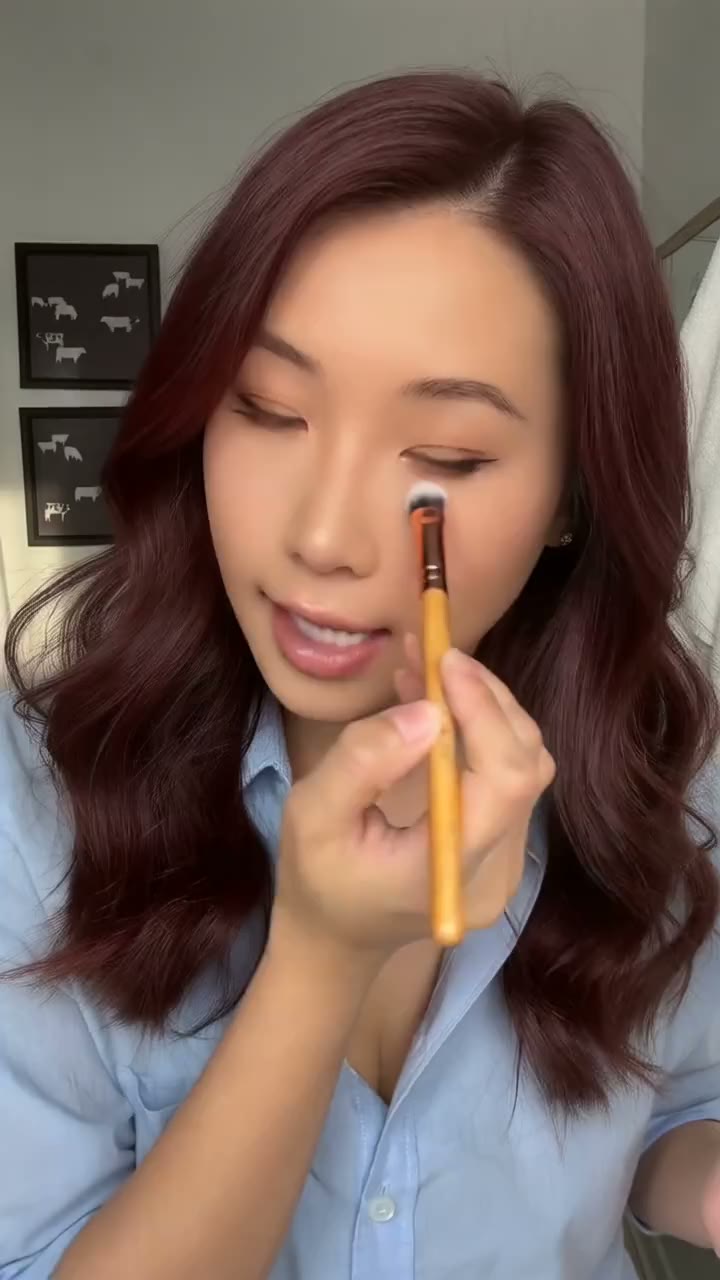
Precision Brush Tutorial

Blending Brush Beauty Demo
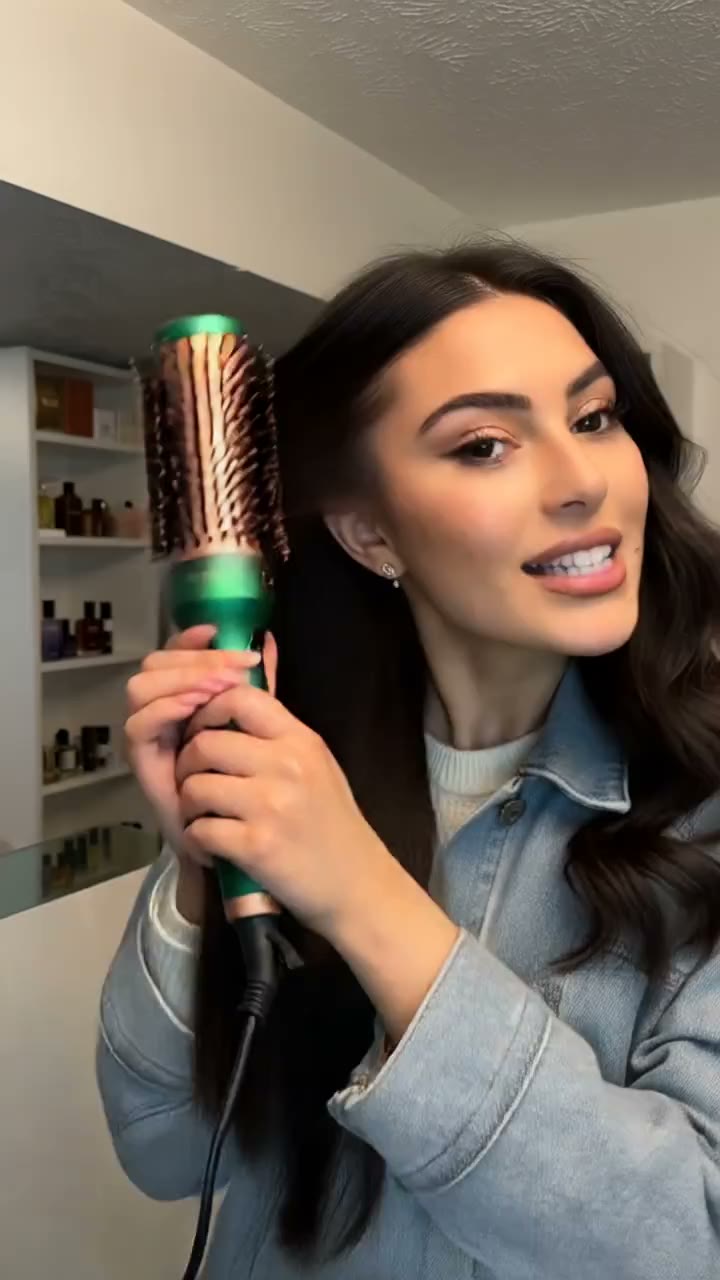
Heated Round Brush Tutorial
VIFE can make mistakes. Verify important information.
From one image to a short video
Upload a photo, describe its motion, and generate a short AI video. Choose duration and format, then check the credit estimate before generating.
Upload an image you can use
Use a clear photo, product image, or illustration that you own or have permission to use. The upload is required for this workflow.
Direct the motion
Describe subject movement, camera movement, and mood. Simple motion instructions are a useful starting point; AI does not guarantee exact preservation.
Choose duration and format
Seedance 2.0 Mini supports 4–15 seconds with 480p or 720p output. Other models have different controls and limits; the composer shows the current choices.
Check credits, generate, download
The credit estimate changes with model and settings. Review it before submitting, inspect the generated video, and download a result you want to keep.
Frequently asked questions
How do I turn an image into a video?
Upload an image in the composer above, describe the movement, choose duration and format, and submit. Sign in when prompted. Generation requires enough credits for the selected settings.
Will the video preserve my image exactly?
Not necessarily. This is generative video, not a slideshow or a pixel-preserving animation tool. Faces, text, logos, and fine details can change. Review every output.
How long can the video be?
The default Seedance 2.0 Mini model supports 4–15 seconds per generation. Available duration, resolution, and aspect ratio depend on the selected model.
How does Plus billing work?
Plus includes 3,000 credits per month. Choose yearly or monthly billing; your subscription starts after payment. Checkout confirms the full amount and renewal schedule. Starter credits are separate, and model costs vary.
How many videos do 3,000 credits cover?
There is no fixed video count. Credit use depends on model, duration, resolution, and other settings. Use the credit estimate in the composer before each generation.