

MiniMax H3: pricing and video creation
Generate 4–15 second video from text, first and last frames, or up to 15 image, video, and audio references—with native stereo sound and 2K output on Vife.
Video creation examples
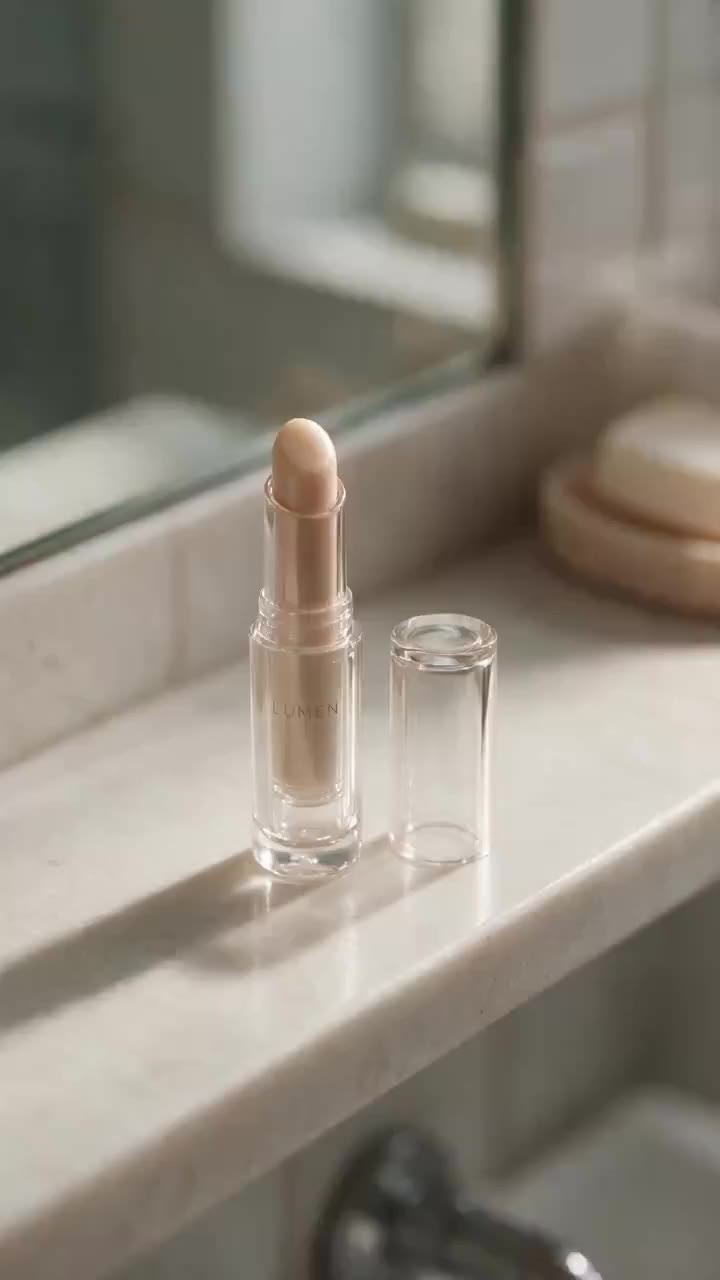
Glass Lip Balm Product Close-Up
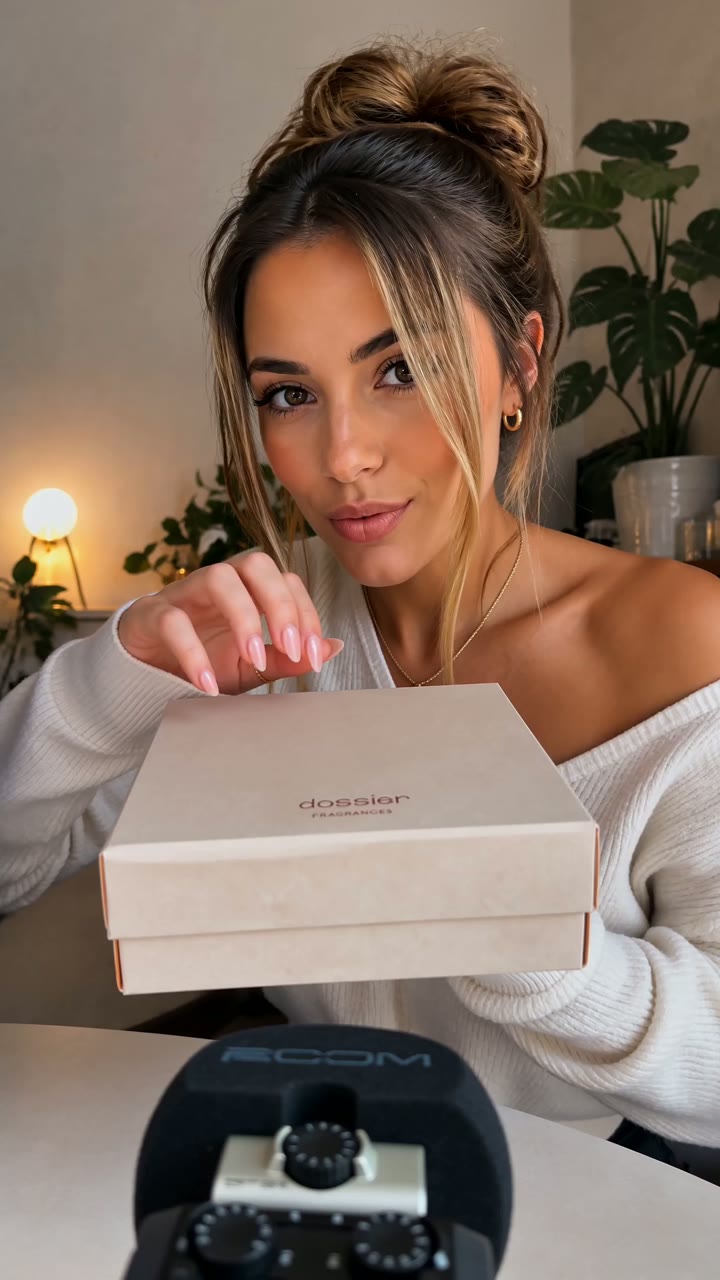
Perfume Unboxing ASMR
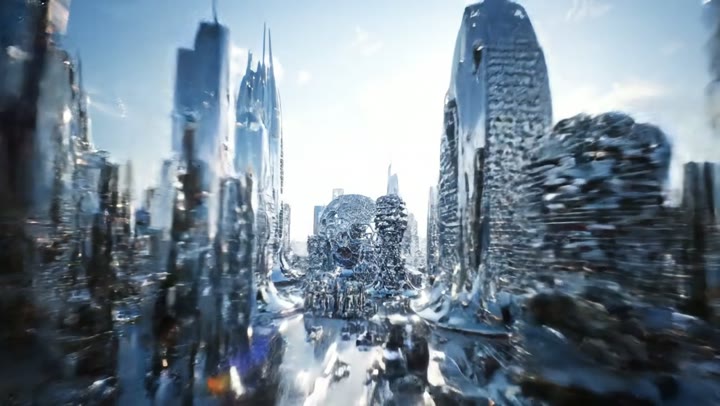
The Chrome City
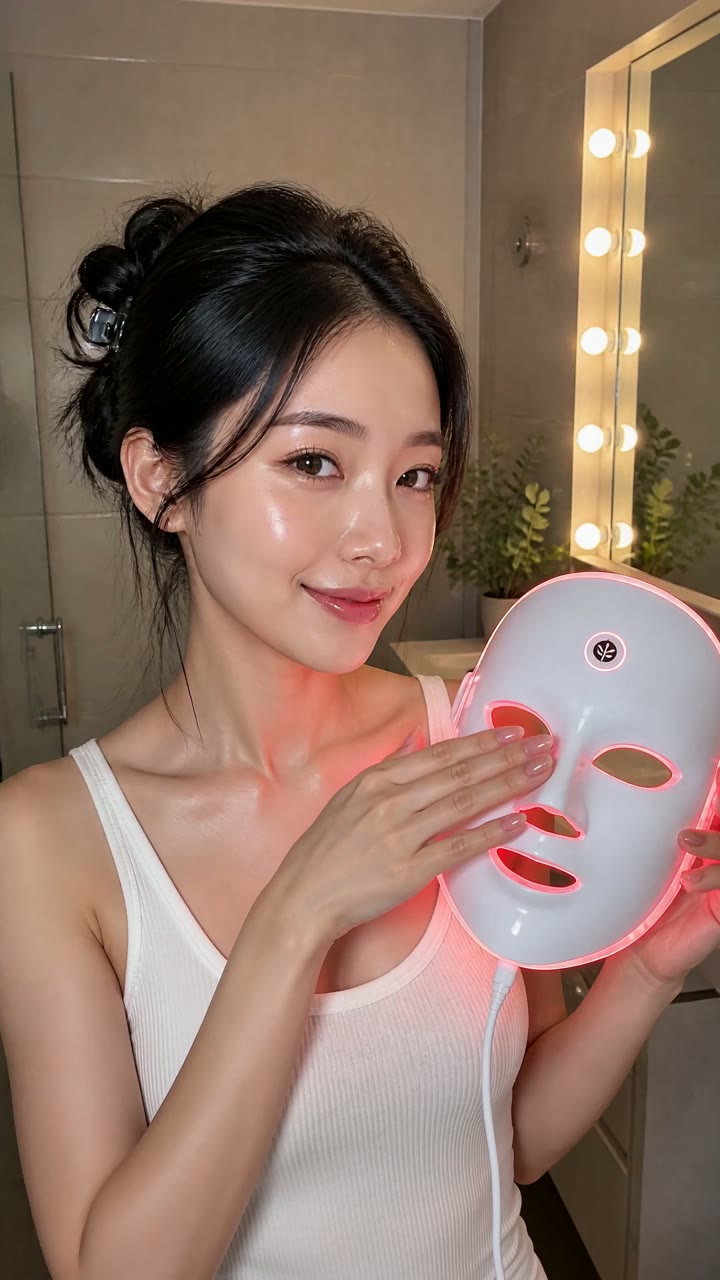
LED Mask GRWM
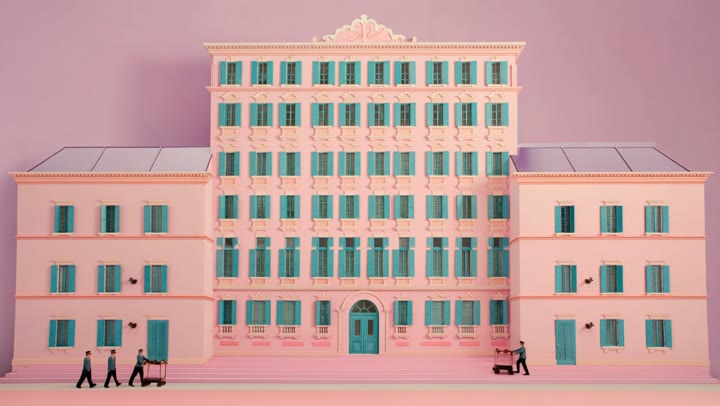
The Grand Pink Hotel
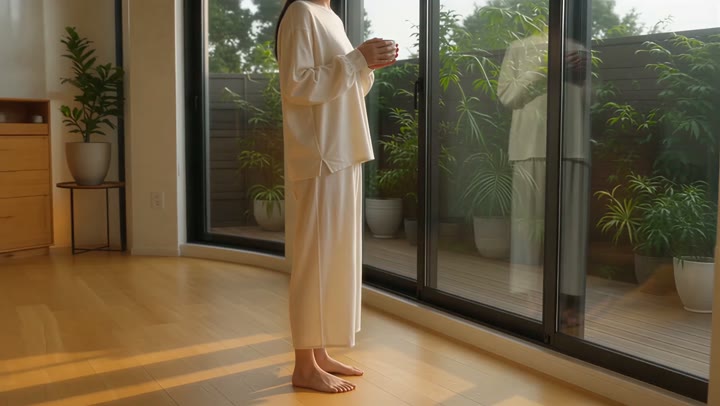
A Quiet Morning in Pure Cotton
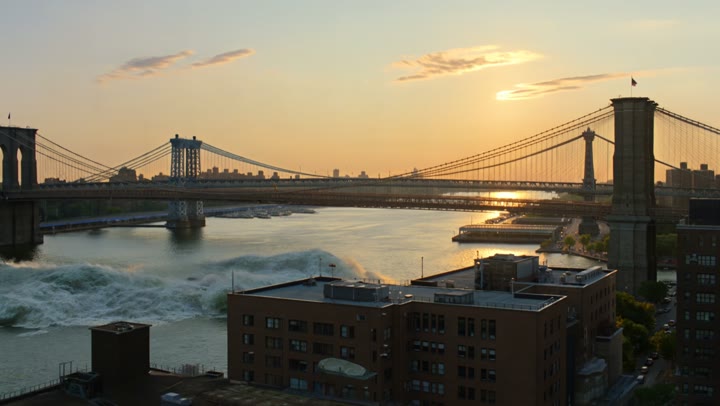
The Ship Beneath Brooklyn Bridge
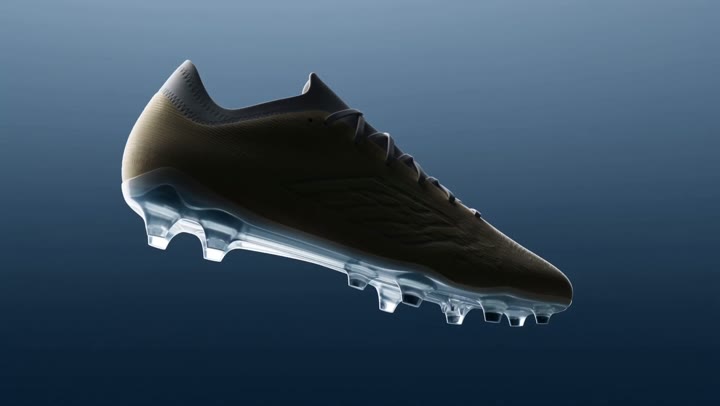
Zero-Gravity Soccer Cleat
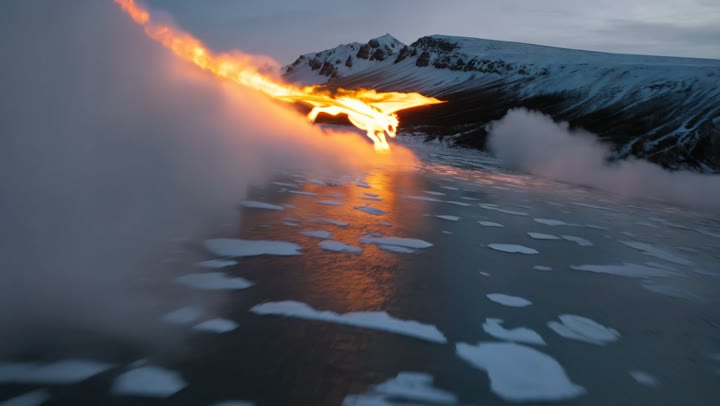
Fire Dragon Over the Frozen Fjord

Pizza Ingredients in Midair
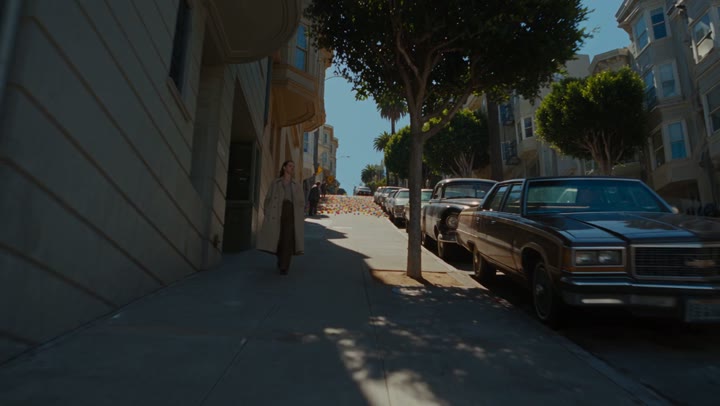
San Francisco Color Burst

The Mahjong Noodle Ritual
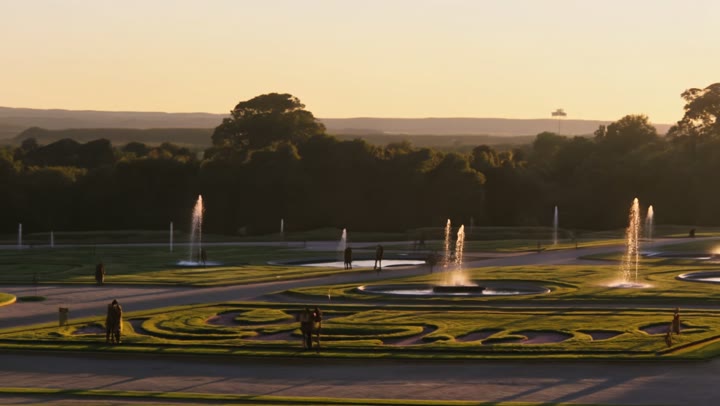
Versailles After Dark

The Perfect Espresso Pour
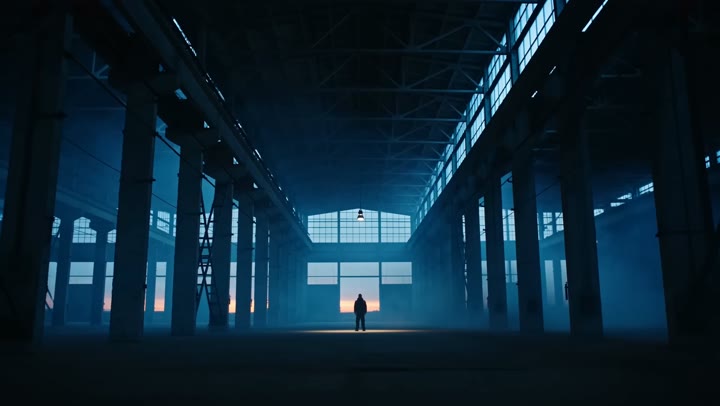
Blue Hour Warehouse Session

Fire Wok
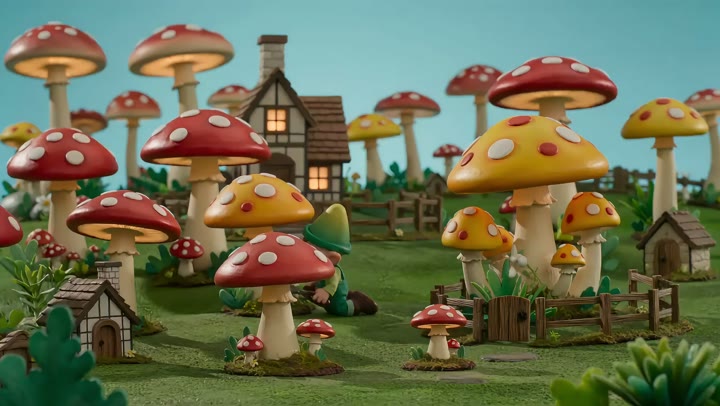
The Glowing Mushroom Gardeners
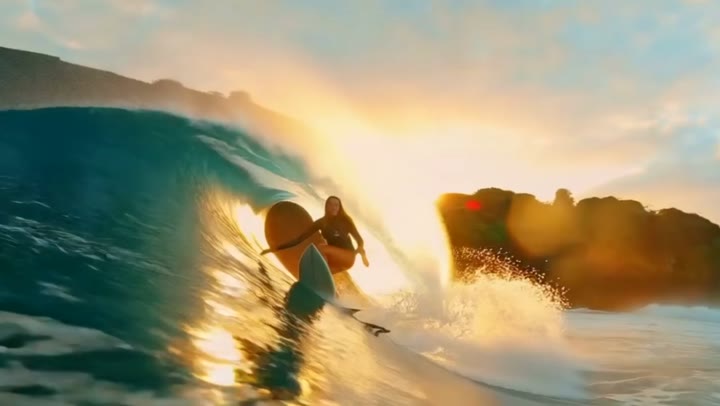
Inside the Golden Wave

Balloons Above the Morning Fog
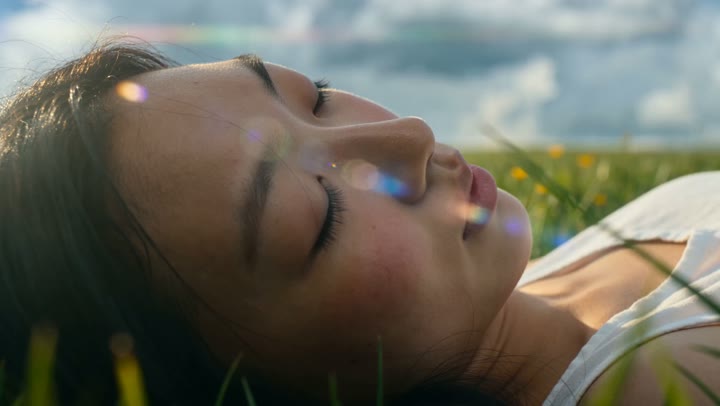
Summer Bubbles in the Open Field
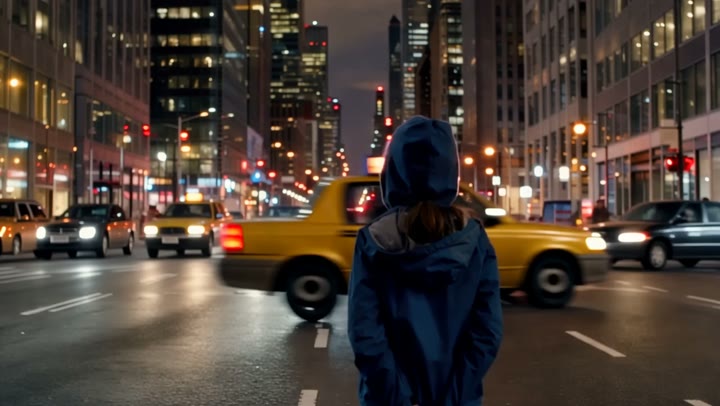
When New York Traffic Floats
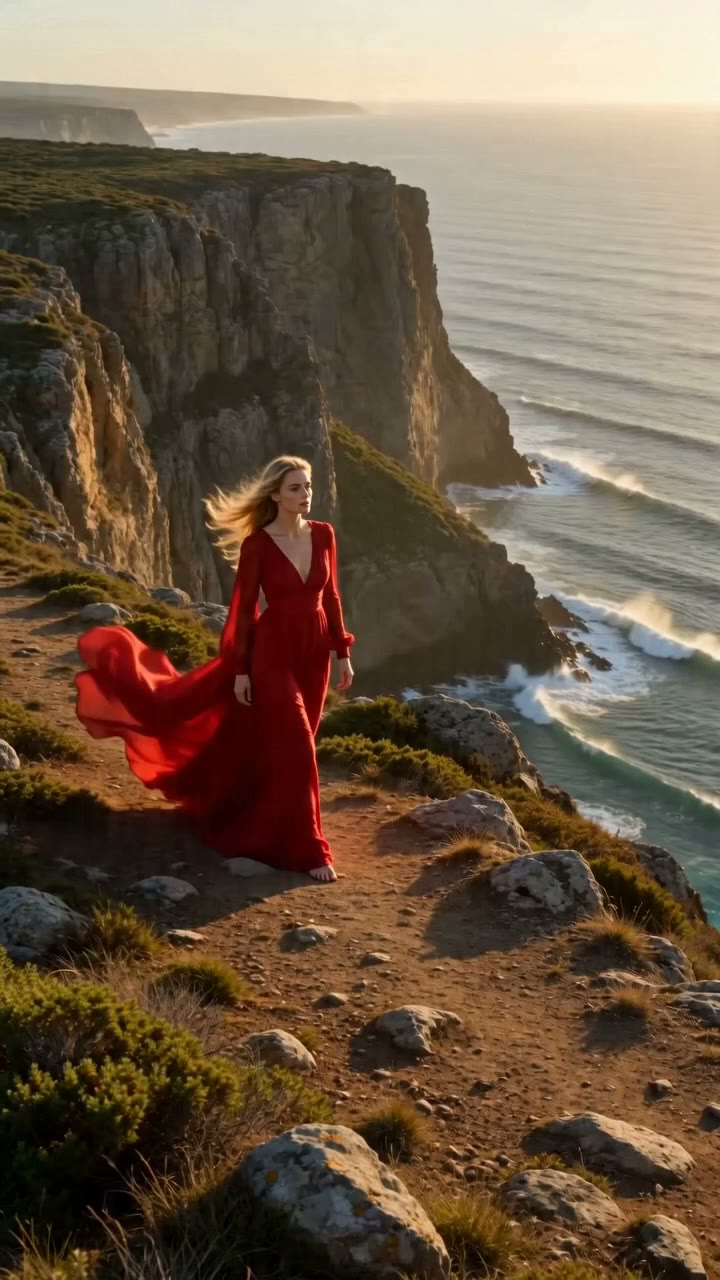
Red Dress on the Edge
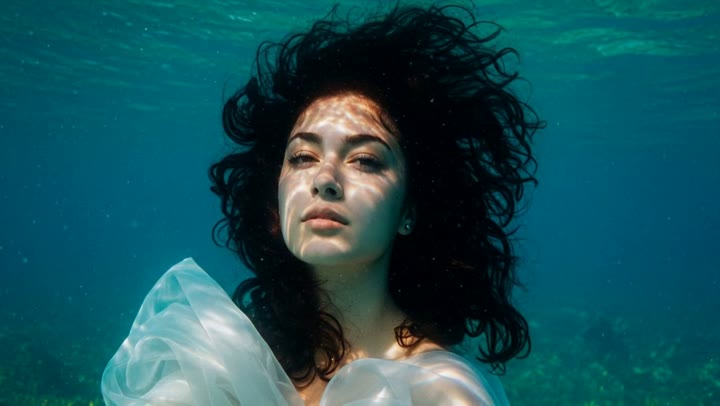
Underwater Portrait in Motion
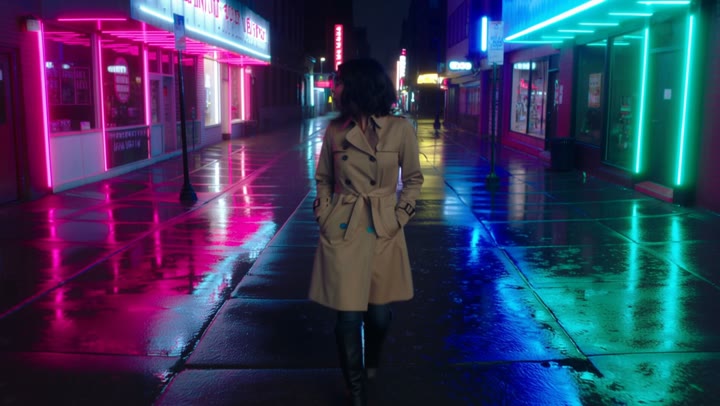
Neon Rain Turn
VIFE can make mistakes. Verify important information.
Create with MiniMax H3 on Vife
Create 4–15 second videos with MiniMax H3 using native stereo audio, 2K output, and image, video, or audio references.
Native 2K video and stereo audio
Generate high-resolution video with dialogue, sound effects, music, and ambience modeled together with the picture for tighter audiovisual timing.
Up to 15 multimodal references
Combine a prompt with up to 9 reference images, 3 videos, and 3 audio clips, within a 15-file total, to direct characters, motion, camera, style, voice, and editing rhythm.
First- and last-frame control
Set a first frame, a last frame, or both to control how a shot opens and ends. Frame control and multimodal reference generation are separate MiniMax H3 modes.
4–15 second multi-shot storytelling
Generate clips from 4 to 15 seconds and describe connected shots in one prompt for ads, action sequences, product stories, and narrative scenes.
Natural-language reference control
Explain how each reference should influence the target video—such as transferring motion from a clip, appearance from an image, or voice and rhythm from audio.
Create and compare in one workspace
Start with MiniMax H3 already selected, then switch to Seedance, Veo, Kling, or another available video model when your brief needs a different tradeoff.
Frequently asked questions
Practical answers about MiniMax H3 native audio, 2K output, multimodal references, frame control, duration, consistency, and editing on Vife.
How much does MiniMax H3 cost on Vife?
Vife Plus is US$12/month with monthly billing; yearly billing is also available. Each video uses credits based on duration and settings. See the catalog estimate below and the current estimate in the composer. These are Vife prices, not MiniMax direct prices.
Can I try MiniMax H3 for free?
Plus includes 3,000 credits per month. Choose yearly or monthly billing; your subscription starts after payment. Checkout confirms the full amount and renewal schedule. Starter credits are separate, and model costs vary.
What is MiniMax H3?
MiniMax H3 is a general-purpose multimodal video model available in Vife. It understands text, images, video, and audio together, and generates video with native stereo sound at up to 2K resolution.
Can I use MiniMax H3 on Vife now?
Yes. Open this page and the video composer starts with MiniMax H3 selected. Describe the shot, add any supported references, choose duration, aspect ratio, and resolution, then generate.
Does MiniMax H3 generate audio?
Yes. MiniMax H3 jointly generates native stereo audio with the video, including dialogue, sound effects, music, and ambience described in the prompt. Review timing, speech, and lip sync before publishing because generative output is not exact.
What inputs and reference limits does MiniMax H3 support?
MiniMax H3 supports text-to-video plus optional image, video, and audio references. On Vife, one reference-mode request can include up to 15 files: no more than 9 images, 3 videos, and 3 audio clips.
How do first- and last-frame controls work?
Add a first frame, a last frame, or both with a text prompt to guide the opening, ending, or transition between them. MiniMax H3 frame control cannot be mixed with image, video, or audio reference mode in the same request.
What durations, resolutions, and aspect ratios are supported?
MiniMax H3 supports 4 through 15 seconds at 768p or 2K. Available aspect ratios are 21:9, 16:9, 4:3, 1:1, 3:4, and 9:16; frame-controlled generation follows the uploaded frame dimensions.
Can MiniMax H3 create multi-shot video?
Yes. Describe the sequence, shot changes, camera language, action, and sound progression in one prompt. Native multi-shot modeling can improve narrative flow, but cuts and continuity remain generative and should be reviewed.
How does MiniMax H3 maintain character and style consistency?
Use clear, compatible image or video references and state exactly which appearance, wardrobe, product, environment, style, motion, or voice qualities should carry into the result. References improve continuity but do not guarantee exact preservation.
Can MiniMax H3 edit an existing video?
You can use an existing video as a reference for motion, camera, pacing, character, or scene and generate a new result from natural-language instructions. The Vife landing-page composer does not make deterministic pixel-level timeline edits to the uploaded source.
Are MiniMax H3 videos watermark-free?
Vife requests MiniMax H3 output with the provider watermark disabled. Generative artifacts can still resemble text, logos, or marks, so review the finished video and confirm your rights to every prompt, reference, and output.