Turn one idea into video, from first frame to final cut

Start from a prompt, a reference image, or paste a product URL — Vife turns it into a finished clip with motion, pacing, and transitions.

Describe the video you want to create...

Video creation examples

Glass Lip Balm Product Close-Up

Video

Glass Lip Balm Product Close-Up

Perfume Unboxing ASMR

Video

Perfume Unboxing ASMR

The Chrome City

Video

The Chrome City

LED Mask GRWM
Video

LED Mask GRWM

The Grand Pink Hotel
Video

The Grand Pink Hotel

A Quiet Morning in Pure Cotton

Video

A Quiet Morning in Pure Cotton

The Ship Beneath Brooklyn Bridge
Video

The Ship Beneath Brooklyn Bridge

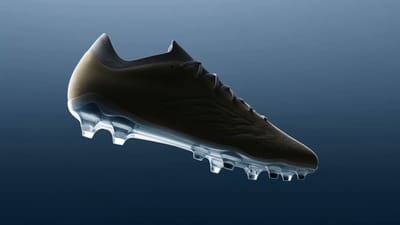
Zero-Gravity Soccer Cleat
Video

Zero-Gravity Soccer Cleat

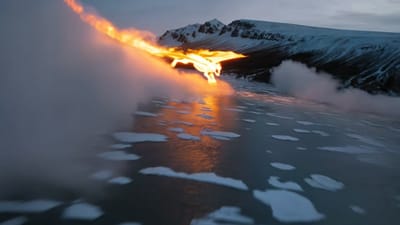
Fire Dragon Over the Frozen Fjord

Video

Fire Dragon Over the Frozen Fjord

Pizza Ingredients in Midair

Video

Pizza Ingredients in Midair

San Francisco Color Burst

Video

San Francisco Color Burst

The Mahjong Noodle Ritual

Video

The Mahjong Noodle Ritual

Versailles After Dark

Video

Versailles After Dark

The Perfect Espresso Pour
Video

The Perfect Espresso Pour

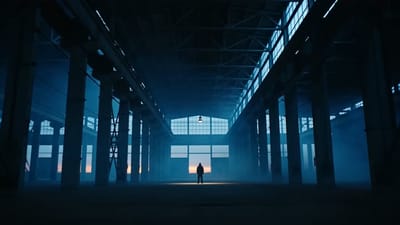
Blue Hour Warehouse Session

Video

Blue Hour Warehouse Session

Fire Wok

Video

Fire Wok

The Glowing Mushroom Gardeners
Video

The Glowing Mushroom Gardeners

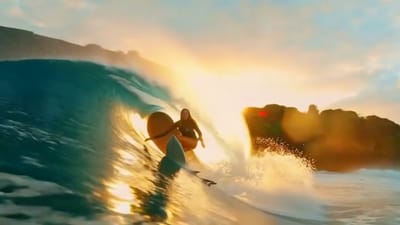
Inside the Golden Wave

Video

Inside the Golden Wave

Balloons Above the Morning Fog

Video

Balloons Above the Morning Fog

Summer Bubbles in the Open Field

Video

Summer Bubbles in the Open Field

When New York Traffic Floats
Video

When New York Traffic Floats

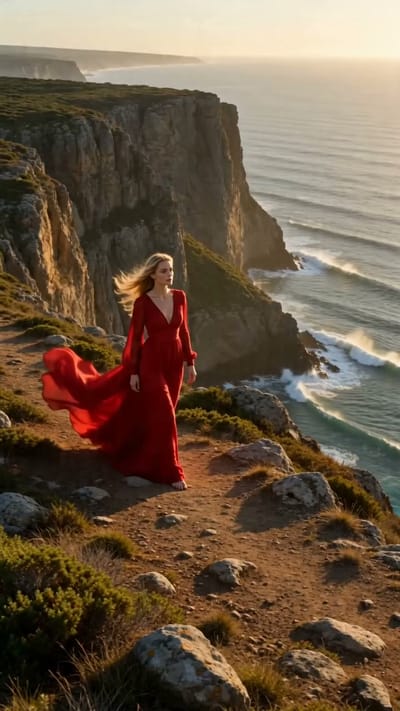
Red Dress on the Edge

Video

Red Dress on the Edge

Underwater Portrait in Motion

Video

Underwater Portrait in Motion

Neon Rain Turn
Video

Neon Rain Turn

VIFE can make mistakes. Verify important information.

Why Vife works like an AI agent workspace

Vife is built for delegated work: planning, research, browser context, file creation, and follow-up edits in one place.

1
Goal

Goal to agent plan

Give Vife a goal and the agent breaks it into steps, chooses tools, and keeps context attached to the work.

Web
Context

Research and browse

Use Vife for web research, source review, browser-context tasks, and structured notes that turn into files.

PPT/PDF
Export formats

Finished deliverables

Create reports, slide decks, documents, visuals, videos, audio, and project files without copying from chat.

Files
Attached

Project continuity

Keep conversations, files, generated assets, and follow-up edits organized so the same work can continue later.

No credit card to start
Sign in and delegate a first task with starter credits.
Powered by leading models
GPT, Claude, Gemini, image, video, and audio models in one workspace.
Private projects
Your agent conversations and files stay private to your account.
User-authorized browser work
Browser workflows are designed around local context and explicit control.

AI agent workflows Vife can take on

Vife is built for delegated work: planning, research, browser context, file creation, and follow-up edits in one place.

AI agent task delegation

Start with a goal instead of a blank chat. Vife plans steps, uses tools, creates files, and keeps the project moving.

  • ·Task planning
  • ·Tool use
  • ·Follow-up edits

Plan a launch brief, create outputs, and continue revisions in the same project

AI browser workflows

Use Vife for browser-oriented work when a task needs web pages, signed-in context, source review, or repeated web actions.

  • ·Browser context
  • ·Web summaries
  • ·Structured extraction

Review pages, collect facts, and turn findings into a report or table

AI research agent

Investigate a topic, compare sources, organize findings, and turn research into a decision-ready deliverable.

  • ·Source review
  • ·Comparison tables
  • ·Reports and briefs

Compare competitors and generate a structured market research brief

AI presentation agent

Go from topic to outline, talking points, visuals, and editable slides without switching from research to deck tools.

  • ·Research outlines
  • ·Slide drafts
  • ·PPT/PDF export

Create a sales deck, lecture outline, or strategy presentation

AI document agent

Write structured reports, proposals, articles, and summaries with research context and exportable document output.

  • ·Research-aware writing
  • ·Structured outlines
  • ·Editable files

Draft a report, brief, proposal, or article from one goal

Creative asset production

Use image, video, audio, and short-form content generation as part of the same agent-led project workflow.

  • ·Images and video
  • ·Voice and audio
  • ·Campaign variants

Plan a campaign and generate visuals, clips, copy, and voiceover assets

Plans

Upgrade when the project needs more room

Try a focused first task with starter credits. Paid plans unlock more iterations, premium models, and heavier exports.

Payments securely processed by Stripe
Cancel anytime · access continues until the end of the billing period
VISA · Mastercard · Amex · Apple Pay · Google Pay · Link

Delegate the first task before you upgrade

Sign in with Google. No credit card. Use starter credits to ask Vife for a real research brief, slide deck, document, or creative project.

No card
To start
1
Goal to agent
Files
Delivered
24/7
Always ready

AI Video Generator capabilities

Turn text, images, or URLs into professional videos with AI. Generate TikTok videos, YouTube Shorts, Reels, product demos, and marketing videos in seconds.

Text, image & URL to video

Start from a prompt, a reference image, or paste a product URL — Vife turns it into a finished clip with motion, pacing, and transitions.

Top video models in one place

Generate with Veo, Kling, Sora, Runway, Hailuo, and Seedance, then compare results and keep the best — no juggling separate tools or subscriptions.

Built for marketing & social

Vertical and widescreen aspect ratios, batch generation, and quick edits for TikTok, Reels, Shorts, ads, and product demos.

Edit, voice & export

Add AI voiceover, music, and captions, trim on a timeline, and export ready-to-post video — all in the same workspace.

How to make an AI video in Vife

Start with one short scene. Compare motion, subject consistency, and credit cost before building a longer sequence.

  1. Describe the subject, action, camera movement, and aspect ratio. Add a reference image if the selected model supports one.
  2. Choose a video model and its available duration. Check the credit estimate; audio, resolution, and reference limits vary by model.
  3. Preview the result, revise one detail at a time, and download the selected clip. Review product details and any text before publishing.

An example brief to adapt

Create a short vertical video of a ceramic coffee cup on a wooden table. Morning window light, gentle steam, slow camera push-in. Keep the cup shape consistent; no text or logos.
Animate a reference image

Frequently asked questions

How do I turn text into a video with AI?

Describe the scene or paste a product URL, choose a model and aspect ratio, and Vife generates a video you can refine, voice over, and export — no editing experience required.

Which AI video models can I use?

Vife gives you Veo, Kling, Sora, Runway, Hailuo, and Seedance in one workspace, so you can generate with several and keep the best result.

Can I make vertical videos for TikTok, Reels, and Shorts?

Yes. Pick a 9:16 vertical (or 16:9, 1:1, and more) aspect ratio before generating, so clips fit short-form feeds out of the box.

Can I turn an image into a video?

Yes — upload a reference image and Vife animates it into a clip, useful for product shots, characters, and turning stills into motion.

Is there a free way to try AI video generation?

New accounts receive starter credits without a card. Check the selected model and credit estimate; video generation may require a paid plan.