

A Viewmax alternative for AI video
Explore cinematic videos, short stories, and product ads from Viewmax's public showcase. Use a reference prompt to create your own take in Vife.
Video creation examples

Viewmax reference · Black hole
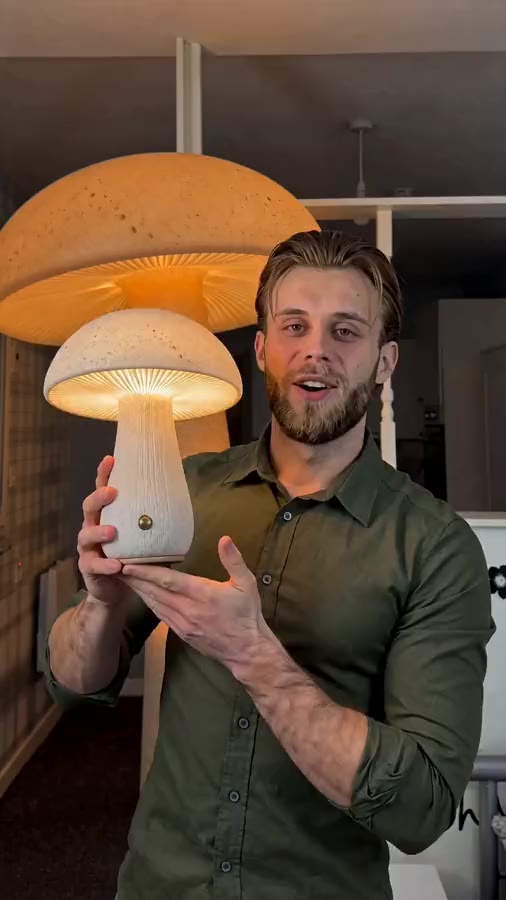
Viewmax reference · Giant figure
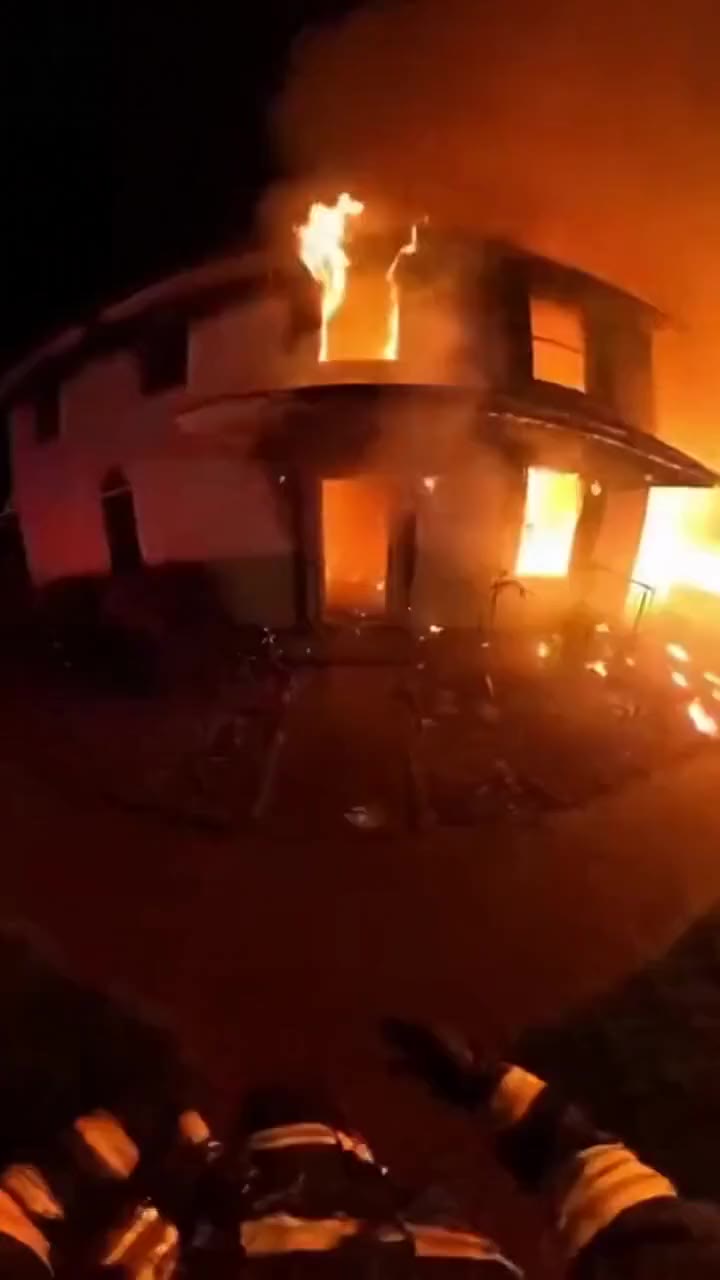
Viewmax reference · Bodycam
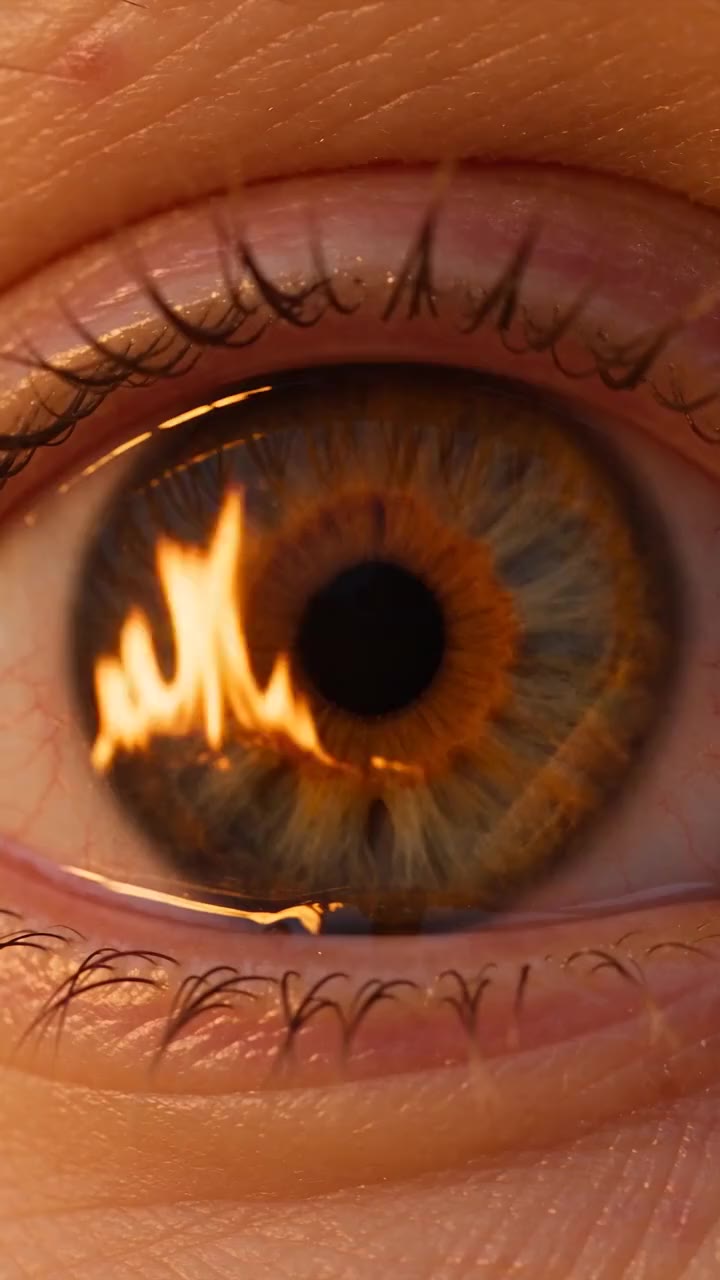
Viewmax reference · Eye
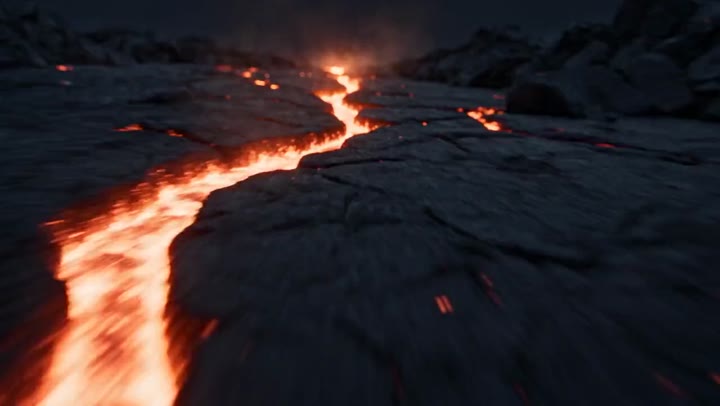
Viewmax reference · Cinematic product
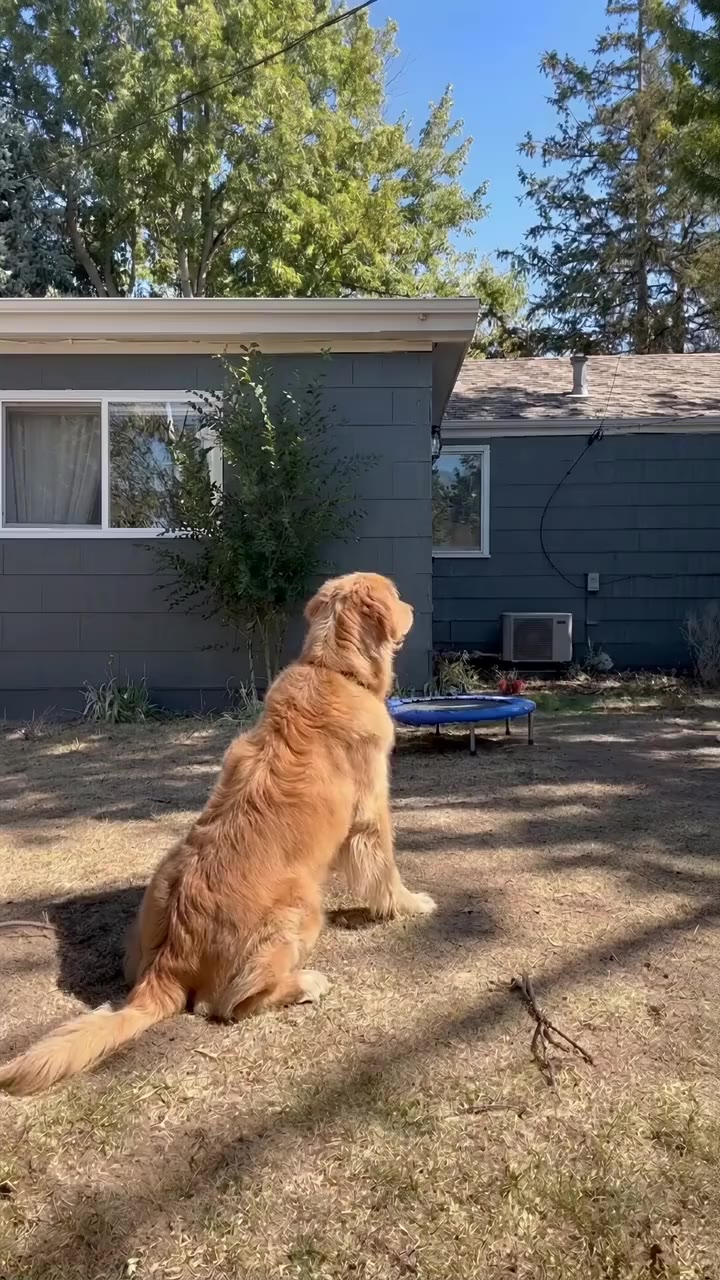
Viewmax reference · Ranking
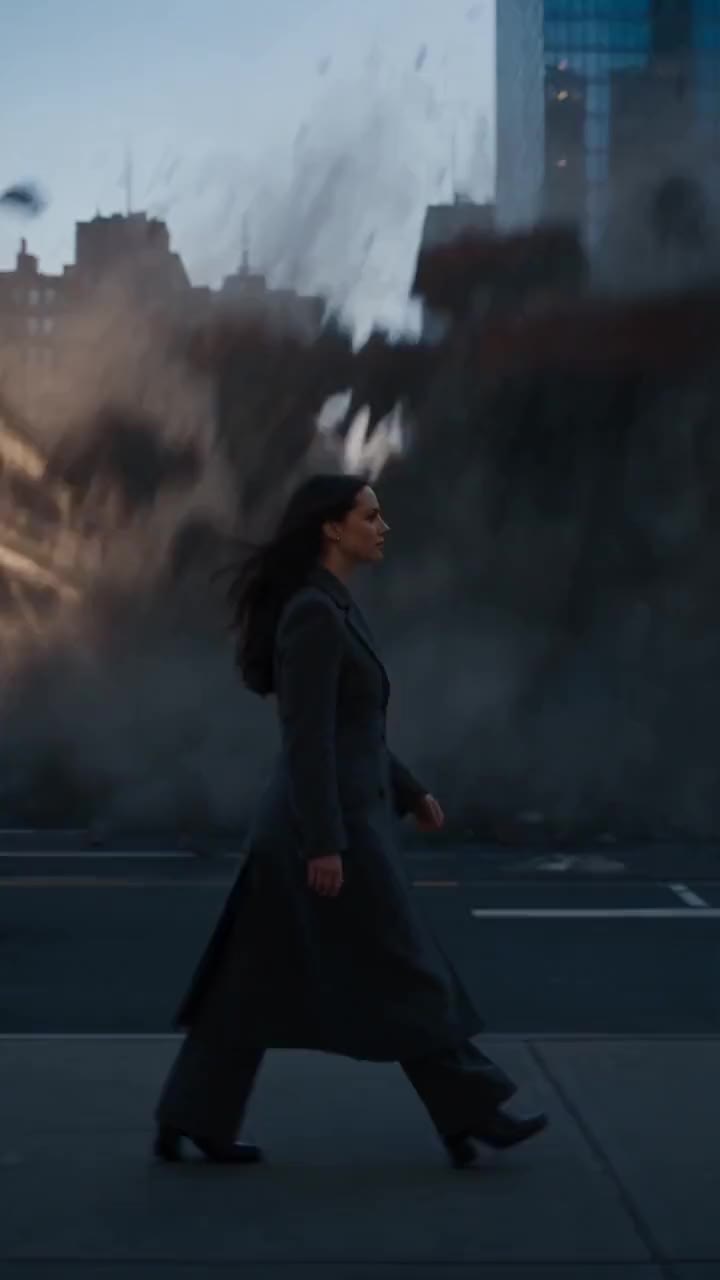
Viewmax reference · Century walk

Viewmax reference · Unbox try-on

Viewmax reference · 3D visuals

Viewmax reference · Sparkler
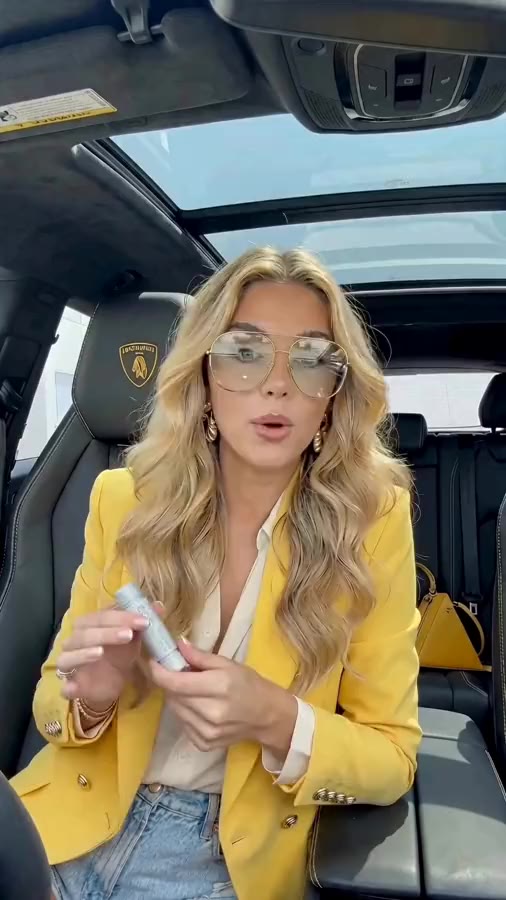
Viewmax reference · Talking head
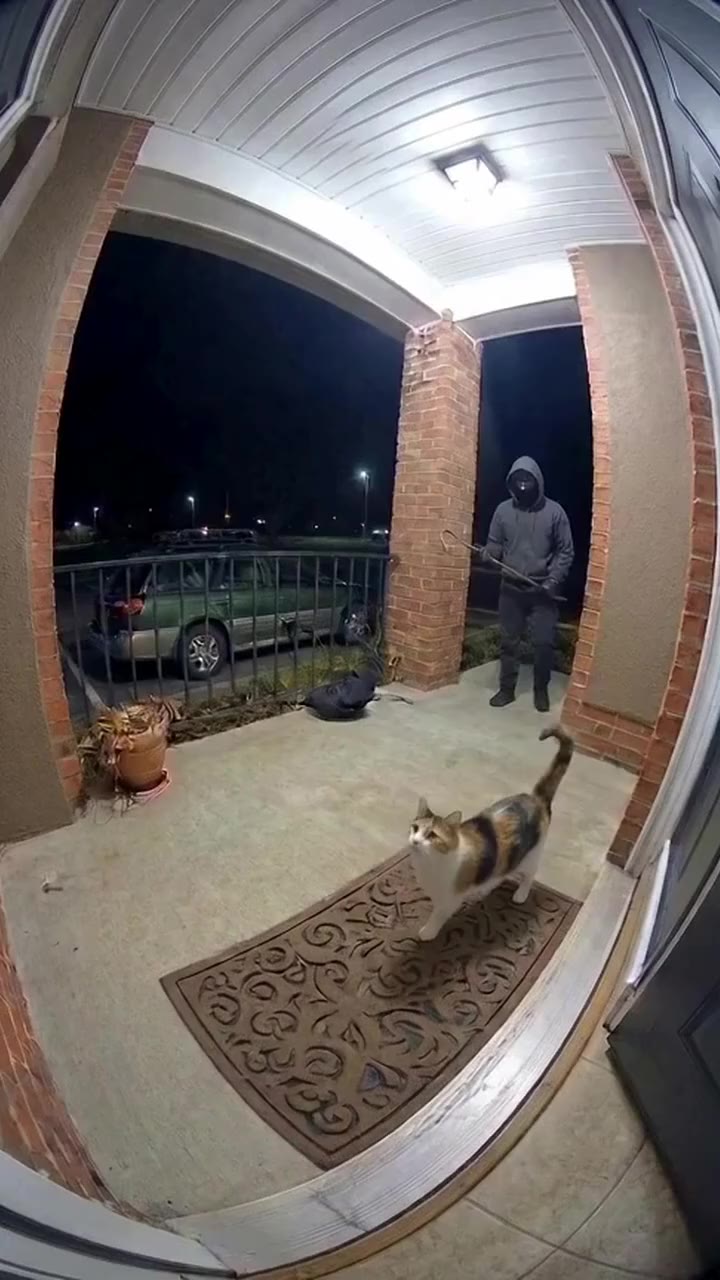
Viewmax reference · Ring cam
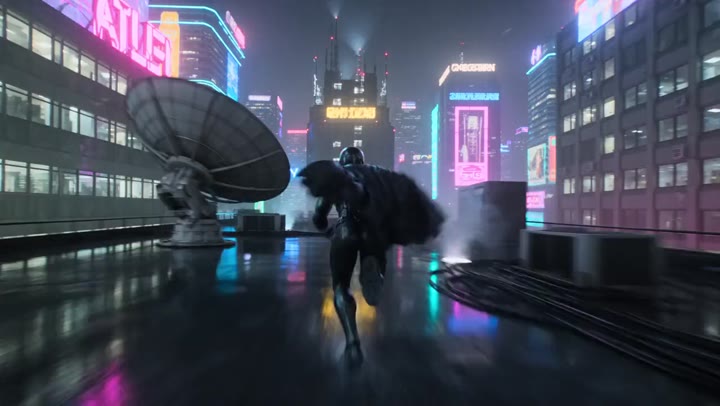
Viewmax reference · Cyber ninja
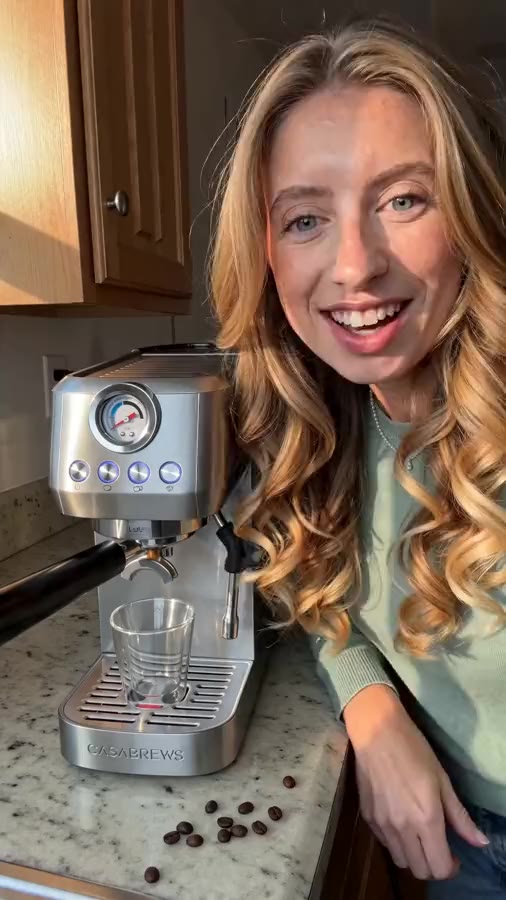
Viewmax reference · Hack reveal

Viewmax reference · Nursery
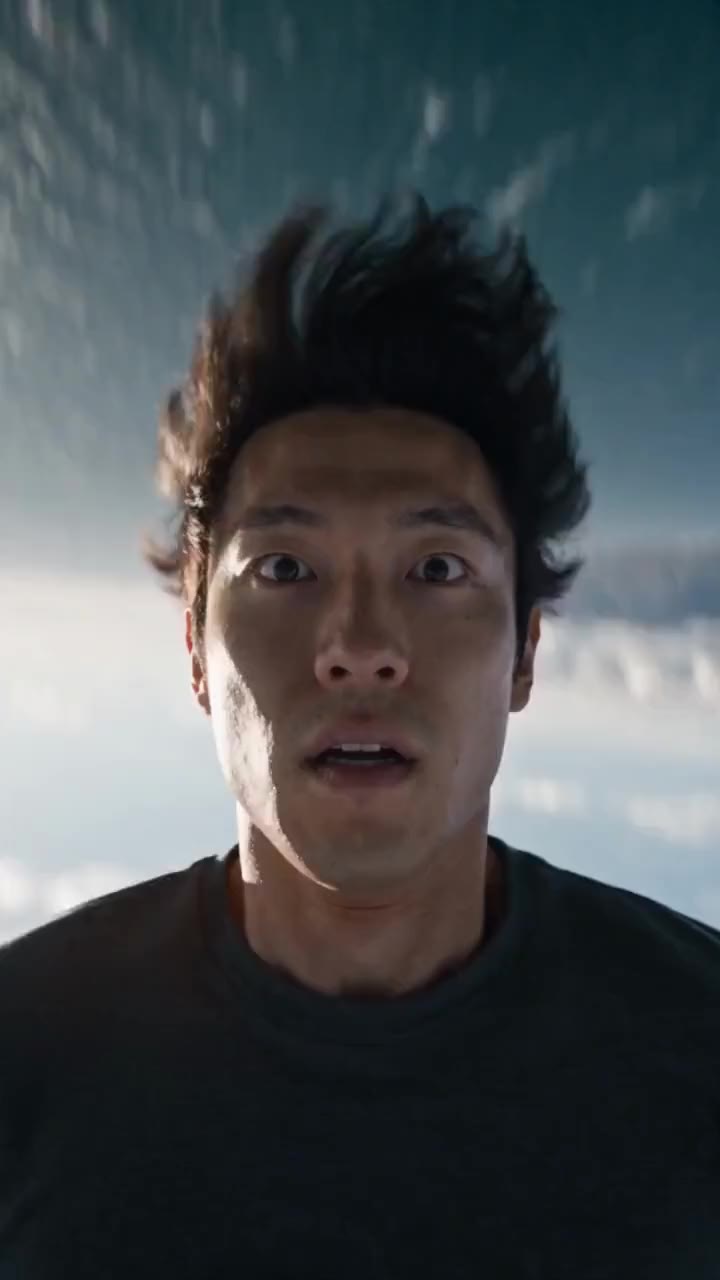
Viewmax reference · Open water
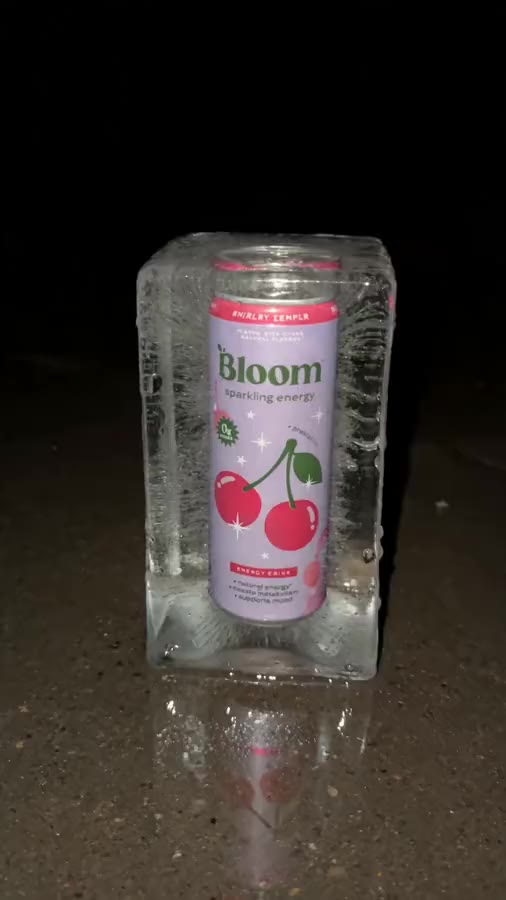
Viewmax reference · Crush test

Viewmax reference · GTA 6 video
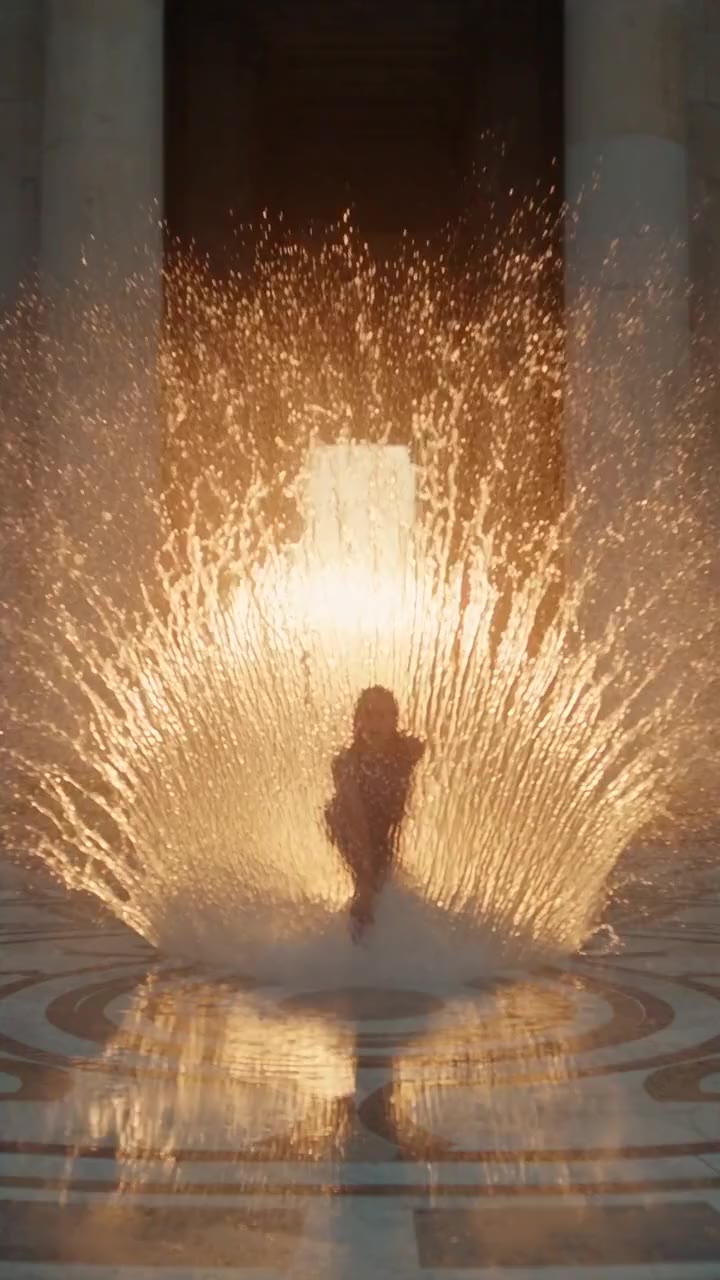
Viewmax reference · Water dancer
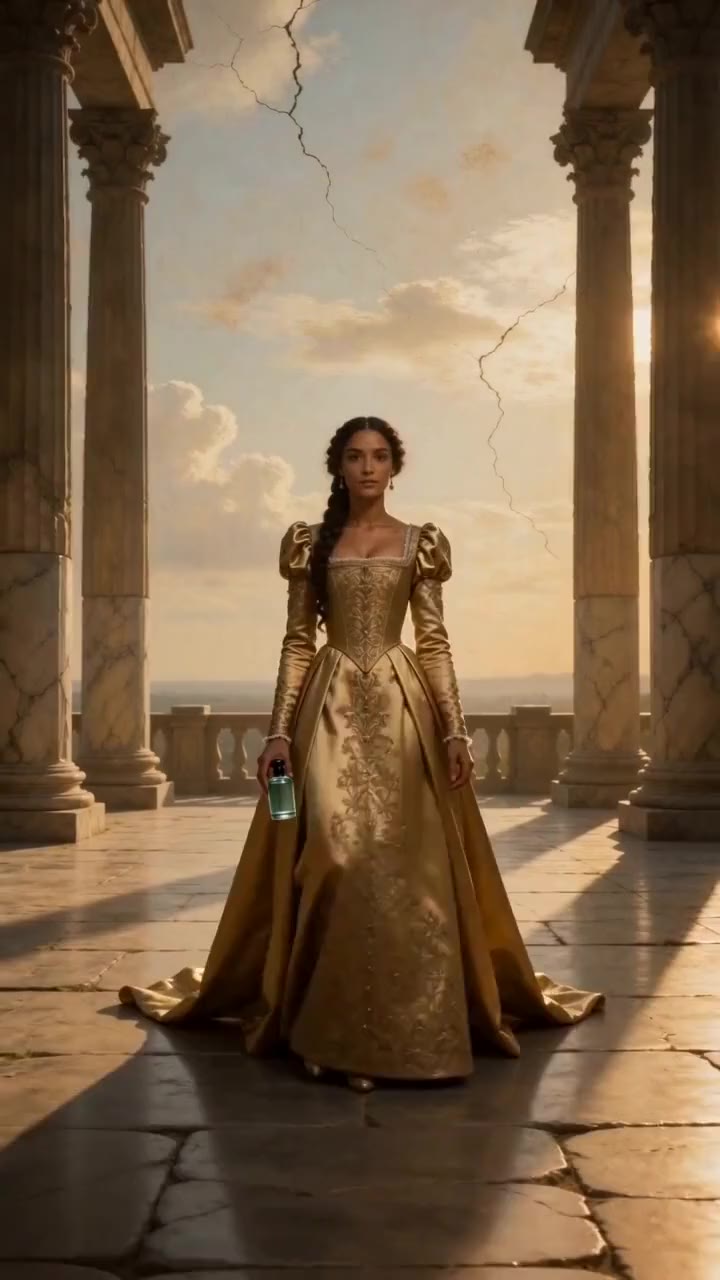
Viewmax reference · Renaissance
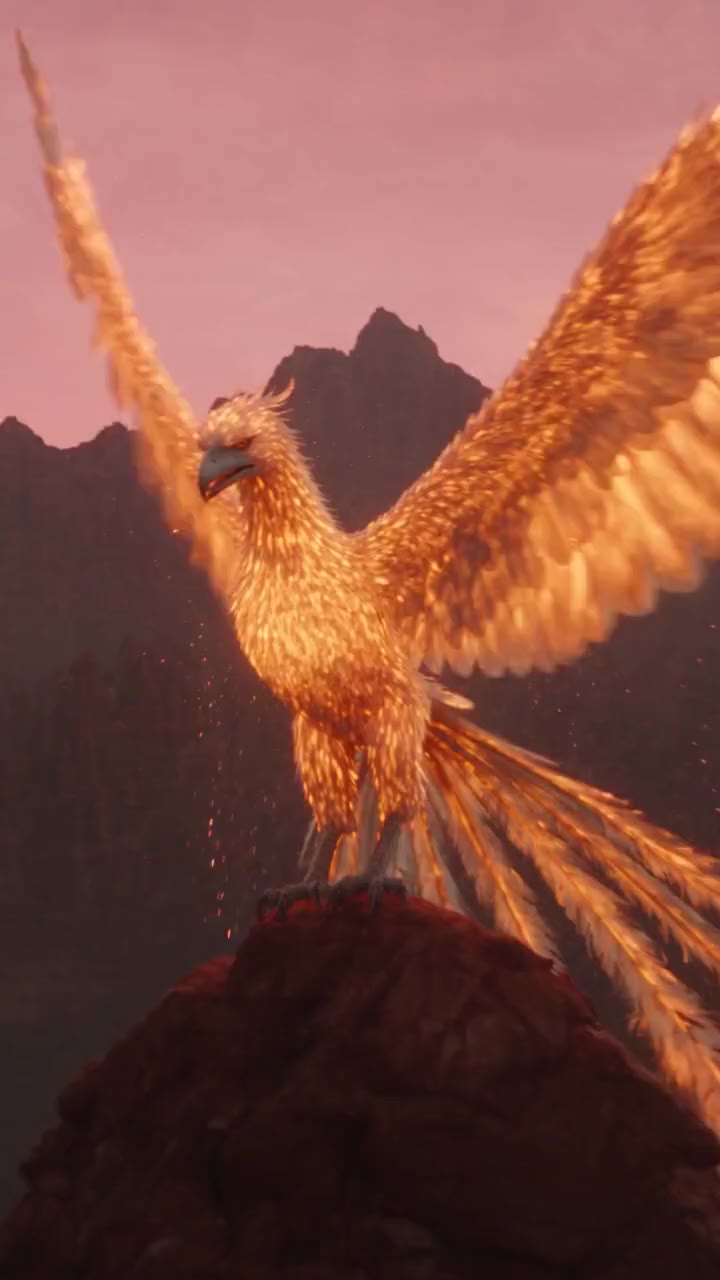
Viewmax reference · Film scene
Viewmax reference · Sunken city
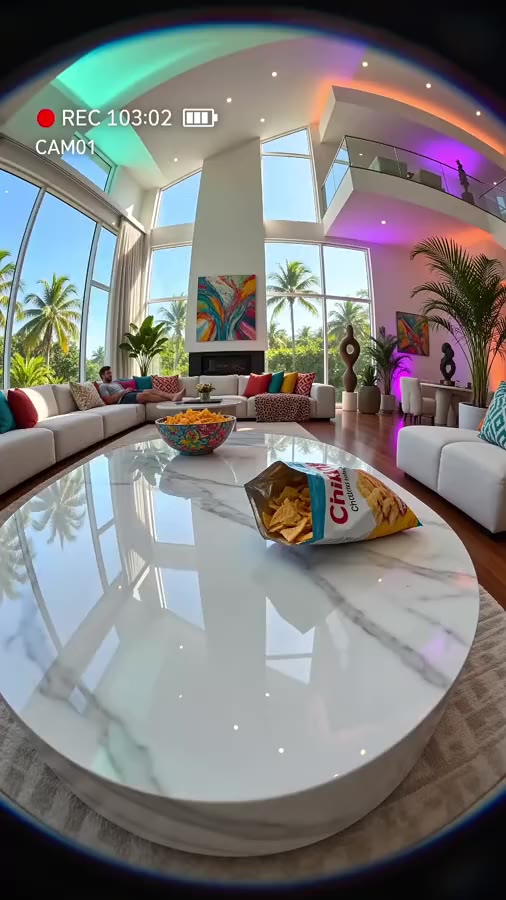
Viewmax reference · Camera POV
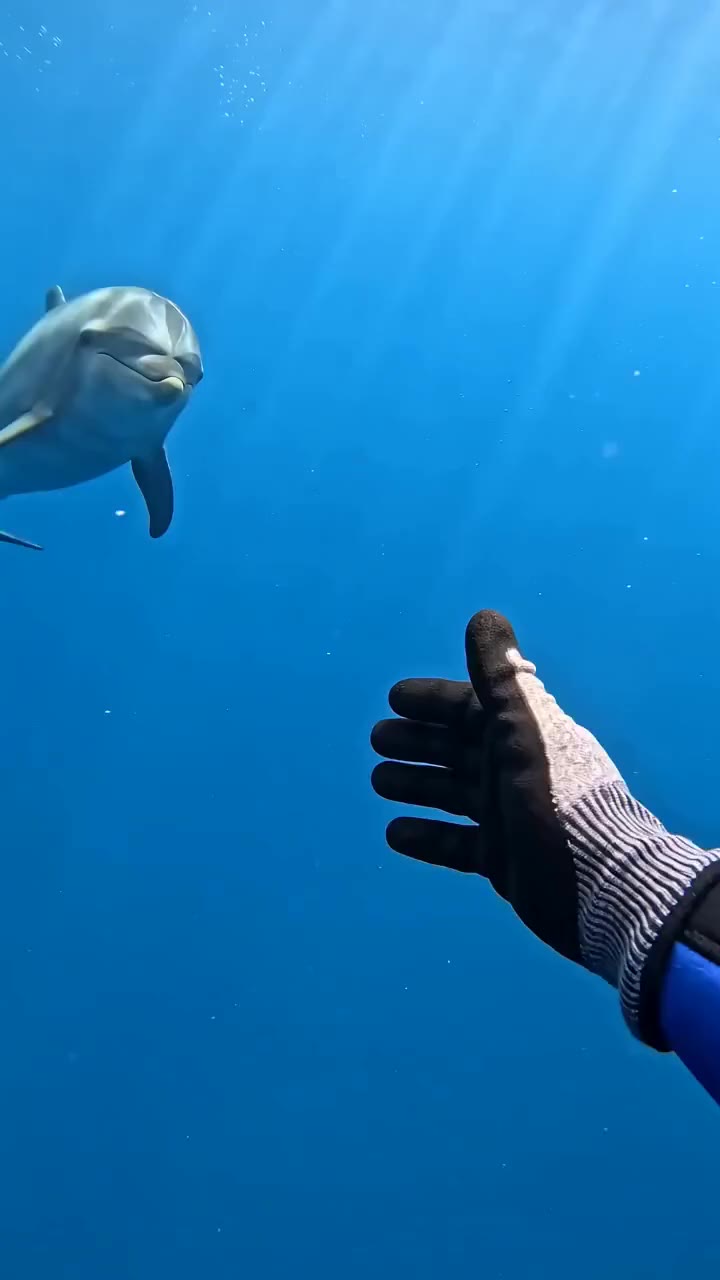
Viewmax reference · Wildlife
VIFE can make mistakes. Verify important information.
From your first idea to a video draft
Looking for a Viewmax alternative? Create short AI videos from text or reference images on Vife. Choose your model, direct the motion, and review each take.
Start with an idea or an image
Describe a scene in the composer above, or attach a reference image you have permission to use. Specify the subject, setting, and visual style.
Direct the motion
Ask for a camera push, a slow pan, or a moving subject. Try one clear motion at a time, review the result, and adjust the prompt for another take.
Choose the model and format
Start with Seedance 2.0 Mini for 4–15 second clips, or select another available video model. Duration, resolution, and aspect ratio depend on your selection.
Build on the take you like
Download a generated clip or continue with Vife's video editor to trim and arrange your draft. Review product details, text, and pacing before publishing.
Frequently asked questions
How Vife works as an independent video creation option, from inputs to credits and finished clips.
Is Vife affiliated with Viewmax?
No. Vife is an independent AI workspace with its own plans, credits, and available models. This page introduces Vife for people considering a Viewmax alternative; it does not offer the Viewmax service or a Viewmax model.
How do I create my first video?
Describe your scene in the composer above. You can attach an image for visual guidance, select a video model, and choose the available duration and format. Review the credit estimate, then submit and sign in when prompted.
Can I animate a product photo?
Yes. Attach your product image and describe how the subject or camera should move. The dedicated AI Image to Video page also provides an image-first workflow. Generated details, logos, and text can change, so inspect the output before using it in an ad.
Can I make videos for Reels, Shorts, or product ads?
You can generate short clips in the aspect ratios supported by your selected model, then trim and arrange them in the video editor. You control the final review and publication. Video length and available settings vary by model.
How does Plus billing work?
Plus includes 3,000 credits per month. Choose yearly or monthly billing; your subscription starts after payment. Checkout confirms the full amount and renewal schedule. Starter credits are separate, and model costs vary.
How many videos can I create with my credits?
There is no fixed video count. Credit use depends on the selected model, duration, resolution, and other settings. The composer shows an estimate before you submit, and each new generation uses credits.
Where do these video examples and prompts come from?
These reference clips come from Viewmax's public homepage and are hosted by Vife. They were not generated in Vife. Prompts are public source prompts or adapted starting points where an original was unavailable. Your output depends on your chosen model and settings.