

Sketch to render
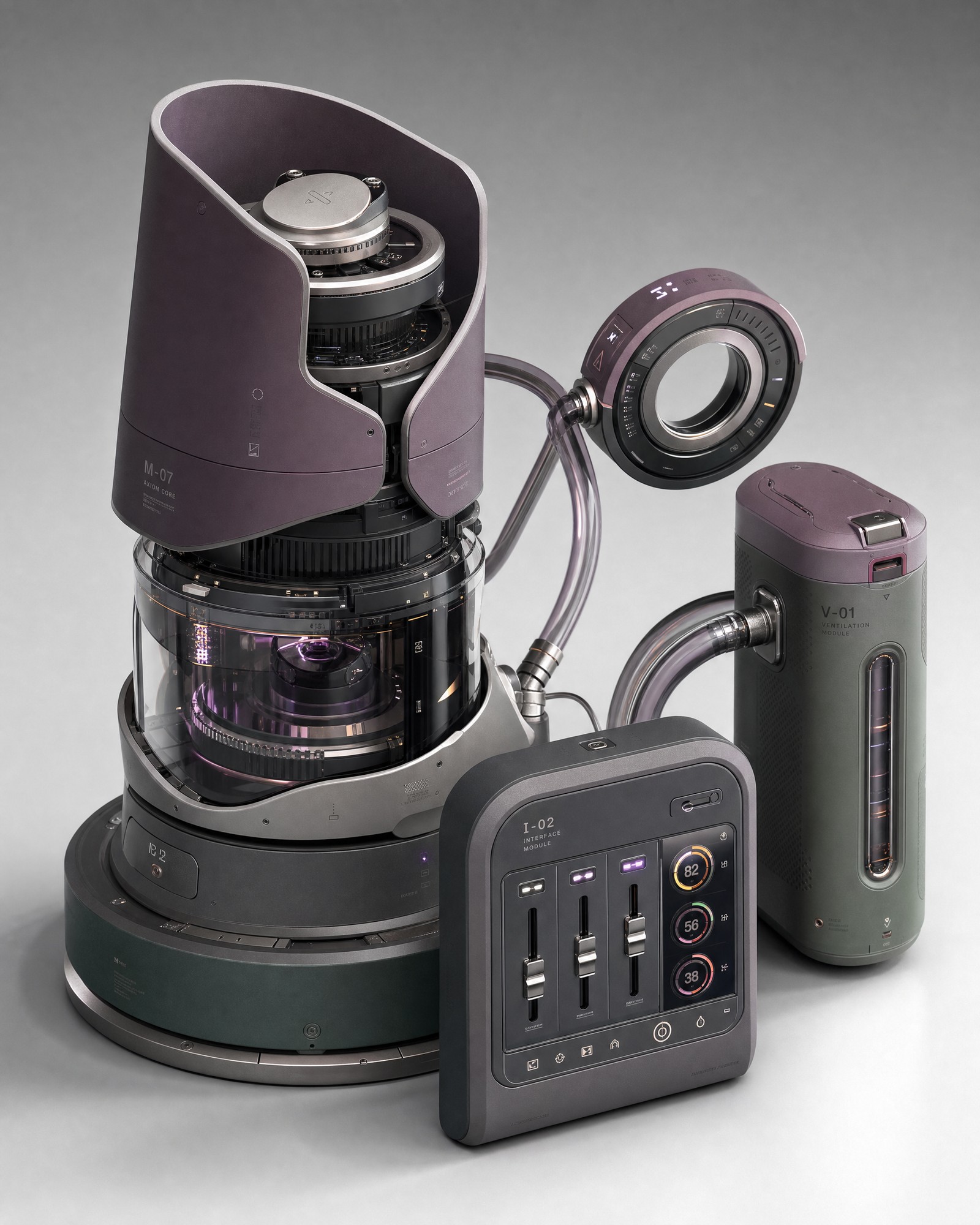
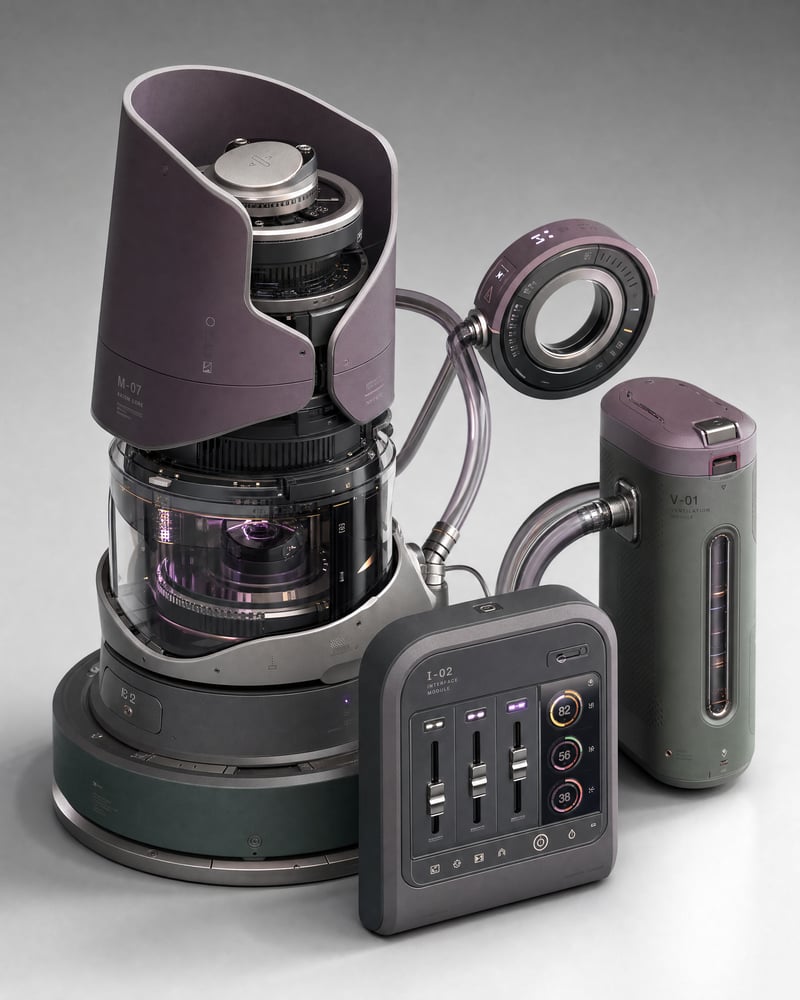
Turn a product sketch into a photoreal render that follows your lines exactly.
- Image
- Edit your files
- By the Vife team
Example result
What you need
- Your sketchPhoto · Required
The prompt
Render the attached sketch as a photoreal product image in material and colour. Follow the sketch's proportions, silhouette and details exactly, from the angle it is drawn; add realistic materials, studio light and a soft shadow on a neutral background. Deliver two 4:3 renders at 1280x960 with two different lighting set-ups.
The outlined blanks are yours to fill in when you use the template.
Made with this template
Related templates
Studio product shot
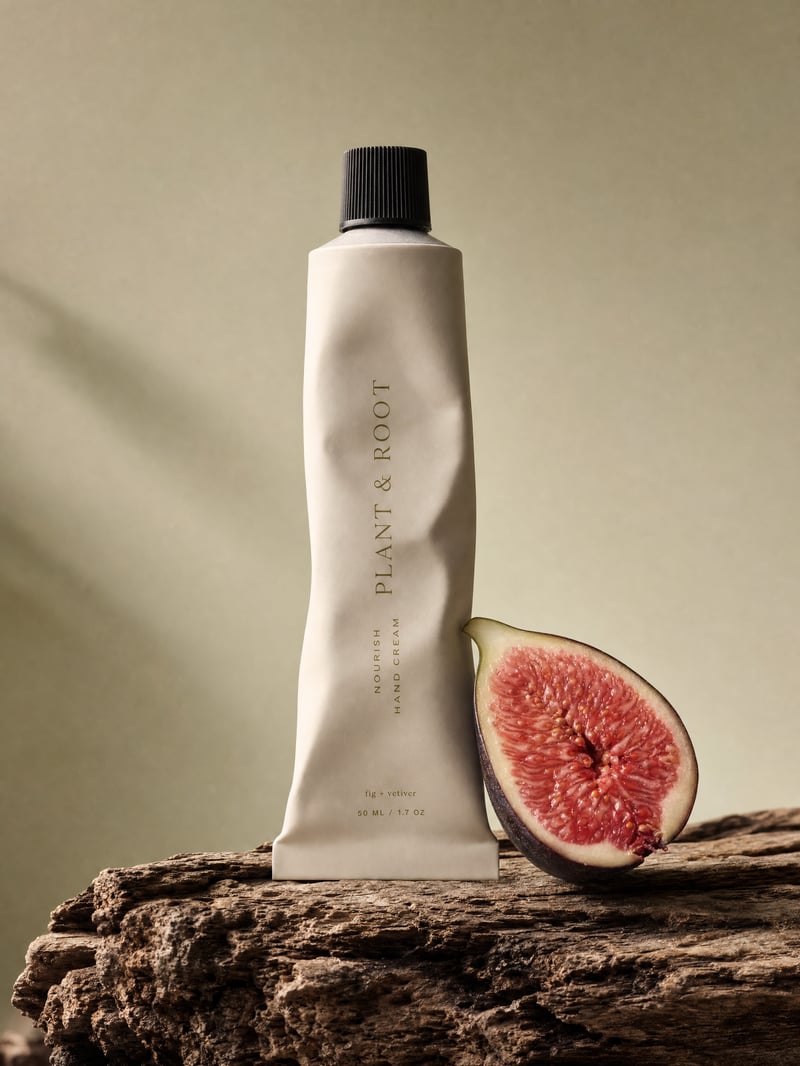
Four 1:1 studio packshots of your product on the surface you choose, product kept exactly as it is.
Image
Lifestyle scene
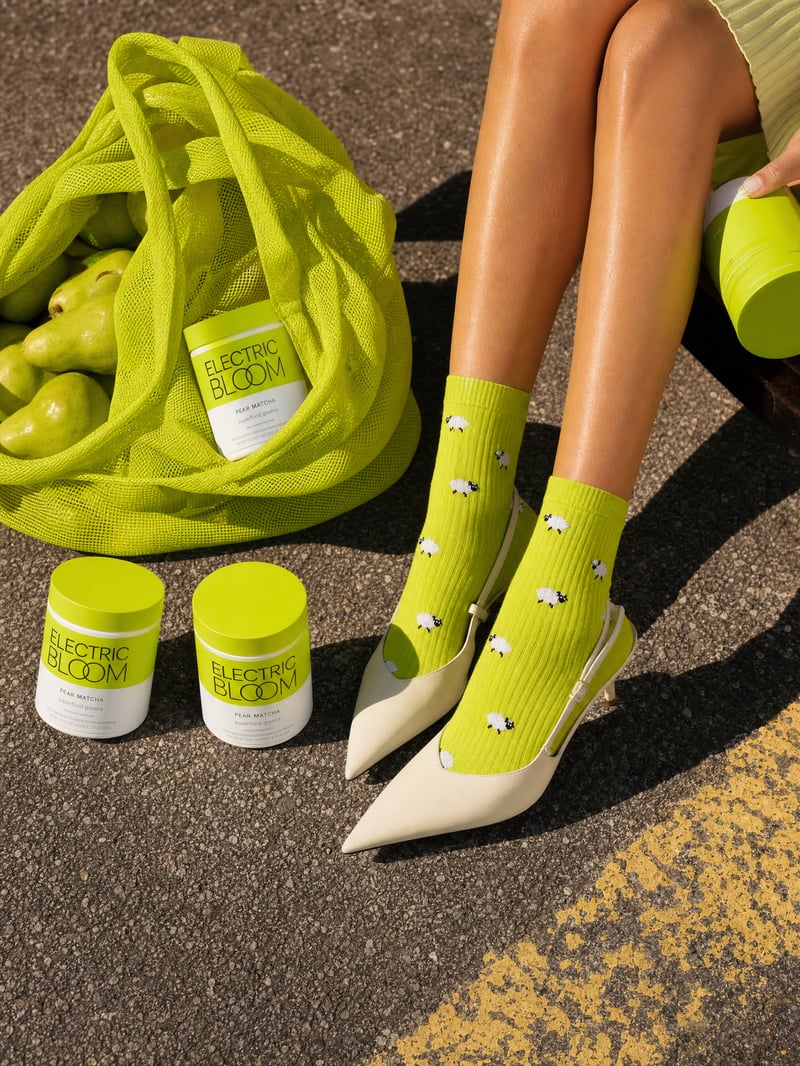
Place your product in a believable lifestyle scene: four 4:5 images that look like a real shoot.
Image
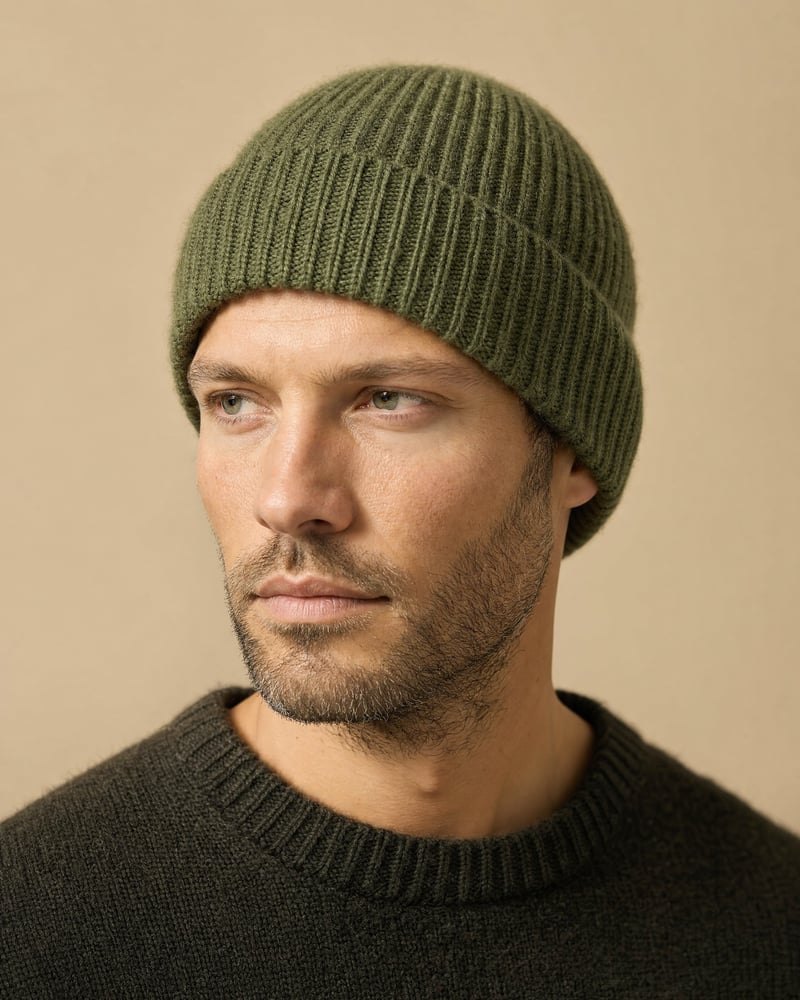
Professional headshots
Four studio headshots from your own selfies, with your face, skin and age kept exactly as they are.
Image
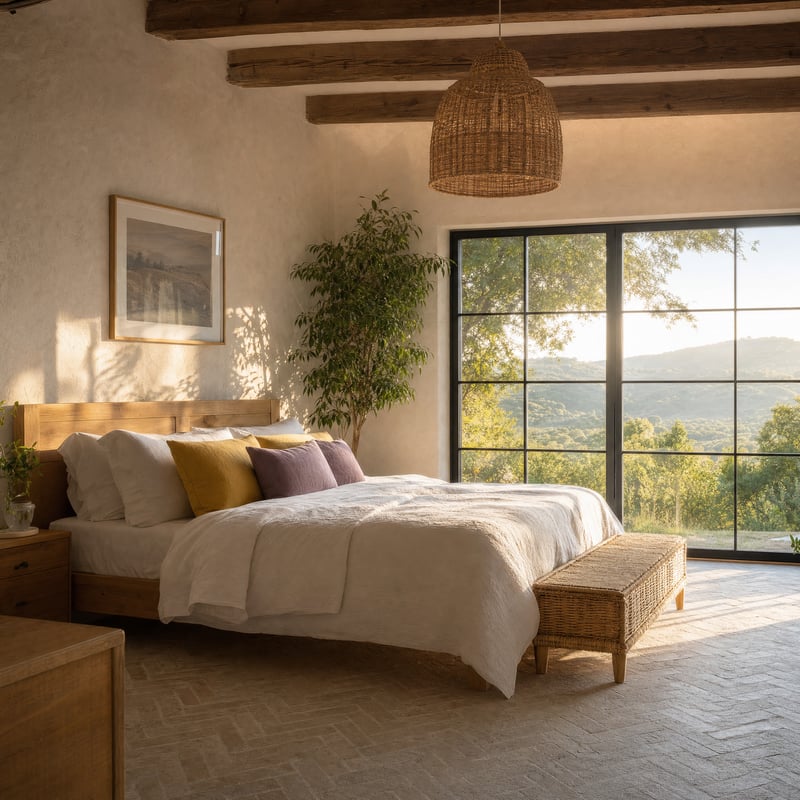
Room makeover
Redesign your room photo in a new style while the layout, walls and windows stay exactly as they are.
Image
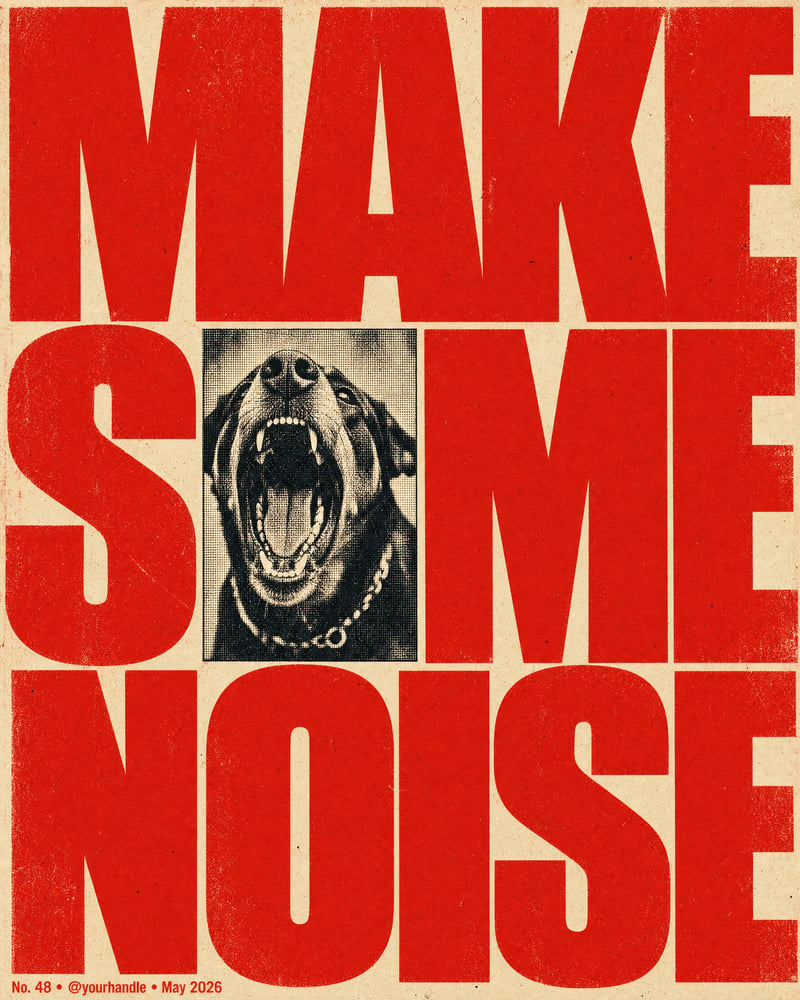
Event poster
A print-ready 2:3 poster for your event with a strong central image and exact text.
Image

Logo and brand kit
Three logo directions refined into a logo set, a contrast-checked palette and a font pairing.
Image
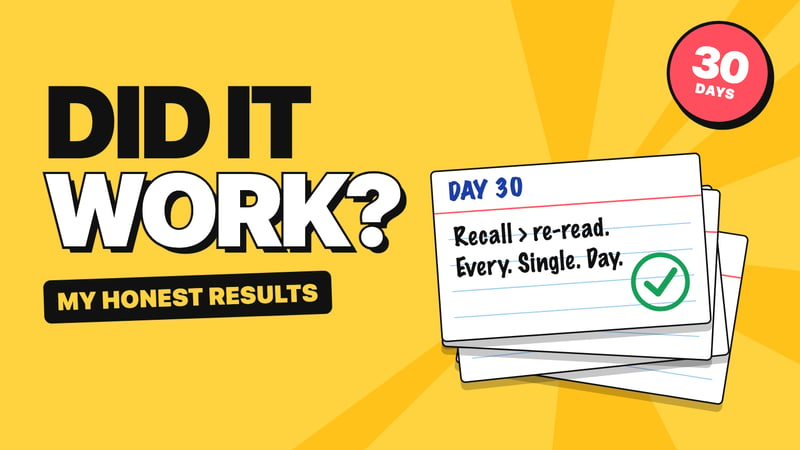
Video thumbnail
Three bold 16:9 thumbnail options for your video title that read at phone size.
Image

Social carousel
A six-slide square carousel from your topic or article, with a hook slide and a call to action.
Image