

Highlights from a long video
Cut a long talk or stream into three captioned vertical clips of its strongest moments.
- Video
- Edit your files
- By the Vife team
Example result
What you need
- Long videoVideo · Required
The prompt
Cut the attached long video into three 9:16 highlight clips of 20-30 seconds each, taken from its strongest self-contained moments for audience or platform. Transcribe it first, pick moments that make sense without context and start on a strong line, reframe each to 9:16 with the speaker or action centred, and add bold, accurately timed captions plus a short title at the top of each clip. Use only the footage and sound in my video. Deliver three exported MP4s and say where in the source each clip comes from.
The outlined blanks are yours to fill in when you use the template.
Made with this template
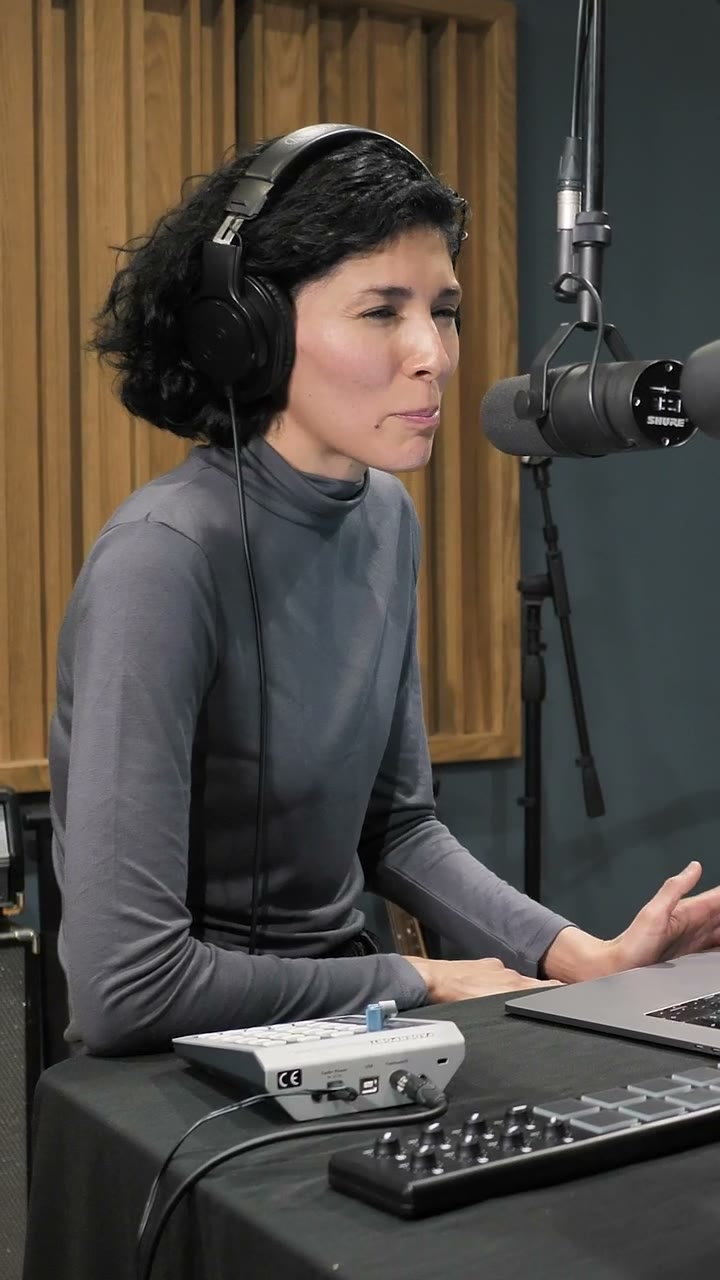
Water-cycle lesson highlights
Related templates
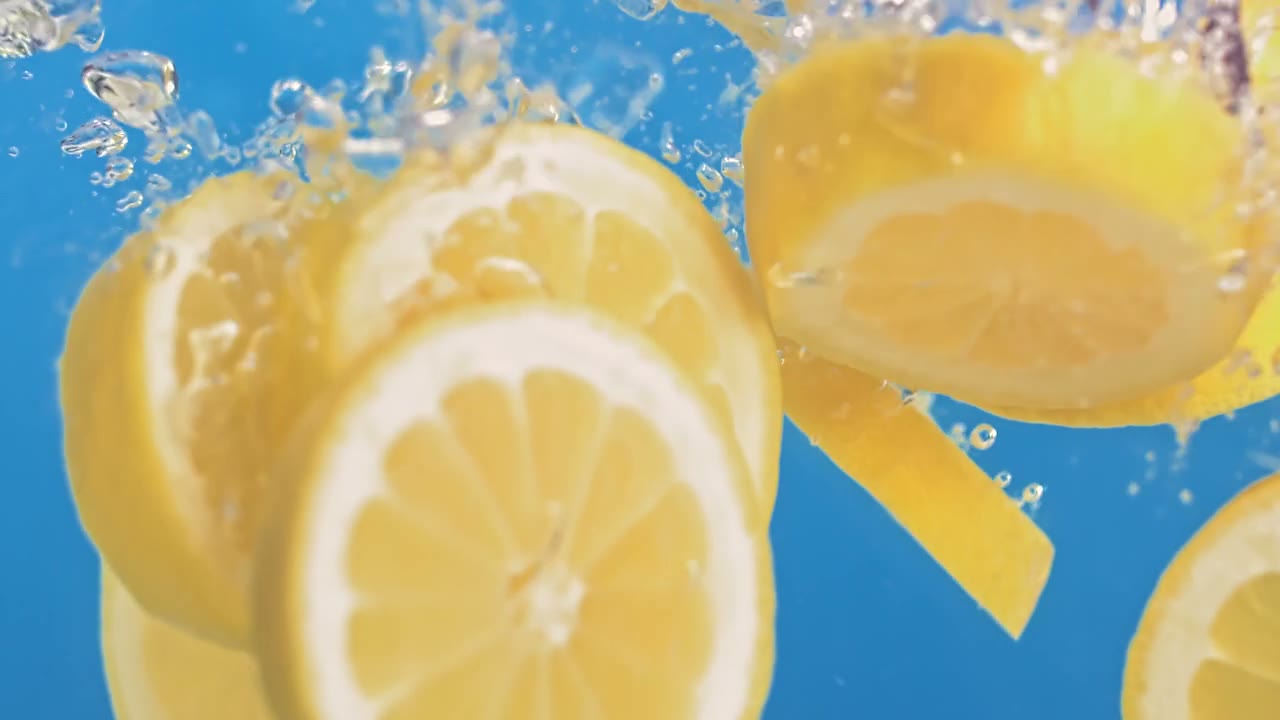
Product launch film
A 30-second 16:9 launch film for your product, built from your photos and ending on your tagline.
Video

UGC-style review ad
A 20-second creator-style vertical ad: an AI presenter shows your product and explains one benefit.
Video
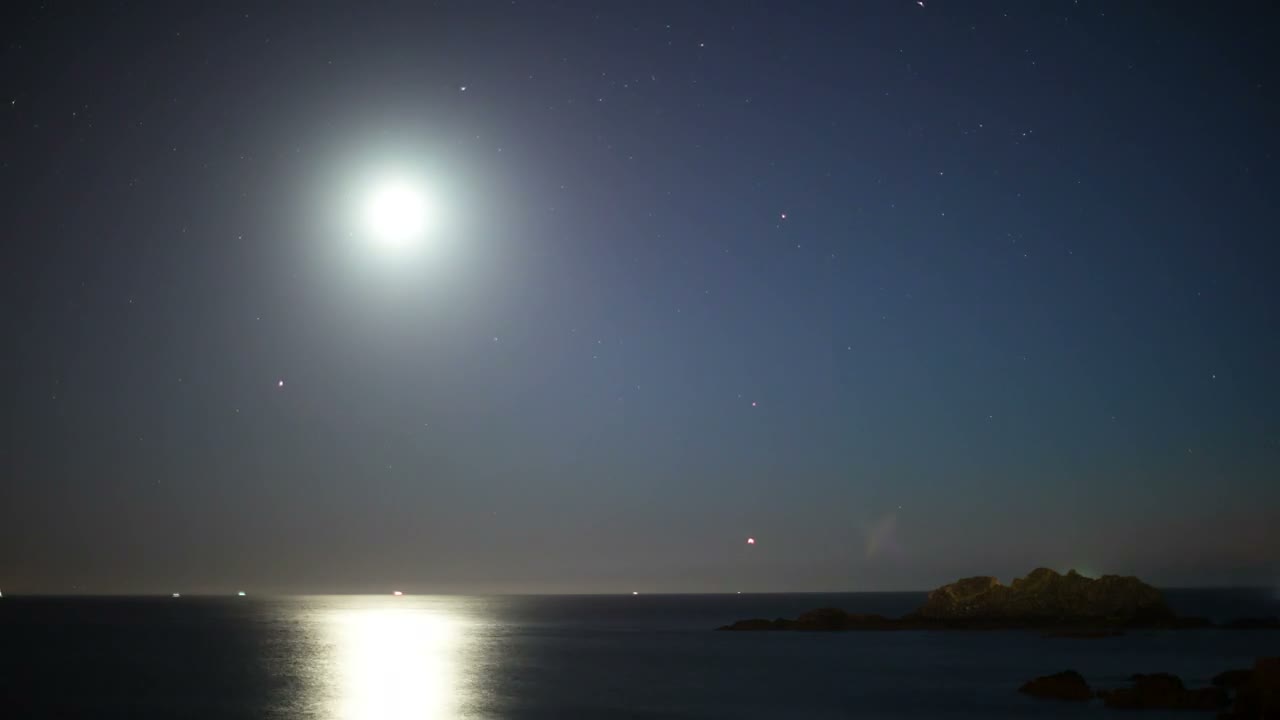
Short film from a logline
Turn one sentence into a 90-second short film with a clear beginning, turn and ending.
Video
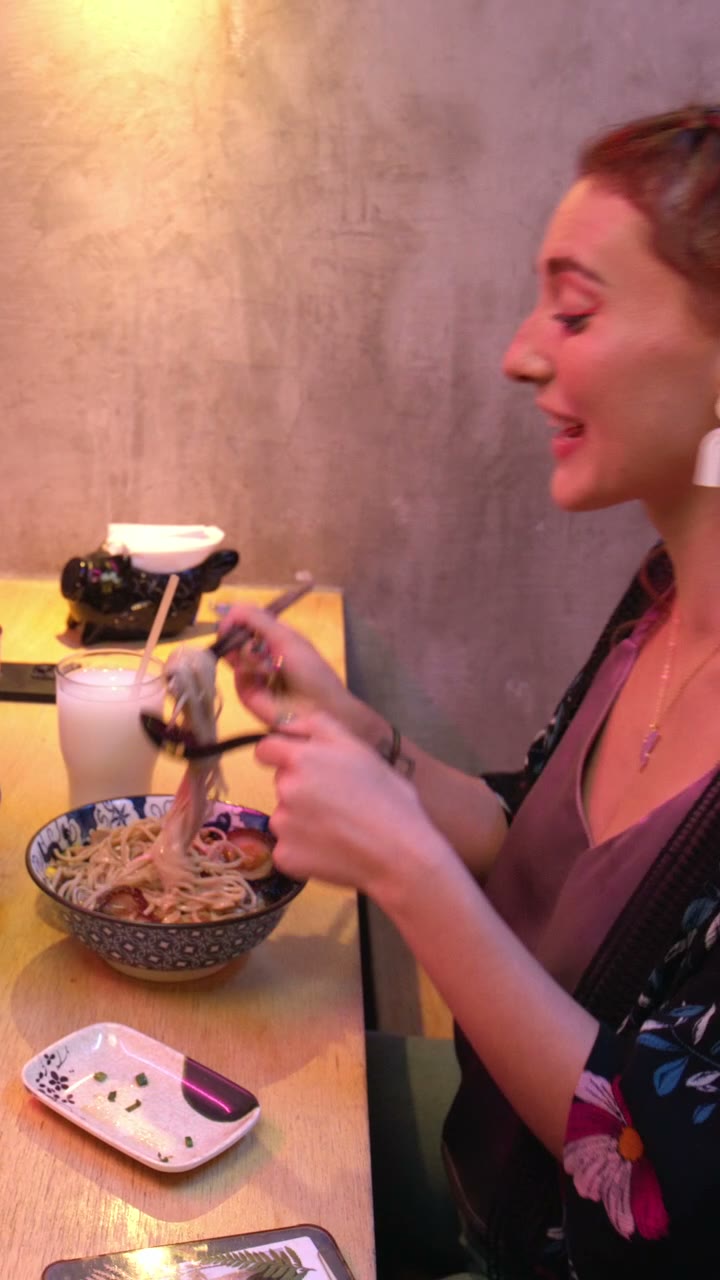
Restaurant promo
A 15-second vertical promo for this week's special, made from your dish photos.
Video
Animate a photo
Bring one still photo to life as an 8-second clip with a gentle camera move and natural motion.
Video

Vertical short drama
A 60-second vertical drama episode with two characters, quick dialogue and a cliffhanger ending.
Video
Property tour
A 30-second property tour from your listing photos, ending on a price and contact card.
Video

Pet adventure
Send your pet on an 8-second cinematic adventure, still instantly recognisable.
Video