A Viewmax alternative for AI video
Turn an idea or reference image into your next short video. Choose a model, describe the motion, and refine your next take. Vife is an independent AI workspace.
$0 today and 3,000 credits for eligible new subscribers. Card required. Then US$12/month unless cancelled before the trial ends. Checkout confirms the exact amount and billing date.
Video creation examples
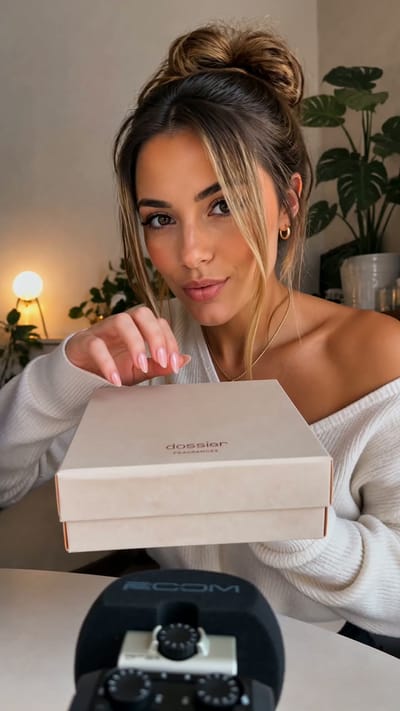
Perfume Unboxing ASMR

The Chrome City
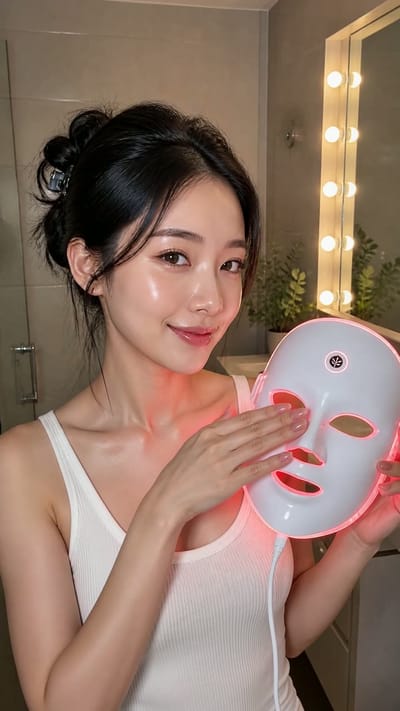
LED Mask GRWM

The Grand Pink Hotel
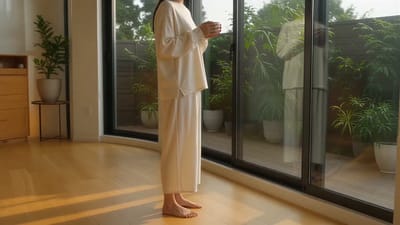
A Quiet Morning in Pure Cotton

The Ship Beneath Brooklyn Bridge
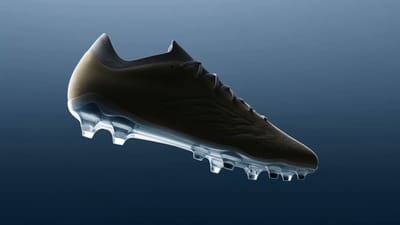
Zero-Gravity Soccer Cleat
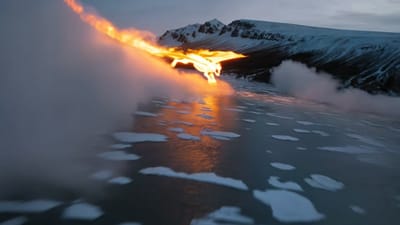
Fire Dragon Over the Frozen Fjord

Pizza Ingredients in Midair
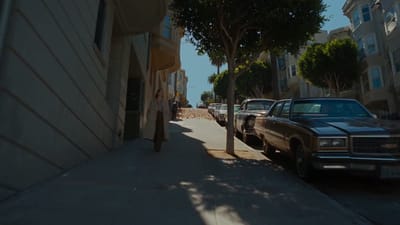
San Francisco Color Burst

The Mahjong Noodle Ritual
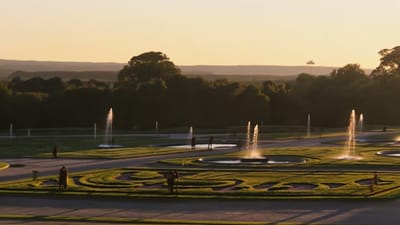
Versailles After Dark

The Perfect Espresso Pour
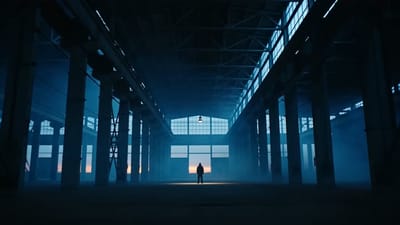
Blue Hour Warehouse Session

Fire Wok

The Glowing Mushroom Gardeners
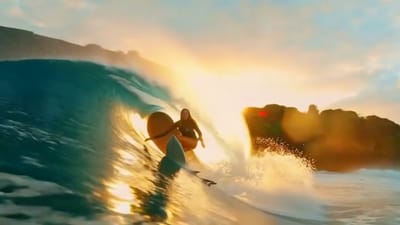
Inside the Golden Wave
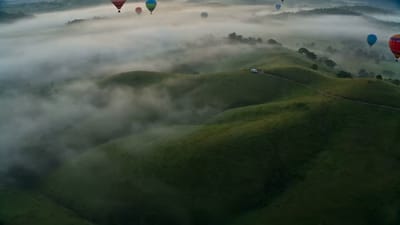
Balloons Above the Morning Fog
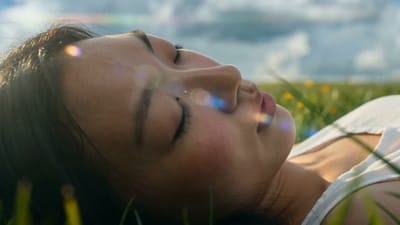
Summer Bubbles in the Open Field

When New York Traffic Floats
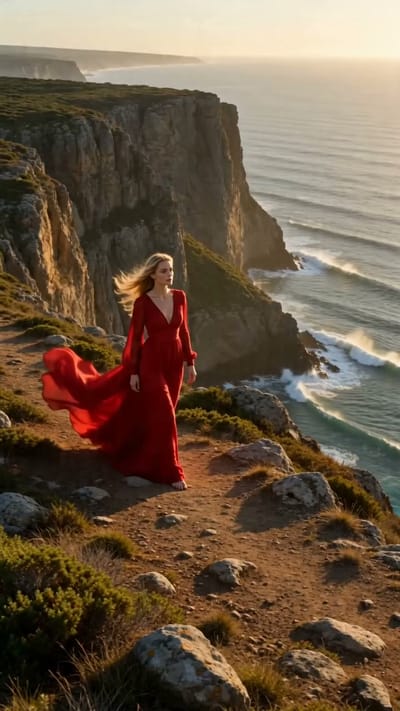
Red Dress on the Edge
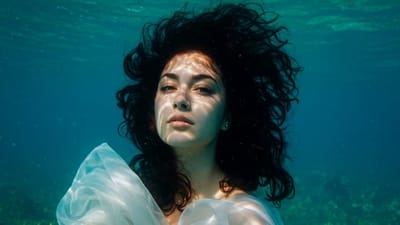
Underwater Portrait in Motion
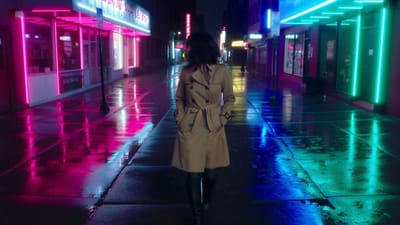
Neon Rain Turn
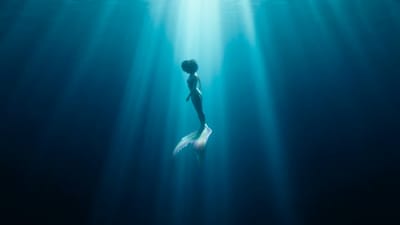
Song Beneath the Surface
VIFE can make mistakes. Verify important information.
One workspace for your next video idea
Keep your creative direction, model choices, and generated takes together.
Bring your starting point
Start from a written scene or an image that guides the look.
Explore another direction
Change the prompt or model to try a different motion or style.
Start with a short clip
Use a short generation to develop the scene before expanding your draft.
See the cost before creating
Check the credit estimate for your model and settings before submitting.
What will you create first?
Use these prompt ideas as starting points for your own video drafts.
A product in motion
Turn a product reference into a short visual for a campaign draft.
- ·Attach a product image
- ·Describe lighting and motion
- ·Review branding and details
Slow camera push toward the bottle on a clean studio surface. Soft side lighting, calm background, subtle motion.
A new social video hook
Explore short opening scenes for Reels, Shorts, or a social ad.
- ·Choose a vertical format
- ·Focus on one opening idea
- ·Try another take
A close-up of fresh coffee pouring into a glass over ice. Morning sunlight, gentle steam, slow cinematic motion.
A scene from an idea
Test a visual direction before building a longer video.
- ·Describe the scene
- ·Direct the camera
- ·Download your selected clip
A quiet coastal road at sunset. The camera slowly moves forward as grasses sway in a light breeze.
Try Plus for 7 days
Eligible new subscribers: $0 today, 3,000 credits, card required. Then US$12/month unless cancelled before the trial ends.
Make your first video draft with Vife
Bring a scene or reference image, choose your settings, and start creating.
From your first idea to a video draft
Looking for a Viewmax alternative? Create short AI videos from text or reference images on Vife. Choose your model, direct the motion, and review each take.
Start with an idea or an image
Describe a scene in the composer above, or attach a reference image you have permission to use. Specify the subject, setting, and visual style.
Direct the motion
Ask for a camera push, a slow pan, or a moving subject. Try one clear motion at a time, review the result, and adjust the prompt for another take.
Choose the model and format
Start with Seedance 2.0 Mini for 4–15 second clips, or select another available video model. Duration, resolution, and aspect ratio depend on your selection.
Build on the take you like
Download a generated clip or continue with Vife's video editor to trim and arrange your draft. Review product details, text, and pacing before publishing.
Frequently asked questions
How Vife works as an independent video creation option, from inputs to credits and finished clips.
Is Vife affiliated with Viewmax?
No. Vife is an independent AI workspace with its own plans, credits, and available models. This page introduces Vife for people considering a Viewmax alternative; it does not offer the Viewmax service or a Viewmax model.
How do I create my first video?
Describe your scene in the composer above. You can attach an image for visual guidance, select a video model, and choose the available duration and format. Review the credit estimate, then submit and sign in when prompted.
Can I animate a product photo?
Yes. Attach your product image and describe how the subject or camera should move. The dedicated AI Image to Video page also provides an image-first workflow. Generated details, logos, and text can change, so inspect the output before using it in an ad.
Can I make videos for Reels, Shorts, or product ads?
You can generate short clips in the aspect ratios supported by your selected model, then trim and arrange them in the video editor. You control the final review and publication. Video length and available settings vary by model.
How does the 7-day Plus trial work?
Eligible new subscribers get 3,000 trial credits with a payment card required. Pay $0 today, then US$12/month unless cancelled before the trial ends. Checkout confirms the exact renewal amount and date. Basic starter credits are separate.
How many videos can I create with my credits?
There is no fixed video count. Credit use depends on the selected model, duration, resolution, and other settings. The composer shows an estimate before you submit, and each new generation uses credits.