

Omni Video: Create cinematic motion with native audio in every shot
Use Vife's Kling 3.0 model to turn a prompt or one first-frame image into a 3–15 second video with natural motion, camera direction, and generated sound.
Video oluşturma örnekleri
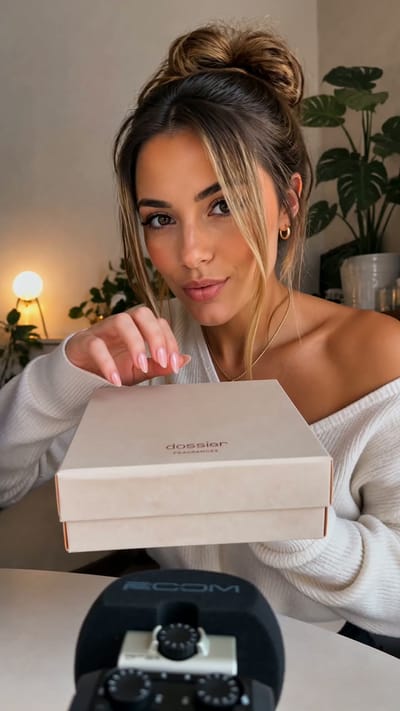
Perfume Unboxing ASMR

The Chrome City
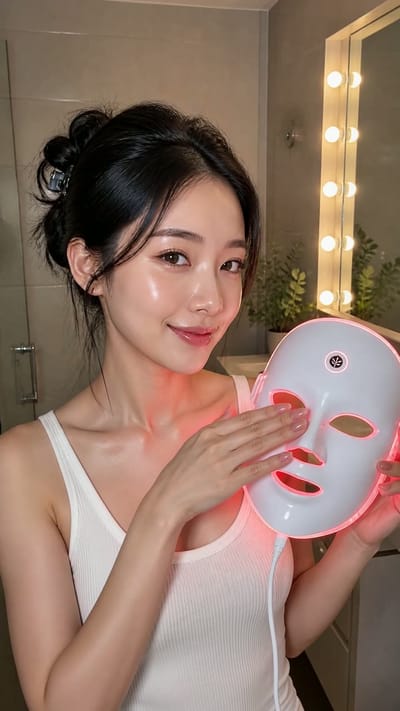
LED Mask GRWM

The Grand Pink Hotel
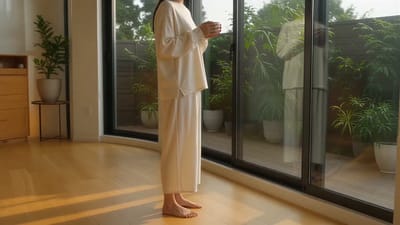
A Quiet Morning in Pure Cotton

The Ship Beneath Brooklyn Bridge
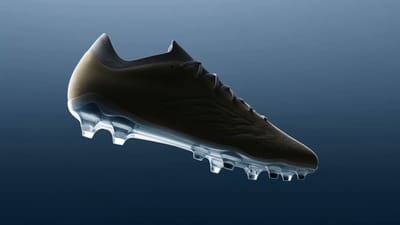
Zero-Gravity Soccer Cleat
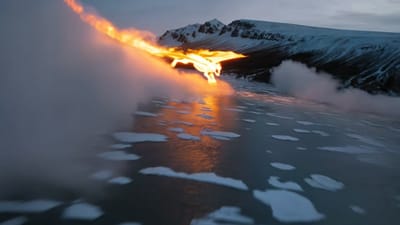
Fire Dragon Over the Frozen Fjord

Pizza Ingredients in Midair
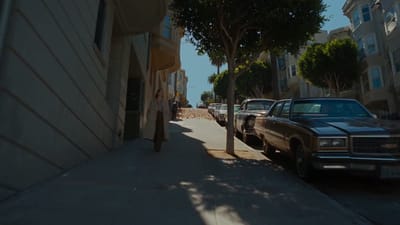
San Francisco Color Burst

The Mahjong Noodle Ritual
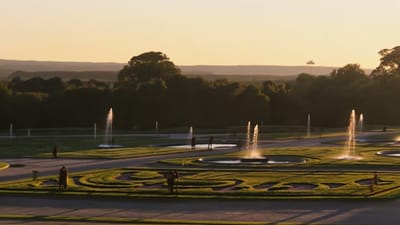
Versailles After Dark

The Perfect Espresso Pour
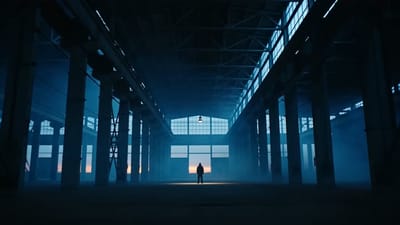
Blue Hour Warehouse Session

Fire Wok

The Glowing Mushroom Gardeners
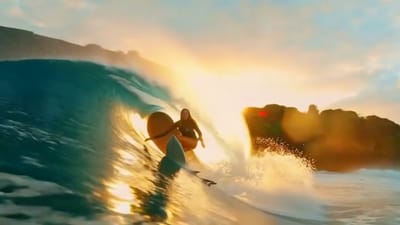
Inside the Golden Wave
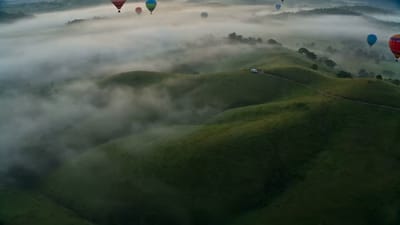
Balloons Above the Morning Fog
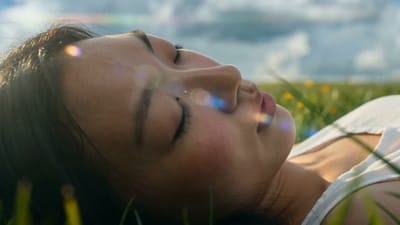
Summer Bubbles in the Open Field

When New York Traffic Floats
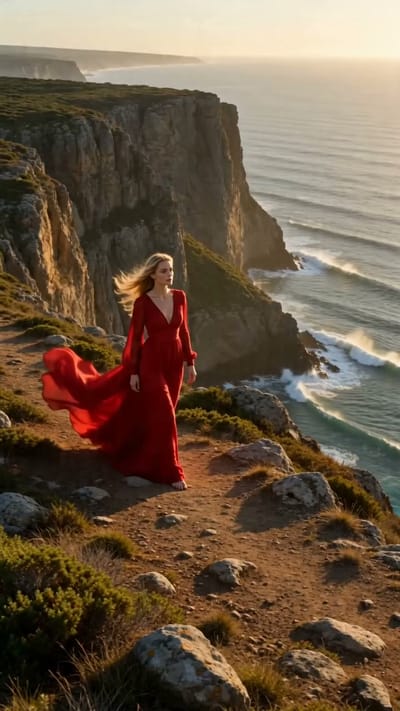
Red Dress on the Edge
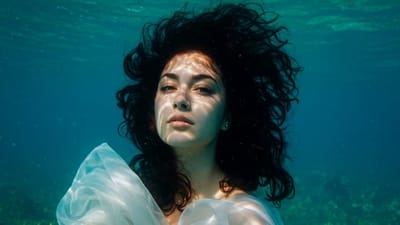
Underwater Portrait in Motion
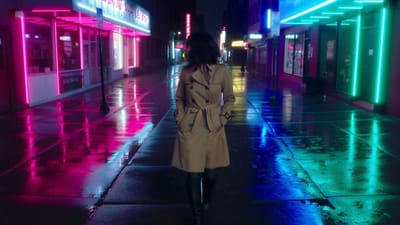
Neon Rain Turn

Song Beneath the Surface
VIFE hata yapabilir. Önemli bilgileri doğrulayın.
Create with Omni Video on Vife
Create cinematic 3–15 second Kling 3.0 Omni videos from text or one starting image, with native audio and landscape, portrait, or square framing.
Cinematic motion and camera language
Describe subject movement, performance, lens choice, framing, and camera paths for realistic narrative shots, product films, social clips, and action sequences.
Native audiovisual generation
Generate motion and sound in one model so dialogue, ambience, and effects can follow the action instead of being assembled as an unrelated second pass.
Text or one first-frame image
Start from a prompt or attach one image to anchor the opening frame. Use the prompt to direct what moves, how the camera behaves, and how the scene should sound.
Flexible 3–15 second clips
Choose any duration from 3 to 15 seconds and generate in 16:9 landscape, 9:16 portrait, or 1:1 square format for film, ads, and social feeds.
Prompt-driven shot control
Describe the subject, action, framing, lens, camera path, lighting, pace, and sound in one prompt to give Kling 3.0 a coherent single-shot brief.
Create and compare in one workspace
Start with Kling 3.0 already selected, then compare with Veo 3.1, Seedance, MiniMax H3, or another available video model whenever the shot needs a different tradeoff.
Sıkça Sorulan Sorular
Practical answers about Omni Video on Vife, including the selected Kling model, native audio, first-frame input, duration, formats, and current reference limits.
What is Omni Video on Vife?
Omni Video is Vife's landing experience for Kling 3.0, the available Kling video model selected as kling-v3 in the composer. It generates cinematic short video from text or one starting image with native audio.
Can I use Omni Video on Vife now?
Yes. Open this page and the video composer starts with Kling 3.0 selected. Describe the shot, optionally attach one first-frame image, choose duration and aspect ratio, then generate.
What inputs does Omni Video support on Vife?
The current Vife Kling 3.0 path accepts a required text prompt and one optional image with the first_frame role. Use the prompt to describe the scene, action, camera direction, and sound.
Does Omni Video generate audio?
Kling 3.0 supports native audio generation. Describe dialogue, ambience, music, and sound effects in the prompt, then review the finished clip because speech, timing, and lip sync remain generative.
What durations and aspect ratios are supported?
On Vife, Kling 3.0 supports any whole-second duration from 3 through 15 seconds. Available aspect ratios are 16:9, 9:16, and 1:1.
Can I choose the output resolution?
The current Vife Kling 3.0 composer does not expose a separate resolution selector. Output quality follows the selected Kling service tier, while duration and aspect ratio remain directly configurable.
Can Omni Video use multiple images or a reference video?
Not through Vife's current kling-v3 generation contract. This page supports one first-frame image and does not expose multiple reference images, reference-video transfer, or video-to-video editing. Use Seedance or MiniMax H3 when a shot needs several multimodal references.
Can Omni Video create a multi-shot sequence?
You can describe a progression of beats in the prompt, but the current Vife path does not expose a dedicated multi-shot parameter. For precise editing, generate separate clips and arrange them in Vife's video timeline.
How do I improve character or product consistency?
Use a clear first-frame image, repeat essential appearance and product details in the prompt, and avoid contradictory changes. One image can improve continuity within a clip but cannot guarantee exact faces, logos, text, clothing, or packaging.
How does Omni Video compare with Veo 3.1?
Veo 3.1 is Vife's quality-first Google option with explicit 720p or 1080p output and fixed 4, 6, or 8-second durations. Omni Video uses Kling 3.0 for flexible 3–15 second clips and a lower-cost iteration path. Both currently accept text or one first-frame image on Vife.