

Seedance 2.0: Control every shot with multimodal references
Generate 4–15 second video from text and up to 15 reference files. Guide characters, motion, camera language, style, and pacing—with output up to 4K on Vife.
ตัวอย่างการสร้างวิดีโอ
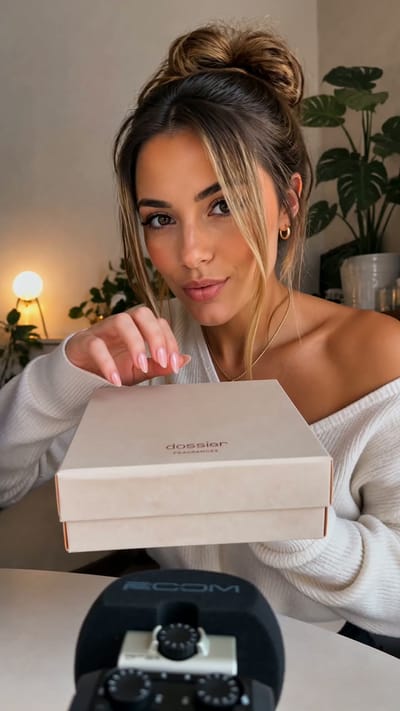
Perfume Unboxing ASMR

The Chrome City
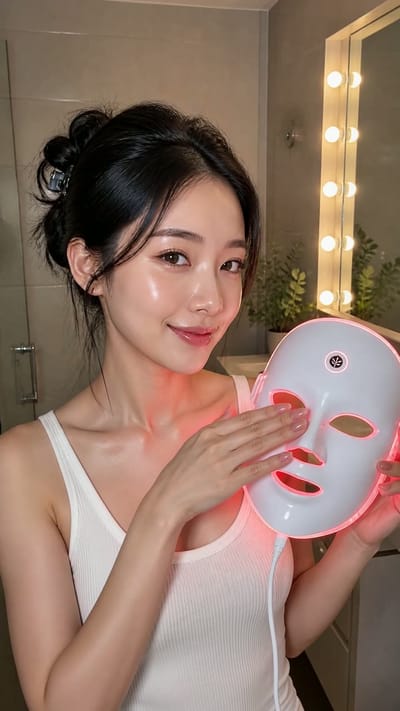
LED Mask GRWM

The Grand Pink Hotel
A Quiet Morning in Pure Cotton

The Ship Beneath Brooklyn Bridge
Zero-Gravity Soccer Cleat
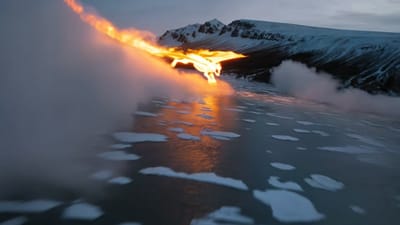
Fire Dragon Over the Frozen Fjord

Pizza Ingredients in Midair
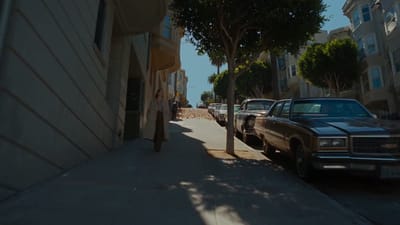
San Francisco Color Burst

The Mahjong Noodle Ritual
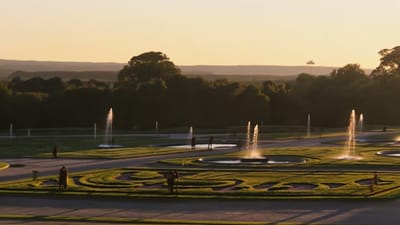
Versailles After Dark

The Perfect Espresso Pour
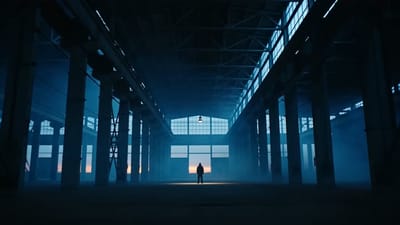
Blue Hour Warehouse Session

Fire Wok

The Glowing Mushroom Gardeners
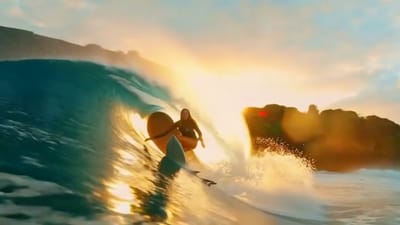
Inside the Golden Wave
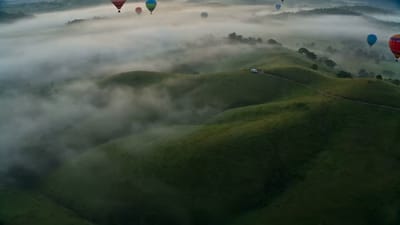
Balloons Above the Morning Fog
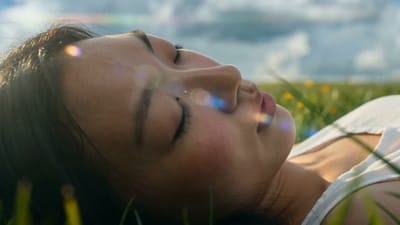
Summer Bubbles in the Open Field
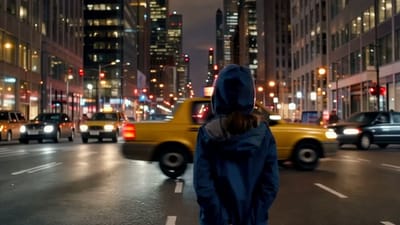
When New York Traffic Floats
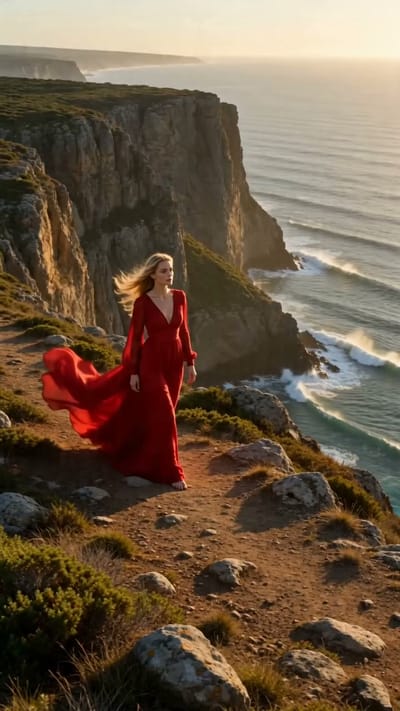
Red Dress on the Edge
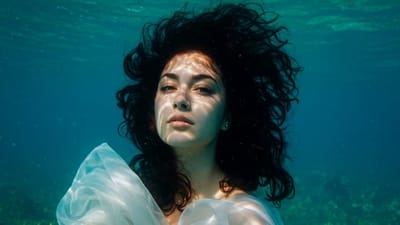
Underwater Portrait in Motion
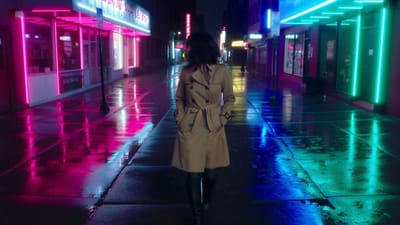
Neon Rain Turn
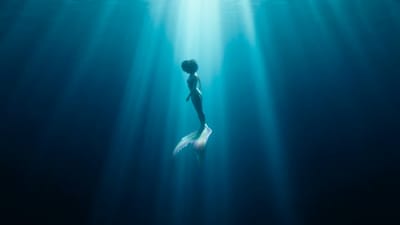
Song Beneath the Surface
VIFE อาจเกิดข้อผิดพลาดได้ โปรดตรวจสอบข้อมูลสำคัญอีกครั้ง
Create with Seedance 2.0 on Vife
Create high-quality 4–15 second videos with Seedance 2.0 using text plus image, video, and audio references for precise shot control.
Image, video, and audio references
Combine a prompt with up to 9 reference images, 3 videos, and 3 audio files, within a 15-file total, to communicate the result more precisely than text alone.
Character and scene continuity
Reuse clear character, wardrobe, object, and environment references across shots to improve visual continuity. Review every result because generative consistency is not exact.
Camera, motion, and style guidance
Use a reference video to communicate camera movement, action timing, transitions, or visual rhythm while your prompt defines what should change.
4–15 seconds, up to 4K
Choose any duration from 4 to 15 seconds, resolutions from 480p through 4K, and adaptive, landscape, square, portrait, or cinematic aspect ratios.
First- and last-frame control
Set a starting frame, or both starting and ending frames, when you need a deliberate composition or destination. Frame control and reference-media mode are separate workflows.
Create and compare in one workspace
Start with Seedance 2.0 already selected, then switch to Seedance 2.5, Veo, Kling, or another available video model whenever the brief calls for a different tradeoff.
คำถามที่พบบ่อย
Practical answers about Seedance 2.0 inputs, reference control, duration, resolution, audio, continuity, and output on Vife.
What is Seedance 2.0?
Seedance 2.0 is a multimodal AI video model available in Vife. It accepts text plus image, video, and audio references so you can describe the subject, action, camera movement, style, scene, and pacing in one generation request.
What inputs does Seedance 2.0 support?
On Vife, Seedance 2.0 accepts a required text prompt and optional image, video, or audio references. A request can include up to 15 reference files: no more than 9 images, 3 videos, and 3 audio files.
What can I reference in generation?
You can reference a character or product appearance, wardrobe, environment, composition, motion, camera path, visual effect, transition, timing, or audio rhythm. Tell the model explicitly which qualities to preserve and which to change.
How does video extension work?
Attach the source clip or its final frame, then describe the next action, camera direction, and intended transition. Seedance 2.0 generates a new continuation to review; it is generative continuation, not a deterministic frame-perfect extension of the source.
Can I edit existing videos with Seedance 2.0?
You can use an existing video as a motion, camera, character, or scene reference and generate a new variation or continuation. The landing-page composer does not apply exact timeline edits to the pixels of the uploaded source video.
How does audio work?
Attach reference audio when sound, speech cadence, music timing, or rhythm should guide the result. Vife passes it as a reference for Seedance 2.0; you can also use Vife's audio tools for a separate voiceover, music, or sound workflow.
What durations and aspect ratios are supported?
Seedance 2.0 supports 4 through 15 seconds. Available aspect ratios are adaptive, 16:9, 4:3, 1:1, 3:4, 9:16, and 21:9, with 480p, 720p, 1080p, and 4K resolution options.
How is character consistency maintained?
Use clear, compatible reference images or video, repeat the important identity details in the prompt, and avoid conflicting references. This improves continuity across shots, but exact face, logo, clothing, and object preservation is not guaranteed.
Can I replicate camera movement from another video?
A reference video can guide camera movement and motion timing. Describe the movement you want in words as well, and only use source material you are authorized to reference rather than asking for an exact copy of protected creative work.
Are generated videos watermark-free?
Vife requests Seedance 2.0 output with the provider watermark disabled. Generative artifacts can still resemble text, logos, or marks, so review the finished video and confirm you have the rights needed for your intended use.