

Veo 3.1: Create cinematic video with native synchronized audio
Turn a prompt or one starting image into a 4, 6, or 8-second landscape or vertical video—with dialogue, sound effects, ambience, and output up to 1080p on Vife.
أمثلة على إنشاء الفيديو
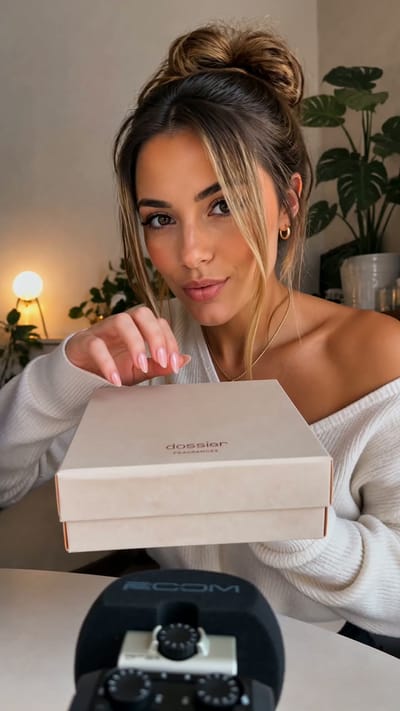
Perfume Unboxing ASMR

The Chrome City
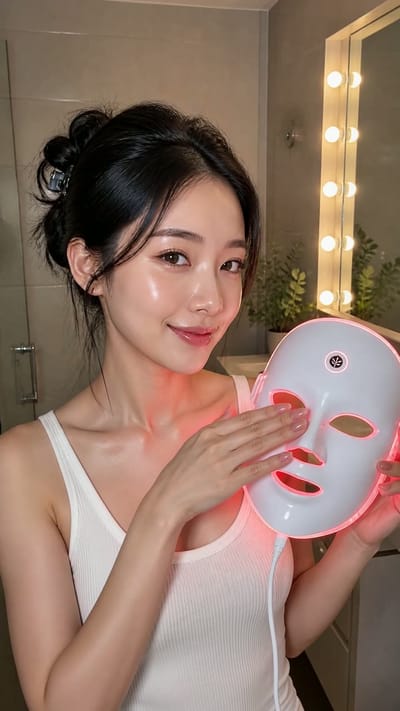
LED Mask GRWM

The Grand Pink Hotel
A Quiet Morning in Pure Cotton
The Ship Beneath Brooklyn Bridge
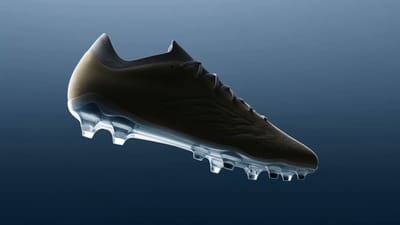
Zero-Gravity Soccer Cleat
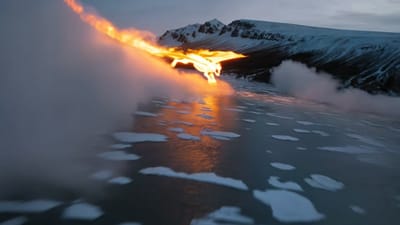
Fire Dragon Over the Frozen Fjord

Pizza Ingredients in Midair
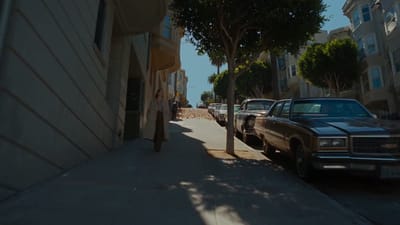
San Francisco Color Burst

The Mahjong Noodle Ritual
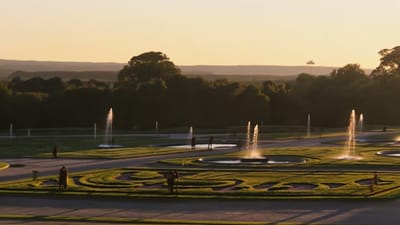
Versailles After Dark

The Perfect Espresso Pour
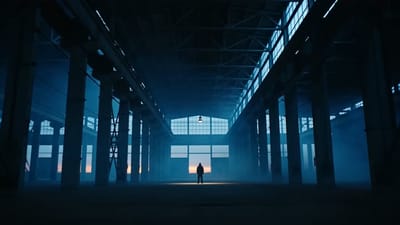
Blue Hour Warehouse Session

Fire Wok

The Glowing Mushroom Gardeners
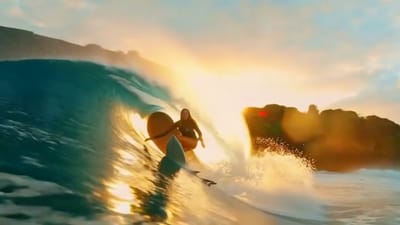
Inside the Golden Wave
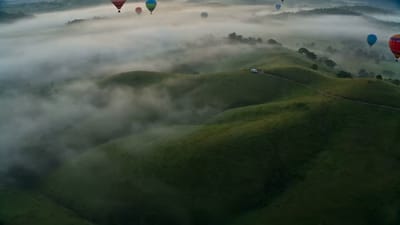
Balloons Above the Morning Fog
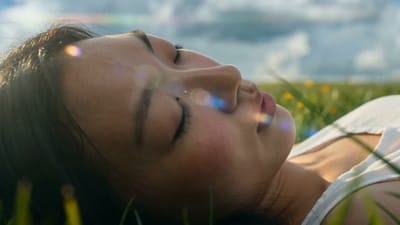
Summer Bubbles in the Open Field

When New York Traffic Floats
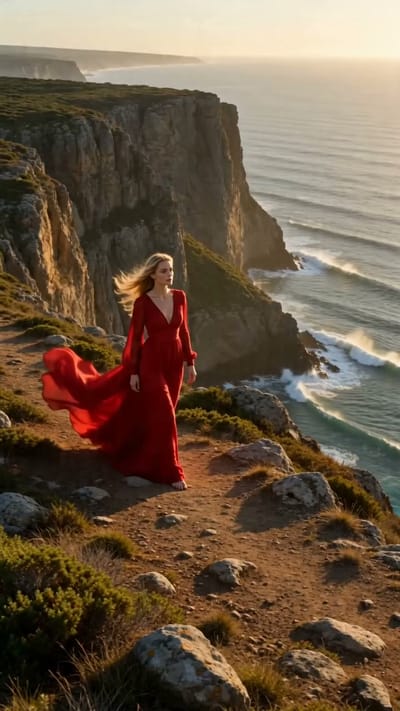
Red Dress on the Edge
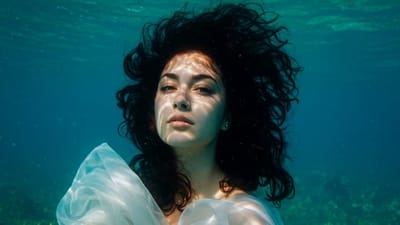
Underwater Portrait in Motion
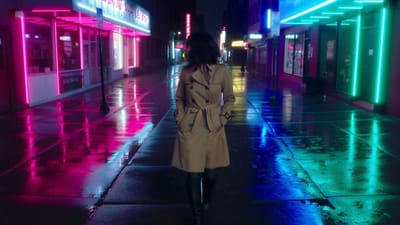
Neon Rain Turn

Song Beneath the Surface
VIFE قد يُخطئ أحيانًا. تحقق من المعلومات المهمة.
Create with Veo 3.1 on Vife
Create cinematic 4, 6, or 8-second videos with Veo 3.1 using native audio, first-frame image guidance, and output up to 1080p.
Cinematic video quality
Direct realistic motion, expressive performances, lighting, depth of field, and camera language for hero shots, product films, ads, and narrative scenes.
Native dialogue, ambience, and effects
Describe speech, sound effects, music, and environmental audio in the prompt so Veo 3.1 can generate picture and sound together with more coherent timing.
Text or first-frame image to video
Start from a written shot description or attach one image as the first frame. The image anchors the opening composition while the prompt directs action, camera, and sound.
4, 6, or 8 seconds up to 1080p
Choose a 4, 6, or 8-second clip at 720p or 1080p, with 16:9 landscape and 9:16 vertical formats for cinematic and short-form workflows.
Shot-level creative direction
Write the subject, action, setting, lens, camera movement, lighting, visual style, dialogue, and sound in one prompt so Veo 3.1 receives a coherent shot brief.
Create and compare in one workspace
Start with Veo 3.1 already selected, then compare the result with Omni Video, Seedance, MiniMax H3, or another available video model without leaving Vife.
الأسئلة الشائعة
Practical answers about Veo 3.1 native audio, first-frame guidance, duration, resolution, formats, prompting, and current Vife input limits.
How much does Veo 3.1 cost on Vife?
Vife Plus costs US$12/month with monthly billing; yearly billing is also available. Each video uses credits according to the model and settings. Veo 3.1 Fast costs less than Veo 3.1. Compare the catalog examples below and check the estimate before generating; these are Vife prices, not Google direct prices.
Can I try Veo 3.1 before paying for Plus?
Plus includes 3,000 credits per month. Choose yearly or monthly billing; your subscription starts after payment. Checkout confirms the full amount and renewal schedule. Starter credits are separate, and model costs vary.
What is Veo 3.1?
Veo 3.1 is Google's high-fidelity video generation model available in Vife. It creates short cinematic clips from text or a starting image and can generate synchronized dialogue, ambience, music, and sound effects with the picture.
Can I use Veo 3.1 on Vife now?
Yes. Open this page and the video composer starts with Veo 3.1 selected. Describe the shot, optionally add one first-frame image, choose duration, aspect ratio, and resolution, then generate.
Does Veo 3.1 generate audio?
Yes. Veo 3.1 can generate native audio with the video. Put dialogue, speaker, ambience, music, and sound-effect cues directly in the prompt, then review speech, timing, and lip sync because generative output is not exact.
What inputs does Veo 3.1 support on Vife?
The current Vife generation path accepts a required text prompt and, for image-to-video, one optional image as the first frame. It does not currently expose multiple reference images or a separate last-frame input for Veo 3.1.
What durations, resolutions, and aspect ratios are supported?
On Vife, Veo 3.1 supports 4, 6, or 8-second clips at 720p or 1080p. Choose 16:9 for landscape video or 9:16 for vertical social video.
How should I prompt dialogue and sound?
Name the speaker, write the intended line, and describe the voice, delivery, environment, and important sound effects. Keep the spoken text short enough for the selected duration and always review pronunciation and lip sync.
How do I get better first-frame animation?
Use a clear source image close to the intended 16:9 or 9:16 output, then describe subject motion, camera movement, scene changes, and sound. Avoid asking for changes that conflict with the starting composition.
Is Veo 3.1 good for character consistency?
A strong first-frame image and repeated identity details can improve continuity within a short clip, but Vife's current Veo 3.1 path does not accept a multi-image character reference set and cannot guarantee exact faces, clothing, logos, or products.
How is Veo 3.1 different from Veo 3.1 Fast?
Veo 3.1 is the quality-first option for high-value cinematic shots. Veo 3.1 Fast is the lower-latency, lower-cost choice when iteration speed matters more; both support native audiovisual generation in Vife.
When should I choose another video model?
Choose Seedance or MiniMax H3 when you need several image, video, or audio references. Choose Omni Video when you want a cost-efficient Kling workflow for text or single-first-frame generation. Compare outputs because every model handles motion, identity, and sound differently.